EarnApp Not Tracking Earnings? Why It Happens & How to Fix It
EarnApp
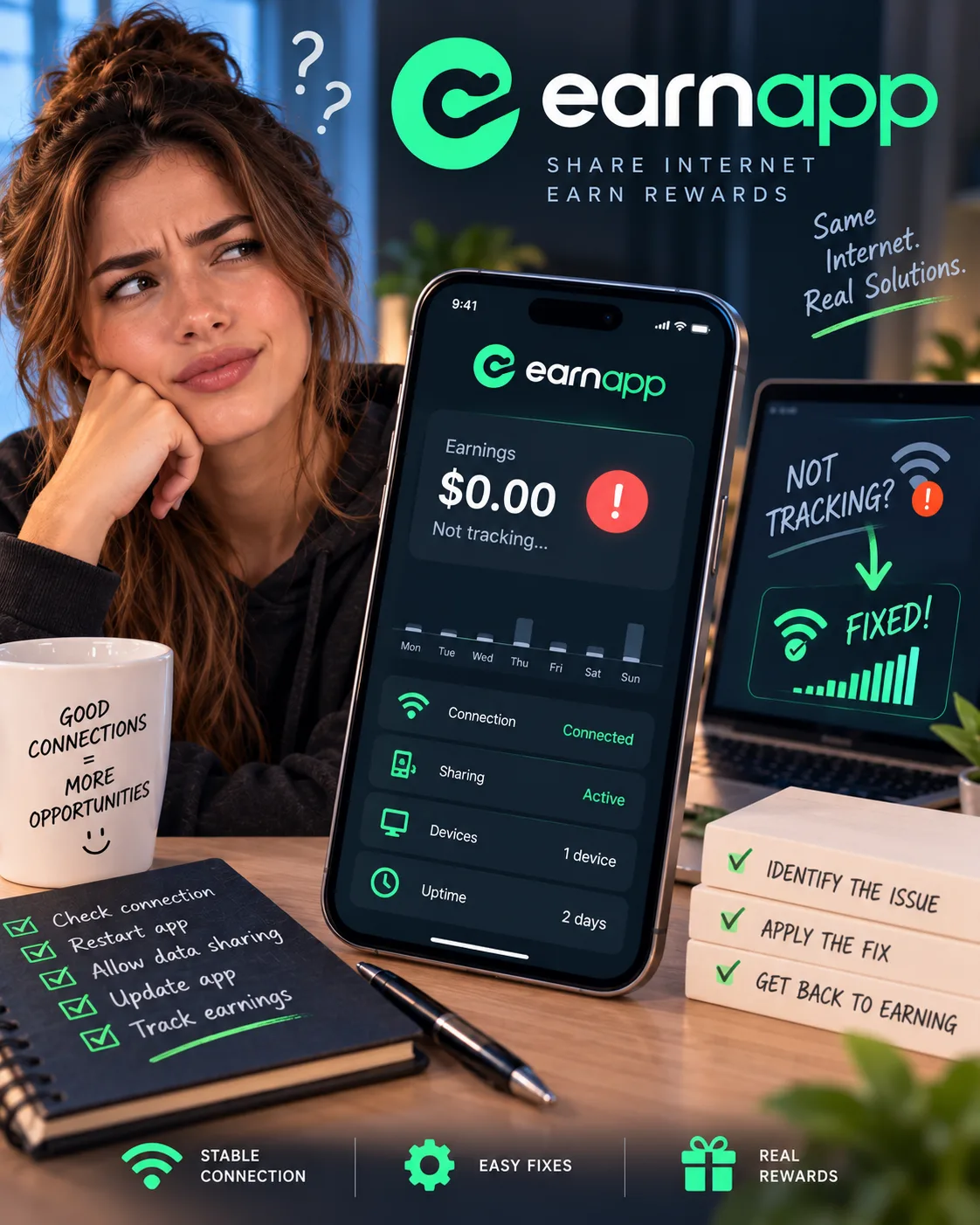 VERIFIED 2026
Quick answer
EarnApp stops tracking earnings when the app is killed by the operating system, when your IP address is flagged as low-quality or datacenter, or when there is no traffic demand for your connection. On Android, disabling battery optimization and adding the app to the unrestricted list often resolves the issue.
If you're reading this, your EarnApp dashboard probably shows zero earnings or a frozen balance despite the app running. Or your Android phone keeps killing the app in the background. Or your IP was suddenly flagged as "datacenter" and you stopped earning entirely.
Why Does EarnApp Stop Tracking Earnings?
EarnApp tracking failures happen for three main reasons: the operating system kills the app in the background, your IP address is flagged as low-quality or datacenter, or there is simply no traffic demand for your connection. The pay-per-time model means you only earn when your device is actively used by EarnApp, not just connected.
Here's what the official documentation and user reports consistently show:
| Failure Type | What It Looks Like | Common Cause |
|---|---|---|
| App killed in background | App shows as running, but earnings stay at $0 | Android battery optimization, aggressive firmware |
| IP flagged as datacenter | Earnings drop to zero permanently | IP classified as DCH by third-party services |
| No traffic demand | Earnings are low or zero despite being connected | No customers routing traffic through your IP |
| IP quality score low | Earnings are inconsistent or blocked | IP flagged for fraud, shared by many users |
One user on Android Central described the frustration: "It works great on my two iPhones but it is slow to earn anything on my android tablet and also my android phone. I didn't realize that the newer android os is extremely more aggressive and the app from running in the background which is how the program collects the data".
Another user on a Vietnamese forum reported the IP problem: "After running for half a month, the IP assigned to your home broadband is recognized by him as a datacenter or dirty IP, and then there is no income!".
The pay-per-time model introduced in August 2025 makes this worse. According to EarnApp's official help center: "Your earnings and usage time are determined by the actual time your device is actively used by EarnApp, not simply the duration it stays connected to our servers". If your app is killed or your IP is flagged, you earn nothing — even if the device is online.
The Android Background Problem: What Actually Works
The most effective fix for EarnApp on Android is to disable battery optimization for the app and add it to the "unrestricted" list. This prevents the operating system from killing the app when the screen is off. However, this fix doesn't work on all devices — some manufacturers hard-code aggressive app-killing into their firmware.
- Open Android Settings and go to Apps → EarnApp
- Tap Battery and select "Unrestricted" or "Don't optimize"
- Go to Battery Optimization in Settings and ensure EarnApp is set to "Not optimized"
- Add EarnApp to the "Protected Apps" or "Auto-start" list (this varies by manufacturer)
- Lock the app in the recent apps list so it isn't cleared when you swipe away apps
- Disable "Adaptive Battery" if available
Which Android devices work best: Stock Android devices (Google Pixel) and brands known for less aggressive background app management work best. Samsung devices generally work after applying the battery fix. Xiaomi, Huawei, and budget brands like Doogee are the worst offenders.
Alternative solutions: If your Android device won't cooperate, use a desktop instead. Windows and Linux clients run continuously without being killed by the operating system. iOS devices also work reliably — one user noted "it works great on my two iPhones".
The IP Quality Problem: Why Your Earnings Suddenly Stop
EarnApp only supports residential IP addresses. If your IP is classified as a datacenter (DCH) by third-party services, it will be blocked from the network and you will stop earning entirely. This can happen even if your IP is a legitimate residential connection, especially with lower-cost ISPs.
According to EarnApp's official help center: "EarnApp only supports residential IP addresses. If your IP is classified as DCH (Datacenter Hosting), it will be blocked".
The common reasons for IP blocking include:
- Running EarnApp on a VPS or cloud server: This is explicitly prohibited
- Your ISP assigned you a datacenter IP: This is common with lower-cost internet plans
- Your IP was flagged for suspicious activity: This can happen if the IP was previously used for fraud or abuse
- Your IP is shared by many users: Low-quality IPs are flagged by third-party services
One user on NodeSeek described the exact problem: "After running for half a month, the IP assigned to your home broadband is recognized by him as a datacenter or dirty IP, and then there is no income!". Another user on NodeSeek reported: "Running datacenter IPs will be marked red with 0 earnings".
How to check if your IP is blocked: Log in to your EarnApp dashboard and check your device status. If your IP is flagged, it will show as blocked or inactive. You can also check your IP quality score on services like IPQualityScore or Scamalytics.
How to fix it: If you have a dynamic IP, turn off your router for at least 5 minutes and restart it. This may assign you a new IP address from your ISP. If you have a static IP, contact your ISP and request a new IP address. Some ISPs may be able to reassign it, depending on their policies.
If your IP is incorrectly categorized, you can request a reclassification from public IP databases. EarnApp's help center recommends submitting a review request to services that track IP quality.
The "No Traffic Demand" Problem
Even if your app is running and your IP is clean, you only earn when EarnApp's customers route traffic through your connection. If there is no demand for your IP at a given time, you earn less or nothing. This is the pay-per-time model: you earn for active usage, not for being connected.
EarnApp's help center explains: "If your device is effectively used for only 30 minutes within an hour, whether due to insufficient demand or a slow connection, you'll earn proportionately for that time".
This means your earnings can fluctuate significantly based on:
- Time of day: Demand may be higher during business hours in your region
- Day of week: Weekdays may have more demand than weekends
- Your location: Some countries and regions have higher demand than others
- Your internet speed: Faster connections may be prioritized for certain tasks
One user on a Vietnamese forum noted: "When the network is less used, there is a chance to earn more, especially at night it goes up very fast". This suggests that demand varies by time and region.
What you can do: Keep your device online as much as possible. The more hours your device is available, the more likely it is to be used when demand is high. There's no way to force demand, but consistent uptime maximizes your chances.
Platform information and limitations
The most effective approach when EarnApp stops tracking is to check your device status, verify your IP quality, and file a support ticket if the problem persists. For Android devices, disable battery optimization and add the app to the unrestricted list. For IP issues, restart your router or contact your ISP.
Here's a recommended process:
- Check your device status in the EarnApp dashboard. If the device shows as inactive or blocked, the problem is with the device or IP, not the app itself.
- Verify your IP quality. Use a service like IPQualityScore to check if your IP is flagged as datacenter or high fraud risk.
- For Android devices: Disable battery optimization, add the app to the unrestricted list, and lock it in the recent apps list.
- For IP issues: Restart your router for 5 minutes. If that doesn't work, contact your ISP and request a new IP address.
- File a support ticket. Use the EarnApp dashboard or official support channels to report the issue.
- Wait 48–72 hours for a response. If you don't hear back, send a follow-up message.
One user on a Vietnamese forum reported success after adjusting settings: "Must open to keep the app active on the screen, reduce brightness to maximum, use a card to cover the proximity sensor so it automatically turns off the screen to save power, hanging iOS rate is even higher than Windows". This suggests that keeping the app in the foreground (with the screen off) can improve tracking on some devices.
When to Give Up and Move On
If your IP is permanently flagged as datacenter and you cannot get a new IP from your ISP, EarnApp will not work for you. If your Android device hard-codes aggressive app-killing into its firmware, the fix may be impossible. In these cases, the time you spend troubleshooting is worth more than the earnings.
A useful rule of thumb: If your earnings have been at zero for more than 7 days and support has not responded, it may be time to move on. The time spent on follow-up emails is better spent on a platform that actually works for your setup.
If you're in a situation where your IP is flagged and you can't get a new one, or your device won't cooperate, accept that EarnApp isn't a good fit for your setup. There are other bandwidth-sharing platforms that may work better.
How to Prevent Tracking Failures Before They Happen
The most effective prevention is to use a desktop or iOS device instead of Android, maintain a clean residential IP, and keep your device online consistently. EarnApp's pay-per-time model rewards uptime and active usage, so the more your device is available, the more you earn.
Here's a prevention checklist:
| Prevention Step | Why It Matters | How to Implement It |
|---|---|---|
| Use desktop or iOS | Avoids the Android background app problem entirely | Run EarnApp on Windows, Linux, or iOS instead of Android |
| Maintain a clean residential IP | Prevents IP blocking and ensures earnings | Avoid VPS, cloud servers, and VPNs. Restart your router if earnings stop |
| Keep your device online | Maximizes active usage time | Leave your device on 24/7 if possible. Disable sleep mode |
| Use a fast connection | Faster connections may be prioritized | Use LAN instead of Wi-Fi. EarnApp recommends 100 Mbps for US, 10 Mbps for rest of world |
| Withdraw early and often | Reduces the balance at risk | Reach the $10 threshold, cash out, and withdraw at $10 whenever possible |
One user on AlternativeTo recommended: "Make sure your device(s) are online for as long as possible. Make sure they are connected with your best connection (for example: LAN is better than WiFi). Prevent the device(s) from going to sleep/hibernate. There is no problem to turn off the monitor of course".
FAQ: EarnApp Not Tracking Earnings
Why did my EarnApp earnings stop tracking?
The most common causes are the Android operating system killing the app in the background, your IP being flagged as low-quality or datacenter, or no traffic demand for your connection. The pay-per-time model means you only earn when your device is actively used by EarnApp.
How do I fix EarnApp on Android?
Disable battery optimization for the app, add it to the unrestricted list, and lock it in the recent apps list. If these fixes don't work, your device manufacturer may have hard-coded aggressive app-killing into the firmware, and there's little you can do.
Why is my EarnApp IP blocked?
EarnApp only supports residential IP addresses. If your IP is classified as datacenter (DCH) by third-party services, it will be blocked. This can happen with lower-cost ISPs or if you're running on a VPS.
How do I get a new IP address?
If you have a dynamic IP, turn off your router for at least 5 minutes and restart it. If you have a static IP, contact your ISP and request a new IP address.
Platform information and limitations
Check your device status in the dashboard, verify your IP quality, and apply the Android fixes if applicable. If the problem persists for more than 7 days, file a support ticket and consider whether EarnApp is a good fit for your setup.
Does EarnApp work on VPS or cloud servers?
No. EarnApp explicitly prohibits VPS, cloud servers, and virtual machines. Running on these will result in your IP being blocked and your account potentially banned.
Can I use multiple devices on the same IP?
Yes, but the traffic is shared between them. You don't earn double by running two devices on the same IP — you earn the same amount, split between the devices. However, having two devices provides redundancy if one goes offline.
Is EarnApp a scam if it stops tracking earnings?
Final Verdict: Tracking Failures Are Real, But Fixable
EarnApp tracking failures are a known risk, but many are fixable. The Android background app problem can be solved with battery settings on most devices. IP blocking can sometimes be resolved by restarting your router or contacting your ISP. But if your device hard-codes aggressive app-killing or your IP is permanently flagged, the platform may not work for you.
If you're going to use EarnApp, use a desktop or iOS device. If you must use Android, apply the battery fixes and accept that some devices won't cooperate. Monitor your dashboard weekly, and if earnings stop for more than 7 days, file a support ticket and consider moving on.
For a complete guide to cashing out on EarnApp — including the $10 PayPal minimum and the 2% fee — see our EarnApp withdrawal guide. For help with account bans, see our account banned guide. And for a full breakdown of how much you can realistically earn, read our 60-day earning log.
Get the Ultimate GPT Insider Guide🚀
Learn how survey disqualifications work and proven ways to qualify for more studies. 100% Free.
LootHub.org
Recommended posts
Continue with these related reward guides.
 VERIFIED 2026
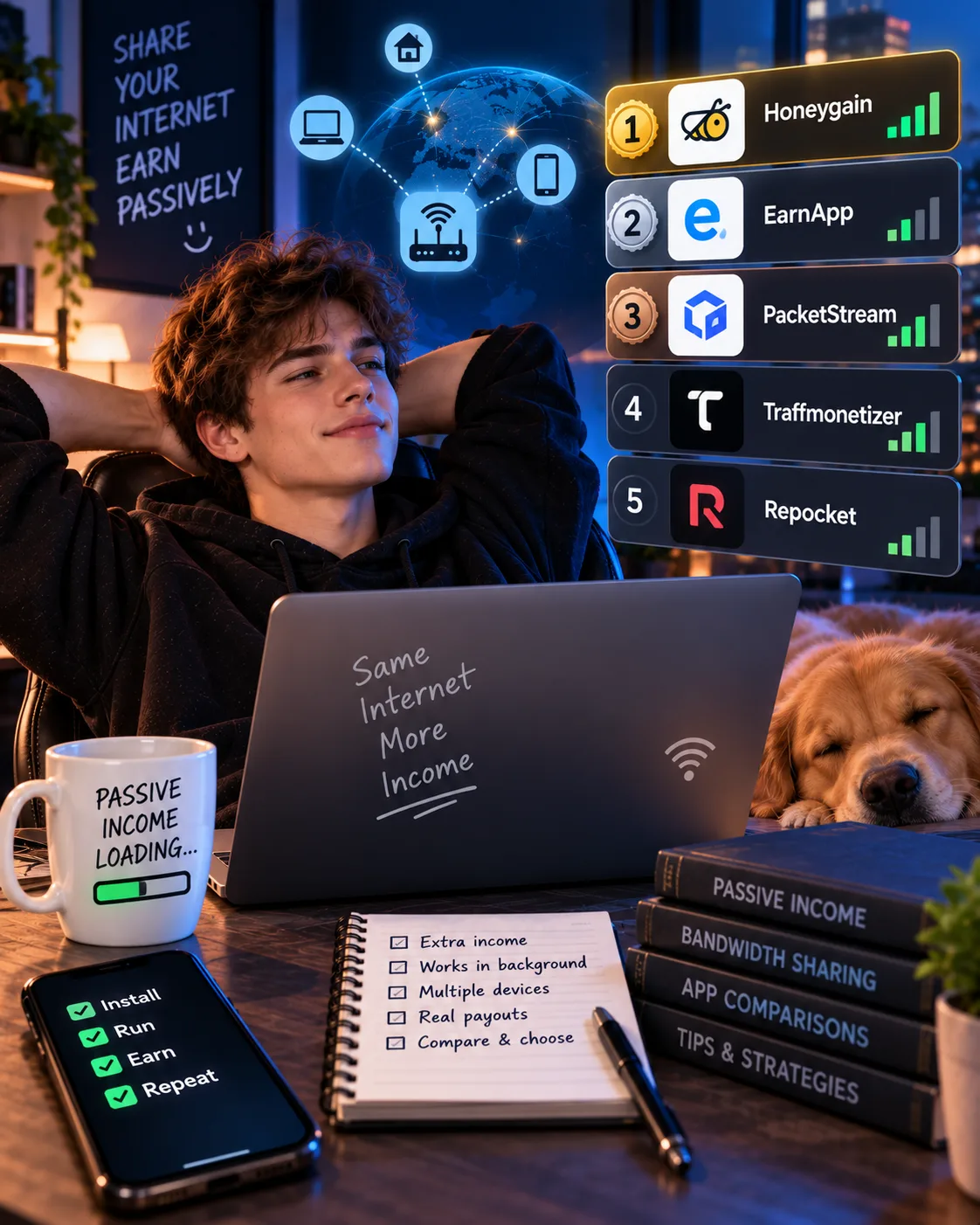
Honeygain vs EarnApp vs PacketStream vs Traffmonetizer vs Repocket: Real Passive Income Ranking (2026)
 VERIFIED 2026
EarnApp Referral Program 2026: How It Works & Earnings and Limits
 VERIFIED 2026
EarnApp Review 2026: Platform Analysis — Earnings and Limits
 VERIFIED 2026
EarnApp Withdrawal Guide 2026: PayPal, Wise & Amazon Gift Cards
 VERIFIED 2026
Best Honeygain Alternatives 2026: EarnApp, PacketStream, Pawns.app & More Compared
 VERIFIED 2026