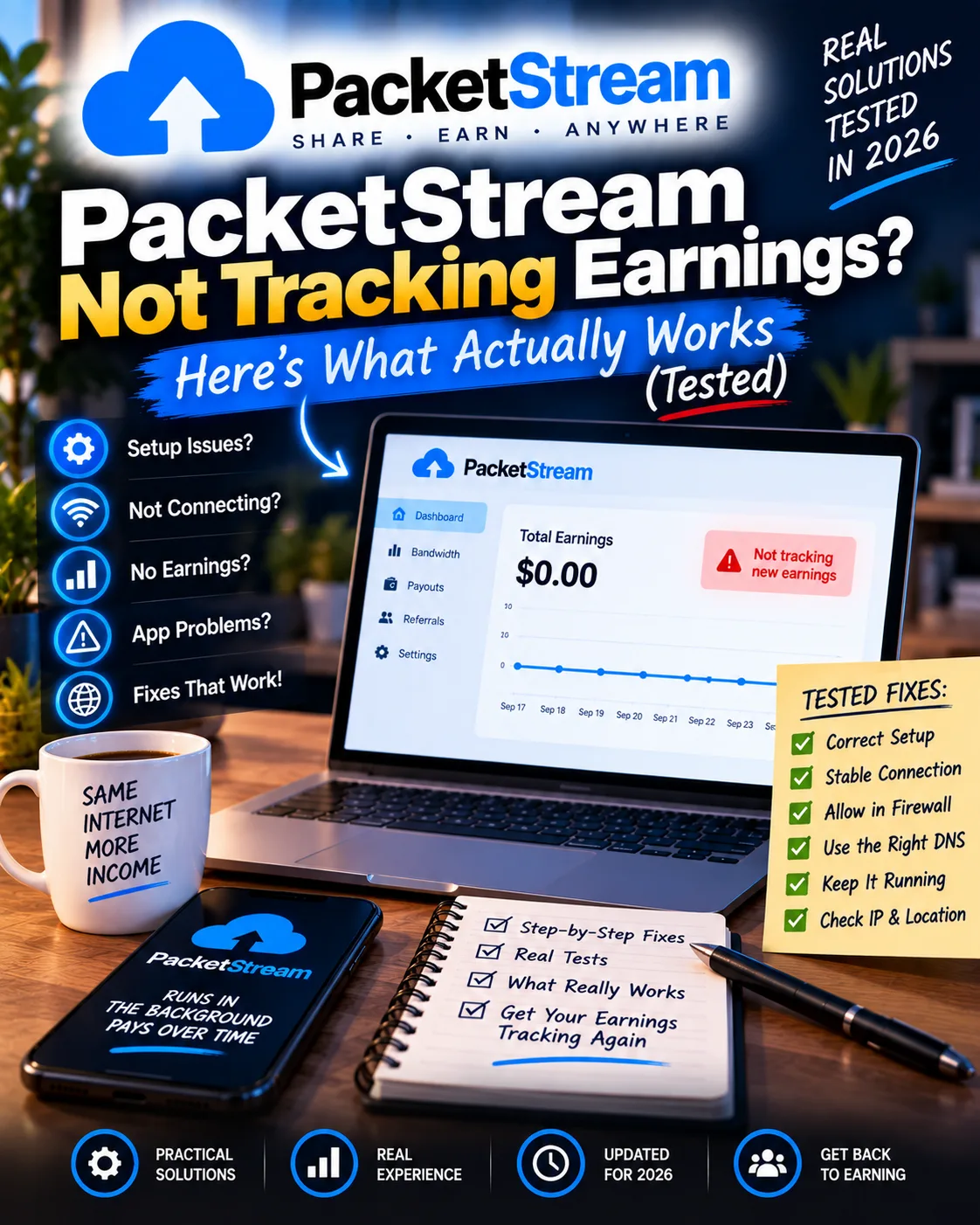
PacketStream Not Tracking Earnings? Here's What Actually Works
PacketStream
 VERIFIED 2026
Quick answer
PacketStream 's dashboard sometimes stops recording earnings, shows a blank screen, or slowly reduces your "Traffic Sold" and balance. According to available user reports and a 90-day test documented elsewhere, periods can occur where the dashboard displays no traffic for days despite the client running continuously. The most common causes are server-side synchronization delays, CAPTCHA-protected login failures, and account restrictions that PacketStream does not clearly communicate.
If you're reading this, your earnings have likely stopped appearing in your PacketStream dashboard. The client might still be running, but your "Traffic Sold" number is frozen. Or your balance has suddenly dropped. Or the dashboard simply returns a blank screen or an HTTP 500 error.
Why Does PacketStream Stop Tracking Earnings?
PacketStream tracking failures happen for three main reasons: server-side synchronization delays between the client and dashboard, CAPTCHA-protected login failures that prevent the dashboard from loading, and account restrictions that PacketStream applies without clear notification. The client can continue routing traffic while the dashboard fails to display it.
Here's what the user reports consistently show:
| Failure Type | What It Looks Like | Common Cause |
|---|---|---|
| Dashboard blank/HTTP 500 | Login works, but dashboard shows no data or error | Account restriction, server-side issue |
| "Traffic Sold" frozen | Number stops increasing despite client running | Client-dashboard sync delay |
| Balance slowly decreases | Earnings go down instead of up | Chargebacks, account review, metering corrections |
| CAPTCHA login failure | Cloudflare verification fails repeatedly | VPN detection, browser issues, IP reputation |
One Chrome-Stats review summarized the experience: "Does not record any earnings. Slowly reduces Traffic Sold or Balance Funds. Considered a scam by some users". Another user reported: "not working. cloudfare verification fails every time I try to log in".
One user on Medium calculated the theoretical earnings: "I have run PacketStream.io desktop app on windows 10 PC for one hour. The traffic sold results are very far from theory of 2MB/hour which turns out to 0.00002$/hour <<<< theoretical earnings potential of 1.8$/hour". The gap between theory and practice is enormous because demand for your specific IP address varies dramatically.
The most disturbing pattern is documented by Aseem Juneja: "The user later withdrew earnings from other similar apps but lost all accumulated earnings on PacketStream, leading them to believe the platform blocks accounts once earnings reach a certain level".
The "Dashboard Blank" Problem: What It Actually Means
A blank dashboard or HTTP 500 error is the most common symptom of account restriction on PacketStream. The login page works, but the dashboard — where your earnings and traffic data are displayed — returns an error or shows no data. In most cases, this means your account has been restricted or banned, and your balance is frozen.
This is different from a simple tracking delay. When the dashboard returns a server error or shows no data at all, it usually means PacketStream has applied a restriction to your account. The client may still be running and routing traffic, but you will not be able to see your earnings or withdraw your balance.
The Chamber of Commerce reviews echo this pattern: "Will block your account for no reason and prevent payout. Id avoid this one".
If your dashboard is blank, the first thing to do is email support@packetstream.io. But be prepared for a template response or no response at all. PacketStream's support response time is stated as "within 24 hours," though user reports suggest it can take days or weeks — if you get a response at all.
Platform information and limitations
The most effective approach when PacketStream stops tracking is to file a support ticket immediately with screenshots of your dashboard, your client status, and your IP address. Do not wait for the problem to resolve itself. If the dashboard is blank due to account restriction, only support can restore it — and the odds are not in your favor.
The following process is recommended:
- Take screenshots immediately. Capture the blank dashboard, the error message, or the frozen "Traffic Sold" number. Capture your client status (running or stopped). Capture your IP address from whatismyipaddress.com.
- Email support@packetstream.io from the email address associated with your account. Use a clear subject line: "Dashboard not recording earnings — [your email] — [date]"
- Include specific details. State when the problem started, what you've observed, and what steps you've already taken (restarting the client, checking your IP, etc.).
- Wait 24–48 hours for a response. If you don't hear back, send a follow-up email referencing your original ticket.
- If the dashboard remains blank for more than 7 days, assume your account has been restricted. Your balance is likely lost.
Here's a template you can adapt:
Another user on GitLab noted: "In my personal experience, the official response speed is very fast, and you can almost always get a response within 24 hours". However, this user later reported that the dashboard stopped loading in July 2022, and support stopped responding entirely.
The "Traffic Sold vs Balance" Discrepancy
PacketStream's dashboard shows two numbers: "Traffic Sold" (the total GB routed through your connection) and your balance (the earnings you can withdraw). These numbers can diverge for several reasons, including metering corrections, chargebacks, and account reviews. A discrepancy does not always mean you've been scammed — but it does require attention.
According to PacketStream's FAQ, the platform pays $0.10 per GB of customer traffic routed through your connection. If your "Traffic Sold" shows 100 GB but your balance is only $5, something is wrong. At $0.10/GB, 100 GB should equal $10.
Possible explanations for the discrepancy:
- Metering corrections: PacketStream may recalculate traffic if it detects anomalies or invalid traffic.
- Chargebacks: If a customer disputes a charge, the corresponding earnings may be deducted from your balance.
- Account review: If your account is under review, earnings may be frozen or reduced.
- Server-side sync issues: The dashboard may not always reflect real-time data.
If your "Traffic Sold" and balance are significantly out of sync, email support with screenshots of both numbers and ask for an explanation. Be prepared for a generic response.
When to Give Up and Move On
If your dashboard has been blank for more than 7 days and support has not responded, your balance is likely lost. At that point, the time you spend chasing the missing earnings is worth more than the earnings themselves. Move on to a more reliable platform.
This is the hardest part of dealing with PacketStream tracking failures. You invested months of bandwidth, reached the withdrawal threshold, and now you're deciding whether to keep fighting for a few dollars or accept the loss.
A practical rule of thumb is: If the missing balance is under $20 and it's been more than 7 days without a response, move on. The time you spend on follow-up emails is better spent on a platform that actually pays reliably.
If the missing balance is over $50, it may be worth one more follow-up email. But don't expect a different outcome. The support team's decision is often final, and the platform's terms of service allow it to suspend accounts at its sole discretion.
One user on Aseem Juneja's blog summarized the experience: "Months of bandwidth usage went unpaid. No access to the dashboard or funds. No explanation or resolution".
How to Prevent Tracking Failures Before They Happen
The most effective prevention is to withdraw early and often, monitor your dashboard regularly, and avoid accumulating a large balance. PacketStream's tracking failures and account restrictions are most damaging when you have a large balance at stake.
Prevention checklist:
| Prevention Step | Why It Matters | How to Implement It |
|---|---|---|
| Withdraw at $5 after the first cashout | Reduces the balance at risk | Once you've cleared the $10 first withdrawal, cash out at $5 whenever possible. |
| Check your dashboard weekly | Detects tracking failures early | Log in at least once a week. If "Traffic Sold" is frozen, investigate immediately. |
| Screenshot your dashboard regularly | Provides evidence if tracking fails | Take a screenshot of your balance and traffic every week. |
| Monitor your IP reputation | Detects blacklisting early | Check your IP on services like IPQualityScore. If it's blacklisted, stop running the client. |
| Avoid earning "too much, too quickly" | Triggers account restrictions | Let the client run naturally. Don't try to artificially increase traffic. |
One user on GitHub noted: "PacketStream Uses high CPU under load and sometimes it pays about $0.5 per day for 10 proxies". This suggests that even with multiple proxies, earnings are modest. The tracking failures compound this problem — if the dashboard doesn't record the traffic, you don't get paid for it.
FAQ: PacketStream Not Tracking Earnings
Why did my PacketStream dashboard stop showing earnings?
The most common causes are server-side synchronization delays, CAPTCHA-protected login failures, and account restrictions. A blank dashboard or HTTP 500 error usually indicates account restriction, while a frozen "Traffic Sold" number may be a sync delay.
What should I do if my PacketStream dashboard is blank?
Email support@packetstream.io immediately with screenshots of your dashboard, client status, and IP address. If the dashboard remains blank for more than 7 days without a response, your account is likely restricted and your balance may be lost.
Platform information and limitations
Sometimes. If the issue is a temporary sync delay, earnings may appear later. If the issue is an account restriction, only support can restore it — and the odds are not in your favor. For balances under $20, it may be more practical to accept the loss and move on.
Why is my "Traffic Sold" number frozen?
A frozen "Traffic Sold" number usually means the client-dashboard sync has failed. This can be caused by server-side issues, client bugs, or account restrictions. Restarting the client sometimes resolves the issue. If not, contact support.
Why did my PacketStream balance decrease?
Your balance can decrease due to metering corrections, chargebacks, or account reviews. If you see a significant decrease without explanation, email support with screenshots and ask for clarification.
How long does PacketStream support take to respond?
PacketStream's stated support response time is within 24 hours. In practice, response times vary widely. Some users report receiving a response within a day; others report waiting weeks with no response. If you don't hear back within 48 hours, send a follow-up email.
Platform information and limitations
No. If your dashboard is blank due to an account restriction, the client is routing traffic without you earning anything. Stop the client and contact support. If the issue is resolved, you can restart it.
Is PacketStream a scam if it stops tracking earnings?
Final Verdict: Tracking Failures Are Real, But Manageable
PacketStream tracking failures are a known risk, not a bug that support can always fix. A blank dashboard usually means your account has been restricted, and your balance may be lost. The most effective approach is to withdraw early and often, monitor your dashboard weekly, and file support tickets immediately when problems appear.
If you're going to use PacketStream, accept that some tracking failures will happen. Withdraw at $5 as soon as possible after your first cashout. Keep your balance low. And if the dashboard goes blank and support doesn't respond within a week, move on to a more reliable platform.
For a complete guide to cashing out on PacketStream — including the $10 first withdrawal threshold and the $5 minimum after that — see our PacketStream withdrawal guide. For help with account bans, see our account banned guide. And for a full breakdown of how much you can realistically earn, read our 90-day earning log.
Get the Ultimate GPT Insider Guide🚀
Learn how survey disqualifications work and proven ways to qualify for more studies. 100% Free.
LootHub.org
Recommended posts
Continue with these related reward guides.
 VERIFIED 2026
Best Honeygain Alternatives 2026: EarnApp, PacketStream, Pawns.app & More Compared
 VERIFIED 2026
PacketStream Legality & Taxes 2026: What You Need to Know (US, UK, EU, Canada)
 VERIFIED 2026
PacketStream Withdrawal Guide 2026: PayPal, Fees & Minimum Payout
 VERIFIED 2026
Honeygain vs EarnApp vs PacketStream vs Traffmonetizer vs Repocket: Real Passive Income Ranking (2026)
 VERIFIED 2026
How Much Can You Really Earn on PacketStream? A 90-Day Earning Analysis
 VERIFIED 2026