EarnStar Account Blocked? Why It Happens & How to Get Your Money
EarnStar
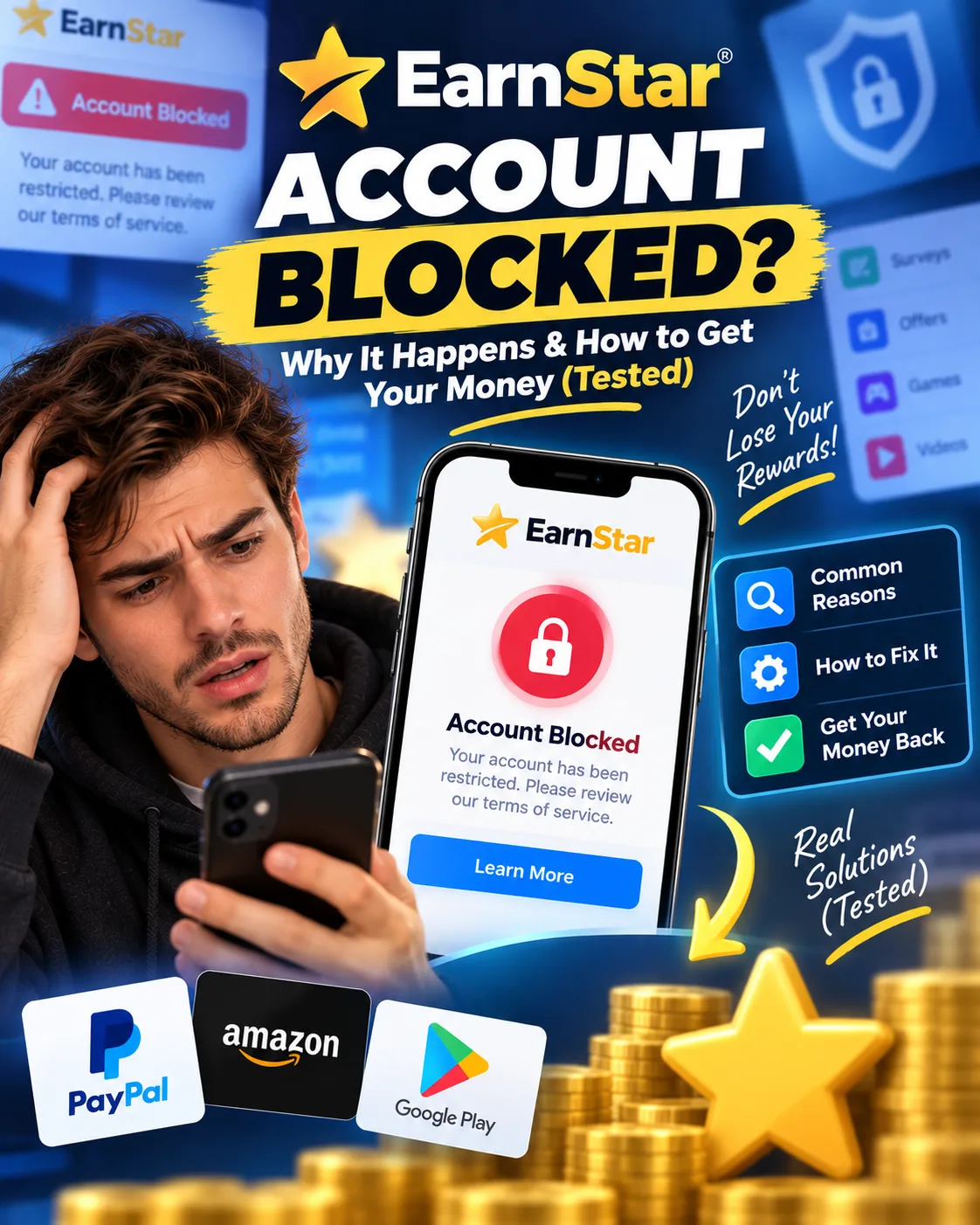 VERIFIED 2026
Quick answer
EarnStar blocks or freezes accounts when it detects activity that violates its Terms of Service. The most common triggers are VPN usage, multiple accounts on the same device, and earning "too much, too quickly" — which the platform's fraud system flags as suspicious. If your account is blocked, you can appeal by emailing help@earnstar.com, but the platform does not guarantee reinstatement and support often responds with template messages.
What Does a Blocked EarnStar Account Actually Mean?
A blocked EarnStar account means you cannot withdraw your balance. You may still be able to log in and complete tasks, but your earnings are locked. In some cases, you cannot even take surveys — the account is placed under "review" and all earning activity is suspended.
EarnStar uses two terms that are sometimes used interchangeably: "blocked" and "under review." A review is typically temporary — the platform states it takes up to 7 days — while a block is more severe and may be permanent if the appeal is denied.
Published reviews on SurveyLeo indicate that users report accounts being frozen or placed under review right when they attempt larger cash-outs.
What Triggers an EarnStar Account Block?
The most common triggers for an EarnStar account block are VPN or proxy usage, multiple accounts on the same device, completing tasks "too quickly," and earning large amounts in a short period. The platform's fraud system flags these as signs of automated or fraudulent activity.
Here's what each trigger means in practice:
| Trigger | What It Looks Like | How EarnStar Detects It |
|---|---|---|
| VPN or proxy usage | Connecting through a VPN, even for unrelated apps | IP address analysis, mismatch between IP location and profile location |
| Multiple accounts | More than one account per household or device | Device fingerprinting, IP matching, payment method matching |
| "Too much, too quickly" | Earning $20+ in a short period, especially from game offers | Behavioral analysis, earning velocity patterns |
| Multiple devices | Using the app on more than one phone or tablet | Device ID tracking, login patterns |
| Survey partner complaints | Inconsistent answers or "quality control" flags from survey providers | Provider reports, contradiction detection |
The "too much, too quickly" trigger is the most frustrating because it penalizes success. Published reviews on SoftwareCurio describe similar platform experiences: users report being flagged after earning "too much," with the tag effectively banning them.
Published reviews on PissedConsumer indicate that some users report account locks after earning high amounts.
The Step-by-Step Appeal Process (What Actually Works)
The following appeal process is recommended based on available evidence:
- Email help@earnstar.com from the email address associated with your account. Do not create a new account. Do not use a different email address.
- Use a clear subject line. Something like: "Account review appeal — [your email] — [date]"
- Write a factual, non-defensive message. State what happened, acknowledge the block, and ask for clarification. Do not accuse the platform of theft or fraud. Template messages work against you.
- Attach any evidence you have. Screenshots of your account dashboard, your earnings, and any relevant activity. If you believe the block was triggered by a VPN you were not using for EarnStar, say so and explain.
- Wait 48–72 hours for a response. Do not send multiple emails in the meantime. This can slow down your case.
- Respond promptly to any follow-up questions. If support asks for more information, provide it within 24 hours.
- Wait for the resolution. If support confirms the block was a mistake, your balance will be restored. If not, you will be told the decision is final.
Here's a template you can adapt:
One user on the App Store reported a response from support that reflects the official policy: "We'd really appreciate the opportunity to improve your experience and make things right — please reach out to help@earnstar.com so we can review your account and assist."
What to Do If Your Appeal Is Denied
If EarnStar denies your appeal, your blocked balance may be permanently lost. The platform does not offer a second-level appeal process. In this case, you can still use your account to earn new points — the block only applies to the existing balance.
This is the harsh reality that many users discover too late. EarnStar's Terms of Service allow the platform to freeze balances for violations, and the support team's decision is generally final.
If your appeal is denied, your options are limited:
- Continue using the account for new earnings. The block applies only to the existing balance. You can still complete offers and surveys to earn new points — though those new points may also be subject to review.
- Start fresh with a new account. This is technically against the Terms of Service if you already have an account, and it may be detected. Proceed with caution.
- Accept the loss and move on. For balances under $20, this is often the most practical choice. The time spent fighting for reinstatement may exceed the value of the blocked balance.
Published reviews on PissedConsumer include reports of losses around $235, with users citing missing payouts across multiple apps.
Other published reviews indicate users reporting being unable to cash out for weeks, with owed balances exceeding $50 and sometimes approaching $100.
These amounts are significant, but the time and frustration of chasing them through support tickets often outweigh the recovery. Editorial guidance: if the blocked balance is under $20, moving on may be pragmatic. If over $50, filing a complaint with the relevant consumer protection authority in your jurisdiction may be worthwhile (see the next section).
Your Rights by Jurisdiction: GDPR, CCPA, and Consumer Protection
EarnStar is operated by Earn Star AB, a Swedish company, which means the platform is subject to GDPR for all users in the European Union. Users in California have rights under CCPA. Users in other jurisdictions may have consumer protection rights through their local authorities.
Here's a breakdown of your rights by region:
| Jurisdiction | Key Rights | How to Exercise Them |
|---|---|---|
| European Union (GDPR) | Right to access your data, right to rectification, right to erasure, right to data portability | Email help@earnstar.com with a formal data request. You can also file a complaint with your national Data Protection Authority (e.g., CNIL in France, DPA in Germany). |
| California (CCPA) | Right to know what data is collected, right to delete, right to opt out of sale | Email help@earnstar.com with a CCPA request. The platform must respond within 45 days. |
| United Kingdom (UK GDPR) | Similar to EU GDPR | Email help@earnstar.com. You can also complain to the Information Commissioner's Office (ICO). |
| Canada (PIPEDA) | Right to access and correct personal information | Email help@earnstar.com. You can also contact the Office of the Privacy Commissioner. |
| Australia (Privacy Act) | Right to access and correct personal information | Email help@earnstar.com. You can also contact the Office of the Australian Information Commissioner. |
For EU users, the GDPR gives you a powerful tool: the right to access all data EarnStar holds about you. If your account is blocked, you can request a copy of your data and the reason for the block. The platform must respond within 30 days.
For users in France, the CNIL (Commission nationale de l'informatique et des libertés) is the relevant authority. For users in Germany, it's the Bundesbeauftragte für den Datenschutz und die Informationsfreiheit (BfDI) or your state-level DPA.
For US users, the CCPA applies only to California residents. Other states have varying levels of consumer protection. The Federal Trade Commission (FTC) accepts complaints about deceptive business practices, but it does not resolve individual disputes.
For UK users, the ICO handles data protection complaints. For general consumer issues, you can contact Citizens Advice.
It's worth noting that filing a data protection complaint is not the same as appealing a blocked account. The data authority can force EarnStar to provide your data, but it cannot force the platform to reinstate your account. However, the threat of a data protection complaint sometimes motivates support teams to resolve cases more quickly.
How to Prevent an EarnStar Account Block
Preventing a block is easier than reversing one. The most important steps are: disable your VPN before logging in, use only one account on one device, avoid earning large amounts in a single day, and answer surveys honestly and consistently.
Prevention checklist:
| Prevention Step | Why It Matters | How to Implement It |
|---|---|---|
| Disable VPN before logging in | VPN usage is a commonly reported top trigger for blocks | Turn off your VPN in your device settings, router settings, and browser extensions. Check your IP on whatismyipaddress.com before opening EarnStar. |
| One account, one device | Multiple accounts and multiple devices are detectable | Do not create a second account. If a family member wants to use EarnStar, they must use a separate device and IP address. |
| Avoid earning spikes | "Too much, too quickly" triggers fraud detection | Spread your earnings across multiple days. Do not complete multiple high-value game offers in a single session. |
| Answer surveys consistently | Inconsistent answers trigger quality-control flags | Complete your profile accurately. Answer screener questions consistently. Do not guess or randomize answers. |
| Screenshot everything | If a block happens, you need evidence | Take screenshots of your dashboard, earnings, and completed milestones. Keep a record of your activity. |
The most important step is disabling your VPN. This is not just about the EarnStar app — it's about your entire network. If your VPN is configured at the router level, it will affect every device on your network, including the one you use for EarnStar.
Another practical tip: if you use a VPN for privacy reasons on other apps, configure it to exclude EarnStar. Most VPN clients allow split tunneling, which lets you route only certain apps through the VPN while keeping others on your regular connection.
The "too much, too quickly" trigger is harder to avoid because it penalizes success. A practical approach: if you are completing a high-value game offer, space it out over several days. Do not complete multiple offers in a single day. If you reach $18 and you're about to hit $20 in the same session, consider stopping and returning the next day.
EarnStar Availability and Block Patterns by Region
EarnStar is available globally, but block patterns vary by region. Users in the US, Germany, Canada, and Sweden report the most stable accounts. Users in France, the UK, and other markets report more frequent blocks, possibly because the offer wall is thinner and the fraud system is more sensitive to earning spikes.
| Region | Block Frequency (User Reports) | Common Trigger | Notes |
|---|---|---|---|
| United States | Moderate | "Too much, too quickly" | Most reported blocks occur at the $20 threshold |
| Germany | Low-Moderate | VPN usage | Strong market, stable accounts |
| Canada | Moderate | Multiple devices | Fewer offers, but blocks are less frequent |
| France | Moderate-High | Earning spikes | Thinner offer wall may trigger sensitivity |
| United Kingdom | Moderate | VPN usage | Mixed reports |
| Sweden | Low | Rare | Home market, strongest provider relationships |
For users in France and the UK, exercising caution about earning velocity is advisable. If you have access to fewer high-value offers, completing one might push your daily earnings above the threshold that triggers fraud detection. Space your activity out.
FAQ: EarnStar Account Blocked
Why was my EarnStar account blocked?
The most common reasons are VPN or proxy usage, multiple accounts on the same device, earning "too much, too quickly," and survey partner complaints about inconsistent answers. The platform's fraud system flags these as signs of automated or fraudulent activity.
How do I appeal a blocked EarnStar account?
Email help@earnstar.com from the email address associated with your account. Explain what happened, provide any evidence you have, and wait for a response. The first response typically takes 48–72 hours. There is no second-level appeal.
How long does EarnStar support take to respond to an appeal?
Based on user reports, 48–72 hours for a first response. During peak periods, response times may be longer. The support team is responsive but handles a high volume of tickets.
What should I include in my appeal email?
Include your account email, a clear subject line, a factual explanation of what happened, and any evidence you have (screenshots, IP address, device information). Do not be defensive or accusatory — template messages work against you.
What happens if my appeal is denied?
If your appeal is denied, your blocked balance may be permanently lost. You can still use your account to earn new points, but the existing balance remains locked. For small balances, it may be more practical to accept the loss and move on.
Can I create a second account if my first one is blocked?
No. Creating a second account is a violation of the Terms of Service and can result in both accounts being blocked. If your first account is blocked, appeal through support rather than creating a new account.
Platform information and limitations
If you are in the EU, GDPR gives you the right to access your data and the reason for the block. You can file a complaint with your national Data Protection Authority. In California, CCPA gives you similar rights. In the UK, you can complain to the ICO.
How can I avoid getting blocked?
Disable your VPN before logging in. Use only one account on one device. Avoid earning large amounts in a single day. Answer surveys honestly and consistently. Screenshot everything in case you need evidence later.
Does EarnStar block accounts in all countries?
Yes, but block patterns vary by region. Users in the US, Germany, Canada, and Sweden report the most stable accounts. Users in France, the UK, and other markets report more frequent blocks.
Are blocked account earnings taxable?
In most jurisdictions, blocked earnings are not considered taxable income until they are actually received. If your balance is permanently lost, you generally do not owe tax on it. Consult a tax professional if you are unsure.
Final Verdict: How to Protect Your EarnStar Account
EarnStar account blocks are preventable, but the platform's fraud detection is aggressive. The most important step is disabling your VPN before logging in — this single factor accounts for many of the reported blocks. If you do get blocked, email help@earnstar.com with a clear, factual appeal and be patient. The process takes 48–72 hours.
The reality is that EarnStar blocks accounts at the $20 withdrawal threshold more often than most GPT platforms. This is a known pattern, not a bug. The platform is legitimate, but its fraud system is sensitive. If you're going to use EarnStar, be aware of the risk and take steps to minimize it.
For a complete guide to cashing out on EarnStar — including the $20 first withdrawal threshold and the PayPal minimum that drops to $5 afterwards — see our EarnStar withdrawal guide. For help with tracking failures that can delay your balance, read our game offers not tracking guide. And for the full platform review, see our complete EarnStar review.
Get the Ultimate GPT Insider Guide🚀
Learn how survey disqualifications work and proven ways to qualify for more studies. 100% Free.
LootHub.org
Recommended posts
Continue with these related reward guides.
 VERIFIED 2026
EarnStar Surveys Not Working? How to Qualify More & Earn Better (2026)
 VERIFIED 2026
EarnStar Withdrawal Guide 2026: PayPal, Bank Transfer & Gift Cards
 VERIFIED 2026
EarnStar Review 2026: Platform Analysis — Earnings and Limits
 VERIFIED 2026
EarnStar vs Freecash vs Idle-Empire 2026: Which GPT Site Actually Pays More?
 VERIFIED 2026
How Much Can You Really Earn on EarnStar? A Realistic Editorial Analysis
 VERIFIED 2026