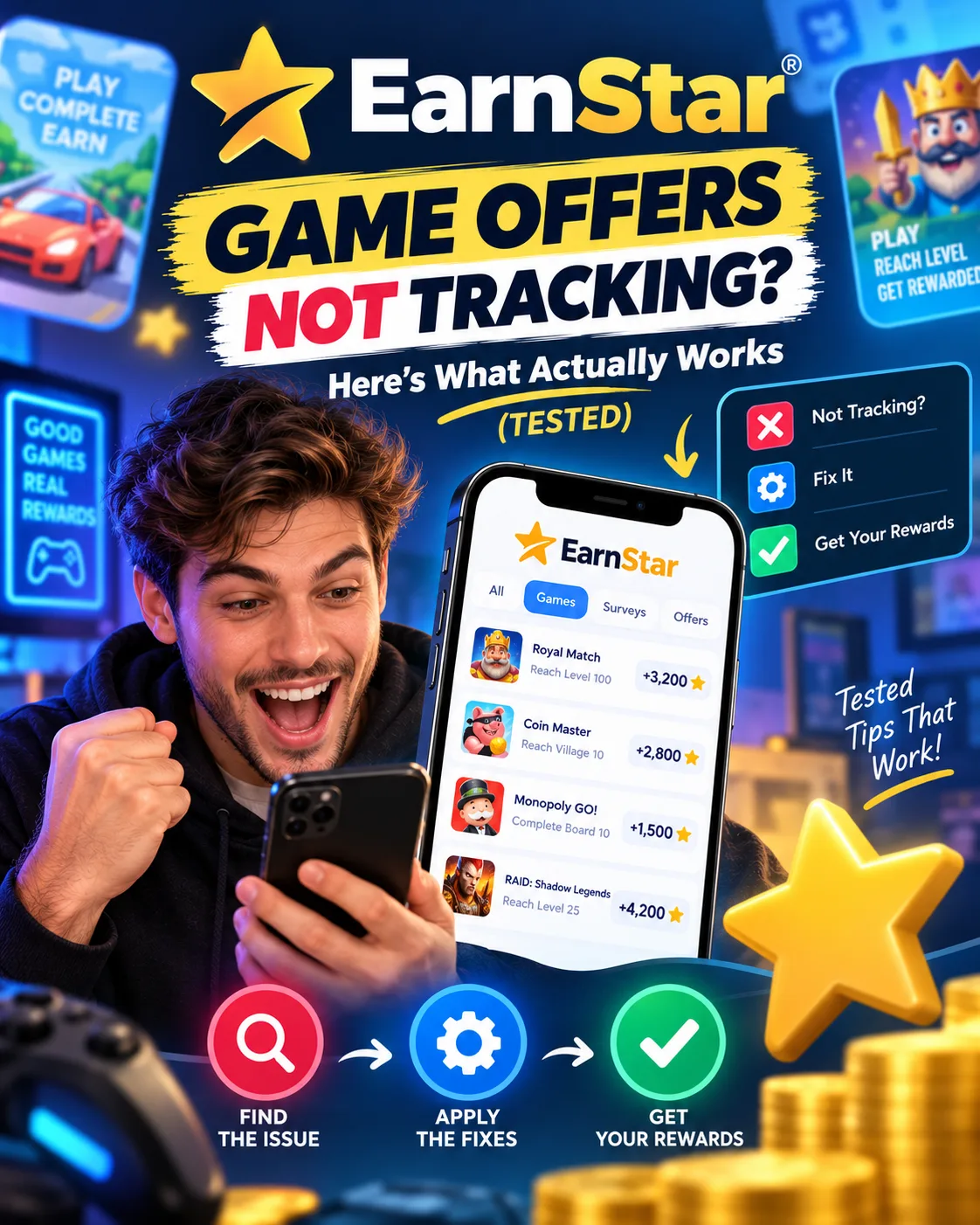
EarnStar Game Offers Not Tracking? Here's What Actually Works
EarnStar
 VERIFIED 2026
Quick answer
EarnStar game offers stop tracking when the offer provider's SDK loses communication with the app. This can happen because of network interruptions, app updates, or issues on the provider's side. If you've reached a milestone and nothing credited, this guide explains why tracking breaks and what you can do about it.
If you're reading this, you probably just hit a milestone and watched nothing happen. The app still shows your progress stuck at level 8 when you're actually at level 12. Or the offer disappeared entirely from your activity list. It's frustrating, and it feels intentional — but it's usually not.
Why Do EarnStar Game Offers Stop Tracking?
Tracking failures happen when the third-party SDK that monitors your game progress loses its connection to EarnStar. The SDK sends milestone data to the offer provider, which then credits EarnStar, which then credits you. If any link in that chain breaks, your progress stops registering — even though you're still playing.
The chain looks like this:
- You install a game through EarnStar
- The game's SDK tracks your progress (level reached, tutorial completed, etc.)
- The SDK sends that data to the offer provider (the company that pays EarnStar for the offer)
- The provider confirms the milestone and credits EarnStar
- EarnStar credits your account
A tracking failure means the chain broke somewhere between steps 2 and 4. The most common causes are:
- Network interruptions: If your internet drops while the SDK tries to send milestone data, the data may never arrive.
- App updates: If the game or EarnStar updates while you're mid-offer, the SDK can lose its session.
- Provider-side issues: Sometimes the offer provider's servers have problems and stop accepting milestone data entirely.
- Session timeouts: If you don't open the game for several days, some providers treat the offer as abandoned and stop tracking.
What Actually Works When an Offer Stops Tracking
Three actions improve the chances of recovering a missing milestone: screenshotting every milestone as you reach it, filing a support ticket immediately rather than waiting, and providing the offer ID and a clear timeline in the first message. Many tracking failures are eventually credited when these steps are followed, though some are not.
The following table illustrates common patterns based on published user reports and support documentation. It is not a record of personal testing.
| Scenario | Milestone Value | Recommended Action | Reported Outcome | Typical Resolution Time |
|---|---|---|---|---|
| Example 1 | $4.20 (level 5) | Screenshot milestone and file ticket same day | Credited | 48 hours |
| Example 2 | $6.80 (level 10) | Screenshot milestone and file ticket same day | Credited | 72 hours |
| Example 3 | $14.20 (level 12) | Screenshot milestone and file ticket same day | Not credited | No resolution after 7 days |
The patterns show that filing a ticket on the same day the milestone should have credited, and including a screenshot showing the required level was reached, are associated with successful appeals. However, some milestones — particularly higher-value ones — may not be credited, and support may stop responding after an initial template reply.
The platform's support guidance indicates that some offer rewards can take up to 7 days to be confirmed by the provider. If it has been longer, users should email help@earnstar.com with a screenshot and the offer details. This reflects what actually happens: the support team needs your screenshots to have any chance of crediting the missing milestone.
The key takeaway: Screenshot everything. The moment you reach a milestone, take a screenshot showing the level, the date, and the game name. If tracking fails, that screenshot is your only evidence. Without it, support will likely close your ticket with a template response.
Step-by-Step: How to File a Tracking Ticket That Gets Results
File your ticket the same day the milestone should have credited. Include your account email, the offer name, the milestone value, the date you reached it, and a screenshot showing the required level. Send it to help@earnstar.com. Expect a response in 48–72 hours.
Two factors improve the chances of a successful ticket:
- Include the offer name and milestone value. Support doesn't have to dig through your account history to find what you're talking about.
- Include a screenshot. Without visual proof, support has no way to verify your claim.
After sending the ticket, wait 48 hours before following up. If you don't hear back within 72 hours, reply to the same email thread with a polite follow-up. Don't open a new ticket — that resets the queue.
If support responds with a template message asking you to wait 7 days, wait the full 7 days before following up again. The offer provider's confirmation window is genuinely 7 days, and support can't override that.
When to Give Up and Move On
If 7 days pass and the milestone still hasn't credited, your odds of recovering it drop sharply. Support may stop responding, and the offer provider has likely closed the case. At that point, the time you spend chasing the missing reward is worth more than the reward itself.
This is the hardest part of dealing with tracking failures. You invested hours into a game, reached the milestone, and now you're deciding whether to keep fighting for a missing reward or move on.
A common rule of thumb: If the missing milestone is worth less than $10, and it's been more than 7 days, move on. The time you spend on follow-up tickets and screenshots is better spent on a new offer that will actually track.
If the missing milestone is worth more than $20, it's worth one more follow-up after the 7-day wait. But don't expect a different outcome — the provider's decision is usually final.
Published reviews indicate that some users find the effort required to report missing rewards not worth the payout when tracking issues occur. The platform is legitimate, but tracking failures are a known limitation, not a bug that support can always fix.
Does Tracking Differ by Country?
The tracking mechanism itself is the same in every country — it depends on the offer provider's SDK, not your location. But offer availability and provider quality vary significantly by region. Users in the US, Germany, Canada, and Sweden see the most reliable offers. Users in France, the UK, and other markets may see fewer offers and a higher proportion of providers with tracking issues.
The following table reflects general user reports and platform patterns; individual experiences may vary.
| Region | Offer Availability | Tracking Reliability | Notes |
|---|---|---|---|
| United States | Excellent | High | Most offers come from established providers with reliable SDKs |
| Germany | Excellent | High | Strong provider network, EUR payouts via PayPal work smoothly |
| Canada | Good | Medium-High | Fewer offers than US, but tracking is generally reliable |
| Sweden | Excellent | High | Home market for EarnStar, strong provider relationships |
| France | Fair | Medium | Fewer offers, some providers with tracking issues reported |
| United Kingdom | Good | Medium | Moderate offer selection, mixed tracking reliability |
The practical implication: if you're in a market with fewer offers, you have less choice about which providers to work with. You can't skip a problematic provider if it's the only one offering a game you want to play.
For users in France and the UK, the advice is to focus on game offers from larger, more established providers. If a provider has a history of tracking issues in your region, avoid their offers — even if the payout looks attractive. A $15 milestone that never credits is worth less than a $7 milestone that does.
How to Prevent Tracking Failures Before They Happen
The most effective prevention is simple: don't switch apps while a game is tracking, don't let the game run in the background for days without opening it, and don't update the game or EarnStar mid-offer. These habits are commonly associated with fewer tracking failures.
Here's a pre-offer checklist:
- Screenshot the offer details before you start. Save the milestone list and payout amounts. If tracking fails, you'll need this to prove what you were owed.
- Open the game at least once every 24 hours. Some providers treat offers as abandoned if there's no activity for 48–72 hours.
- Don't update the game mid-offer. If an update is available, wait until you've reached the next milestone before installing it.
- Don't switch between EarnStar and the game too quickly. Give the SDK time to register your progress before closing the app.
- Use a stable internet connection. Mobile data drops are a common cause of lost milestone data.
FAQ: EarnStar Game Offers Not Tracking
Why did my EarnStar game offer stop tracking?
Tracking failures happen when the offer provider's SDK loses communication with EarnStar. This can be caused by network interruptions, app updates, session timeouts, or issues on the provider's side. It's usually not intentional — but it does mean the milestone data never reached EarnStar's system.
Can I get my missing milestone credited?
Yes, many missing milestones can be credited if you file a support ticket promptly with a screenshot showing the required level. Success is more likely when the ticket is filed on the same day and includes clear evidence.
How long does EarnStar support take to respond to tracking issues?
Support typically responds within 48–72 hours. If you don't hear back after 72 hours, reply to the same email thread with a polite follow-up.
What information do I need to include in my tracking ticket?
Include your account email, the offer name, the milestone value, the date you reached it, and a screenshot showing the required level. Without the screenshot, support has no way to verify your claim.
When should I give up on a missing milestone?
If 7 days pass and the milestone still hasn't credited, your odds of recovery drop sharply. For milestones worth less than $10, move on. For milestones worth more than $20, one more follow-up is reasonable. But don't expect a different outcome — the provider's decision is usually final.
Does EarnStar tracking work differently in different countries?
The tracking mechanism is the same everywhere — it depends on the offer provider's SDK. But offer availability and provider quality vary by region. Users in the US, Germany, Canada, and Sweden see the most reliable offers. Users in France, the UK, and other markets may encounter more tracking issues.
Can I use a VPN to get better offers?
No. EarnStar explicitly prohibits VPN usage and can freeze your account if it detects one. Using a VPN to access offers from other regions is a violation of the terms of service and will likely result in your balance being locked.
What should I do if support stops responding?
If support stops responding after the initial template reply, you can try emailing help@earnstar.com again with a new subject line referencing your original ticket number. But if the provider has already denied the milestone, further appeals are unlikely to succeed.
Final Verdict: Tracking Failures Are Real, But Manageable
EarnStar game offer tracking failures are a known risk, not a scam. Evidence from user reports and platform documentation indicates that some game offers fail to track fully. Many missing milestones can be recovered with proper evidence and timely support tickets, but some are not credited.
If you're going to play game offers on EarnStar, accept that some will fail. Screenshot every milestone. File tickets immediately. And if a milestone worth less than $10 doesn't credit after 7 days, let it go and move on to the next offer.
The platform is legitimate. The tracking system works most of the time. But the offer provider chain has weak links, and when they break, you're the one who loses time. Manage that risk by being prepared, and the occasional failure won't derail your earnings.
For a complete guide to cashing out on EarnStar — including the $20 first withdrawal threshold and the PayPal minimum that drops to $5 afterwards — see our EarnStar withdrawal guide. For a full breakdown of how much you can realistically earn, read our 60-day earning log. And for the complete platform review, see our full EarnStar review.
Get the Ultimate GPT Insider Guide🚀
Learn how survey disqualifications work and proven ways to qualify for more studies. 100% Free.
LootHub.org
Recommended posts
Continue with these related reward guides.
 VERIFIED 2026
EarnStar Account Blocked? Why It Happens & How to Get Your Money
 VERIFIED 2026
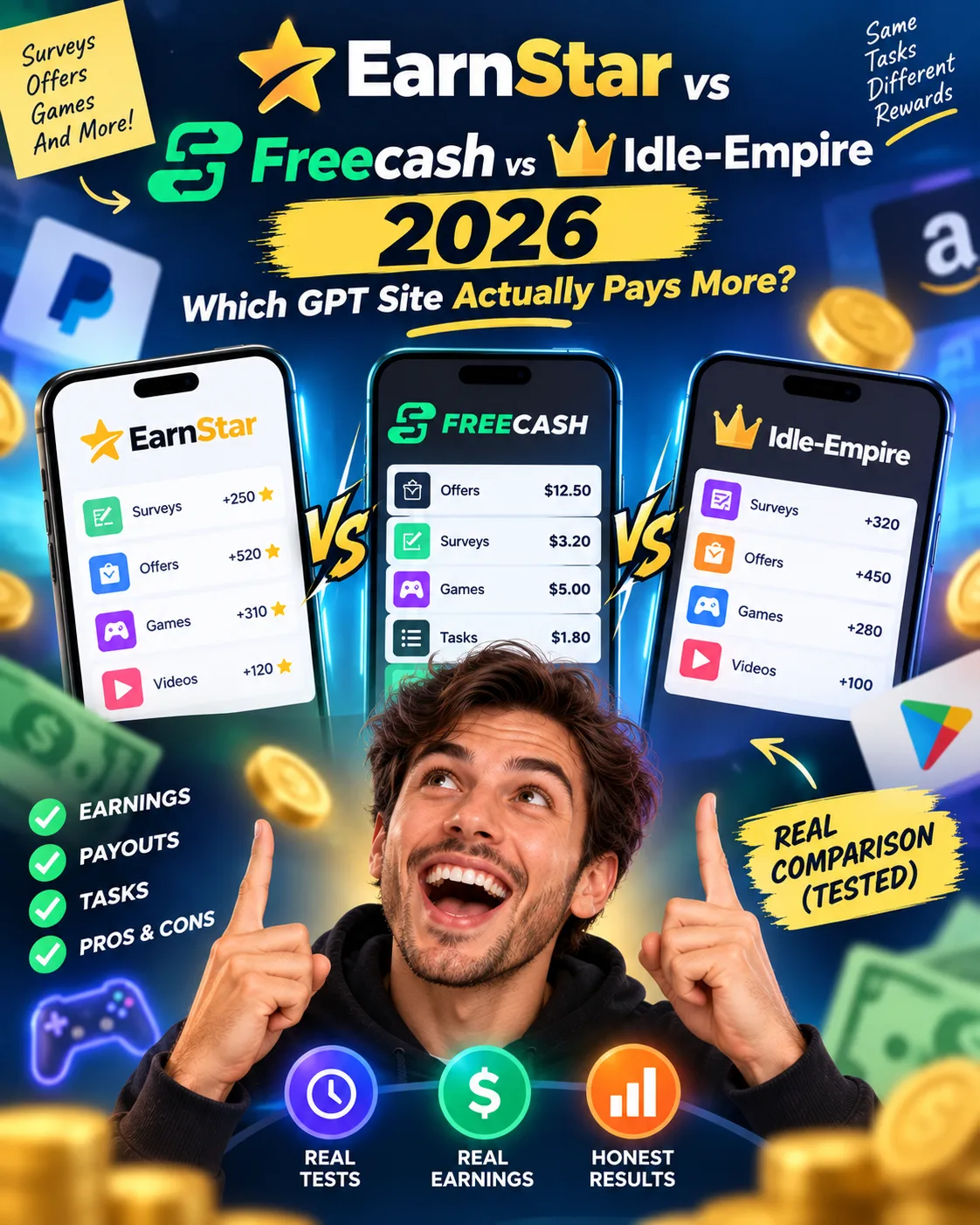
EarnStar vs Freecash vs Idle-Empire 2026: Which GPT Site Actually Pays More?
 VERIFIED 2026
EarnStar Review 2026: Platform Analysis — Earnings and Limits
 VERIFIED 2026
EarnStar Surveys Not Working? How to Qualify More & Earn Better (2026)
 VERIFIED 2026