GPT Site KYC Failed? What Actually Causes Rejection (and What to Do)
FreeCash
 VERIFIED 2026
Quick answer
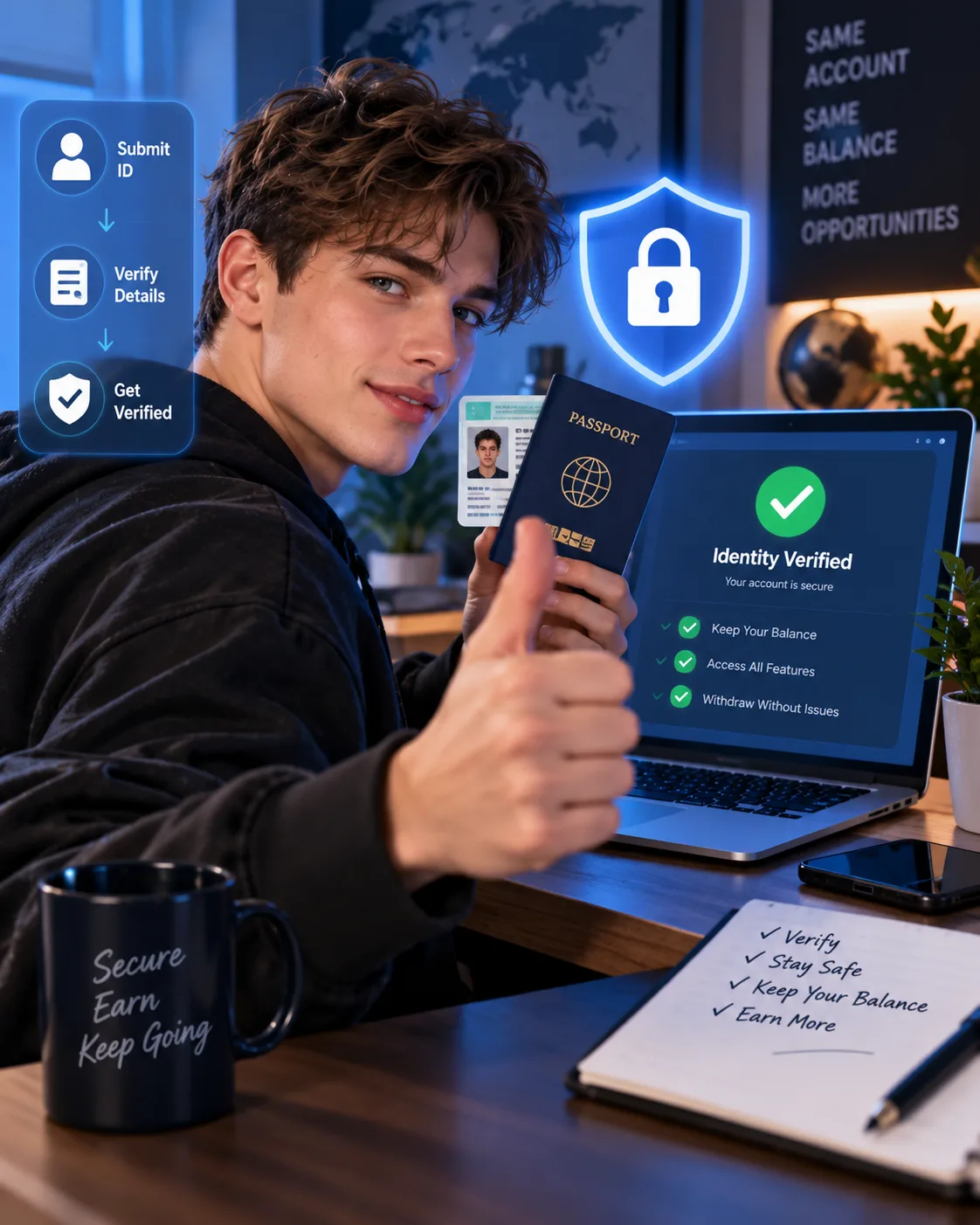
If your GPT site balance is frozen and you cannot withdraw, the problem is almost certainly KYC — Know Your Customer verification. Freecash , Swagbucks, and ySense all require identity verification before your first payout , and a failed check can block your entire balance until you resolve it. The good news: almost every KYC failure is fixable, and most users who lose money do so because they panic, create a new account, or submit the wrong document type.
This guide examines the documented KYC requirements for these platforms. Freecash requires the physical, original version of your government-issued ID — photocopies and screen images are rejected automatically. Swagbucks uses Persona, a US verification provider that typically takes a few minutes but can take up to 10 business days. ySense uses the same Persona system. The analysis below explains what each platform accepts, what triggers a rejection, and what to do if you are already stuck with a frozen balance.
Which GPT Sites Require KYC Before Withdrawal?
Not every GPT site requires identity verification. Some operate without KYC and pay out based on account activity alone. But the three largest platforms in the category — Freecash, Swagbucks, and ySense — all require it. Here is the current status:
| Platform | KYC Required | Provider | When Required | Typical Review Time |
|---|---|---|---|---|
| Freecash | Yes | Veriff | Before first withdrawal | A few minutes to several days |
| Swagbucks | Yes | Persona | When redeeming rewards (triggered case-by-case) | A few minutes to 10 business days |
| ySense | Yes | Persona | When redeeming rewards | Varies by case |
| PrizeRebel | Not mandatory | — | Case-by-case for flagged accounts | — |
| TimeBucks | No | — | — | — |
The key distinction is when KYC is triggered. On Freecash, verification is mandatory before your first payout — you can earn as much as you want on an unverified account, but you cannot withdraw anything until the check is complete. On Swagbucks, KYC is triggered when you redeem a reward, and it does not happen every time — the platform selects accounts for verification based on risk signals. On ySense, the same Persona system is used, and verification is required when you attempt to redeem rewards.
If you are using a platform that does not require KYC, your withdrawal process is simpler — but you are also more exposed to the risk of account suspension without recourse. Platforms that require KYC are generally more regulated and more likely to pay reliably, because the verification process filters out fraudulent accounts before they reach the payout stage.
What Documents Are Accepted for KYC on GPT Sites?
The list of accepted documents varies by platform and by country. Here is what each platform accepts, based on their current published policies.
Freecash (via Veriff)
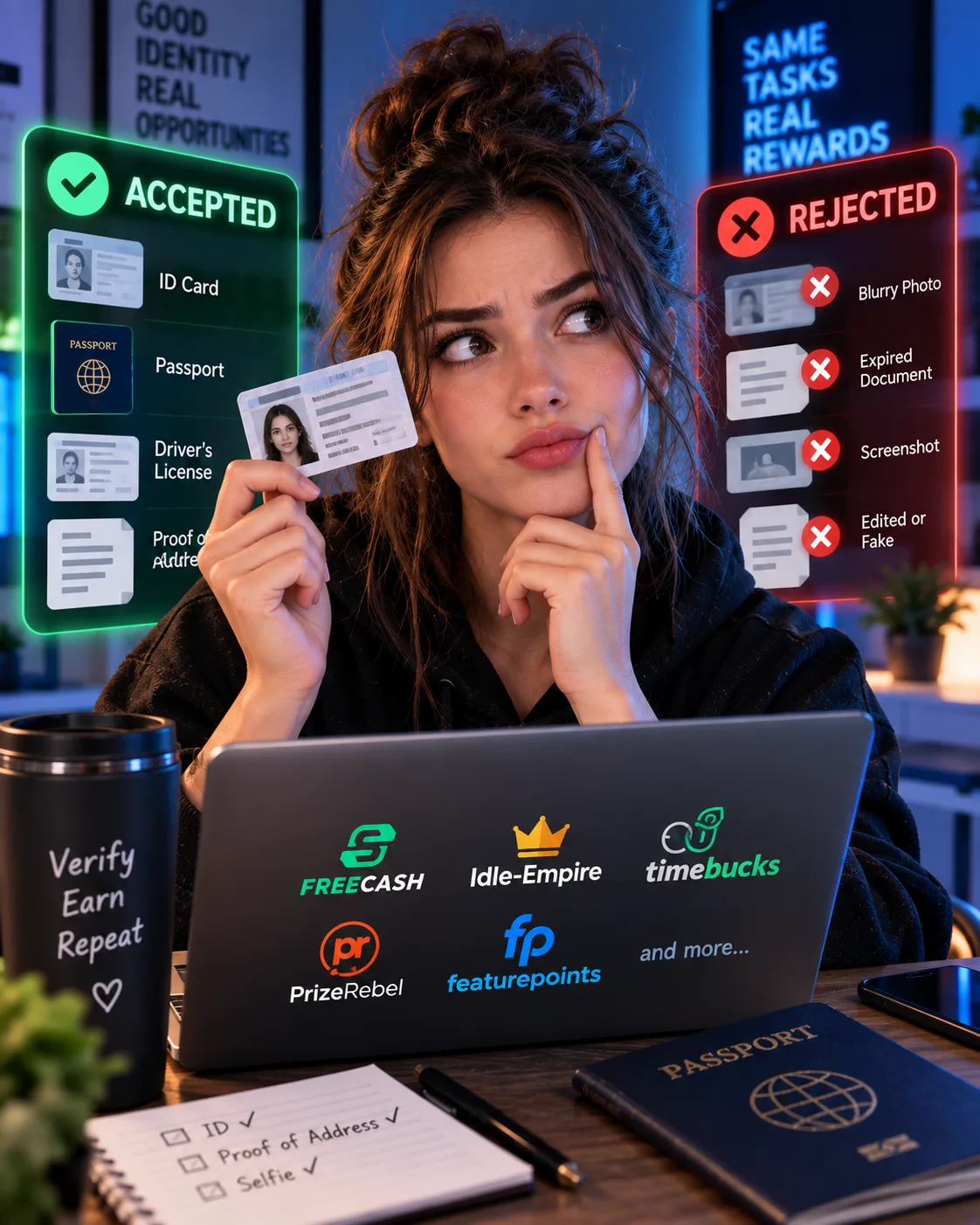
Freecash requires the physical, original version of a government-issued ID. This is the single most important rule. Veriff, the verification partner, cannot accept photocopies, screenshots, or images displayed on a screen. If you submit a photocopy or a picture of your ID, the check will fail automatically, and you will need to resubmit using a physical document.
The accepted document types depend on your country. For the United States, Canada, the United Kingdom, Australia, Germany, France, and most other countries, the accepted documents are:
- Passport
- National ID card
- Driver's license
- Residence permit (where applicable)
For a full list by country, Freecash publishes a country-by-country table in its help centre. The key point is that you need at least one of these documents in its physical form, and it must be valid — expired documents are rejected.
Swagbucks (via Persona)
Swagbucks uses Persona, a US-based identity verification company. The process typically requires an image of a government-issued ID and a selfie. Persona will prompt you for whatever information is required based on your account and location. In most cases, a passport, driver's license, or national ID card is sufficient. The process is designed to be quick — usually a few minutes — but Swagbucks notes that in some circumstances, its team may require up to 10 additional business days to review and confirm the results.
Swagbucks also offers an alternative verification path via phone or mail. In that case, users receive a unique PIN via text message or postcard, which they enter into their account to complete verification. This option is available when you receive an account verification message at the point of reward redemption.
ySense (via Persona)
ySense also partners with Persona. The process is identical to Swagbucks: an image of a government-issued ID and a selfie. The same document types are accepted — passport, driver's license, or national ID card. The review time varies by case.
Why KYC Verification Fails (And How to Fix It)
Most KYC failures are preventable. Here are the most common reasons verification is rejected and what you can do about each one.
1. Submitting a Photocopy or Screen Image
This is the number one cause of Freecash KYC failure. Veriff cannot verify a document that is not the physical original. If you photograph a printout of your ID, or take a screenshot of a digital ID on your phone, the check will fail. The fix is simple: use the physical card or booklet.
2. Poor Lighting or Blurry Images
Even with a physical ID, a blurry photo or a dark environment can cause a rejection. Veriff uses AI to analyse the images, and if the text is not clearly readable or the document edges are not visible, it will fail.
3. Glasses, Hats, or Face Obstructions in the Selfie
Freecash's guidance is explicit: remove glasses, hats, and anything that obscures your face before taking the selfie. Your face must be fully visible and match the photo on your ID. The fix: take the selfie in a well-lit room, look directly at the camera, and make sure your expression is neutral. Do not smile excessively or tilt your head.
4. Expired or Unsupported Documents
If your ID has expired, the verification will fail. Some countries also have specific document requirements — for example, certain national ID cards may not be supported for KYC in all regions. The fix: check the platform's accepted document list for your country before starting. If your primary ID is expired, use an alternative (passport or driver's license) if available.
5. Too Many Failed Attempts
This is a critical mistake that many users make. If you fail verification multiple times in a row, the system may temporarily restrict your ability to retry. The fix: if your first attempt fails, do not immediately try again. Read the error message carefully, fix the specific issue, and wait at least a few hours before retrying. If you fail twice, contact support before attempting a third time.
6. Mismatched Name or Personal Information
If the name on your ID does not match the name on your GPT site account, the verification will fail. This can happen if you used a nickname, a different spelling, or a different name format when registering. The fix: contact support to correct your account name before attempting verification. Do not create a new account — that will trigger a permanent ban and forfeit your balance.
What to Do If Your KYC Is Rejected and Your Balance Is Frozen
Step 1: Do Not Create a New Account
This is the most important rule. Creating a second account to bypass verification will result in a permanent ban on both accounts, and you will lose the balance on both. Freecash, Swagbucks, and ySense all have systems to detect duplicate accounts. The temporary pain of a failed KYC is far better than the permanent loss of your funds.
Step 2: Identify the Specific Failure Reason
Go back to the verification screen and read the error message carefully. Common messages include:
- "Document not readable" — your photo was blurry or poorly lit
- "Document type not supported" — you used an ID type the platform does not accept
- "Face match failed" — your selfie did not match the ID photo
- "Physical document required" — you submitted a photocopy or screen image
Each error points to a specific fix. Do not guess — address the exact issue that was flagged.
Step 3: Contact Support Through the Correct Channel
Freecash support is available through the Live Chat in your account dashboard or by email at support@freecash.com. The live chat is the fastest option. When you contact support, include the following information:
- Your Freecash ID (found in your account settings)
- The email address associated with your account
- A description of the error message you received
- The date of your last verification attempt
- Screenshots of the error message
Swagbucks and ySense support are accessible through their respective help centres. For Swagbucks, the help centre has a dedicated ID verification section with links to Persona's support channels.
Step 4: Wait for Manual Review
If your KYC is flagged for manual review, the process can take longer. Swagbucks explicitly states that its team may require up to 10 additional business days to review and confirm results. Freecash support typically responds within a few days, though complaint reports suggest response times can stretch longer during high-volume periods.
During this period, do not send multiple support tickets. This slows down the review process and can push your case to the bottom of the queue. Send one detailed ticket and wait for a response.
How to Protect Your Balance Before You Reach the KYC Stage
The best way to avoid losing your balance to a KYC failure is to prepare before you need to withdraw. Here are practices that can reduce risk:
- Verify your identity early. Do not wait until you have a large balance. On Freecash, you can complete KYC before your first payout — do it as soon as you create the account. If there is a problem, you want to discover it when your balance is small, not when you are trying to withdraw €100.
- Use a consistent name across your accounts. The name on your GPT site account must match the name on your ID. If you are using a nickname on the platform, change it before attempting verification.
- Have your physical ID ready before you start. Do not begin the verification process until you have the physical document in hand. Do not attempt it with a photocopy, a screen image, or a digital ID on your phone.
- Withdraw frequently. Once your account is verified, cash out as soon as you hit the minimum threshold. Do not let a large balance accumulate. If the platform later flags your account for another reason, you want your exposure to be as small as possible.
- Avoid VPNs entirely. VPN usage is a red flag on every major GPT platform. Even if you are genuinely located in a supported country, the presence of a VPN can trigger additional scrutiny or suspension. Do not use one while completing offers or initiating withdrawals.
- Keep records of your earnings. Screenshot your completed offers, your balance history, and any support conversations. If a dispute arises, documented evidence is your best tool.
KYC and Taxes: What You Need to Know
Once you complete KYC, the platform has your verified identity and tax information. In the US, UK, Canada, and Australia, GPT site earnings are taxable income. The KYC process ensures that the platform can report your earnings to tax authorities if required.
For users in the United States, GPT site earnings are self-employment income if they exceed $400 per year. You must report them on Schedule C and pay self-employment tax. For UK users, GPT earnings fall under miscellaneous income, and the £1,000 trading allowance covers most casual users. Canadian users must report GPT earnings as business income on T2125. Australian users must declare GPT earnings as assessable income.
If you are earning significant amounts, keep records of your payouts and consult a tax professional. The KYC process does not change your tax obligations — it simply ensures that the platform can comply with its own reporting requirements.
Frequently Asked Questions
Can I bypass KYC on a GPT site?
No. Freecash, Swagbucks, and ySense all require identity verification before you can withdraw. There is no legitimate workaround, and attempting to bypass verification by creating a new account or using someone else's ID will result in a permanent ban and forfeiture of your balance.
How long does KYC take on GPT sites?
Freecash verification via Veriff typically takes a few minutes if the documents are clear. Swagbucks and ySense verification via Persona usually takes a few minutes but can take up to 10 business days if manual review is required.
Platform information and limitations
The most common reason is submitting a photocopy or screen image instead of the physical document. Veriff cannot accept photocopies or images displayed on a screen. Other common reasons include poor lighting, blurry images, obstructions in the selfie, or a mismatched name between your account and your ID.
Platform information and limitations
Your balance is frozen but not lost. You can retry verification after correcting the issue. If you are permanently blocked from verification, your balance may be forfeited — but this typically only happens after multiple failed attempts or suspected fraud.
Can I use a passport instead of a national ID card for KYC?
Yes, in most cases. Freecash, Swagbucks, and ySense all accept passports as a valid form of government-issued ID. Check the platform's accepted document list for your specific country to confirm.
Should I create a new account if my KYC fails?
No. Creating a new account to bypass a failed KYC will result in a permanent ban on both accounts and forfeiture of all balances. Contact support instead.
How do I contact Freecash support about a KYC issue?
Use the Live Chat feature in your Freecash account dashboard for the fastest response, or email support@freecash.com. Include your Freecash ID, account email, a description of the error, the date of your last attempt, and screenshots.
Does Swagbucks require KYC for all withdrawals?
No. Swagbucks triggers KYC on a case-by-case basis when you redeem a reward. Not every account is selected for verification. If you are selected, you can verify via Persona (government ID + selfie) or via a phone/mail PIN verification process.
Bottom Line
KYC is the single most common point of failure for GPT site users. The money you have earned is only yours once you have passed verification and withdrawn it. Freecash requires verification before your first payout, while Swagbucks and ySense trigger it when you redeem rewards. The process is not difficult — but it is unforgiving of mistakes.
The most important rules are: use the physical, original version of your government-issued ID; take clear photos in good lighting; remove glasses and hats for the selfie; do not create a new account if verification fails; and contact support through the correct channel with complete documentation. If you verify your identity early, keep your account name consistent, and withdraw frequently, you will never find yourself locked out of a balance you earned. The few minutes it takes to complete KYC are a small price to pay for the security of knowing your money is actually yours.
Get the Ultimate GPT Insider Guide🚀
Learn how survey disqualifications work and proven ways to qualify for more studies. 100% Free.
LootHub.org
Recommended posts
Continue with these related reward guides.
 VERIFIED 2026
GPT Site KYC Guide: What Documents Are Accepted and What Gets Rejected
 VERIFIED 2026
Freecash Withdrawal Guide 2026: PayPal, SEPA, Crypto — Fees, KYC & Real Timelines
 VERIFIED 2026
Crypto Payouts on GPT Sites 2026: Volatility, Fees & Tax Traps to Know
 VERIFIED 2026