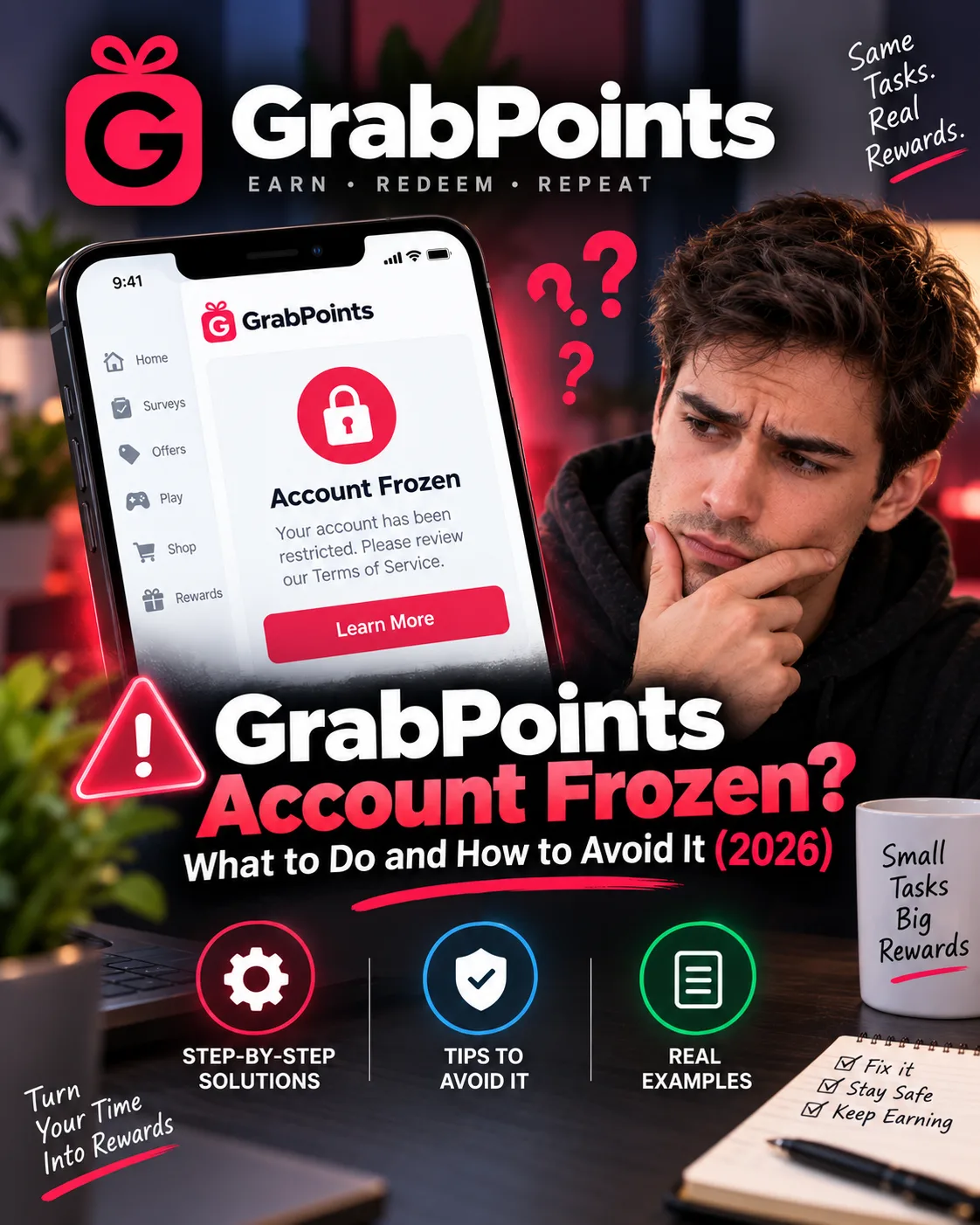
GrabPoints Account Frozen? What to Do and How to Avoid It (2026)
GrabPoints
 VERIFIED 2026
Quick answer
The critical distinction is between a frozen account and a suspended account . A frozen account is a temporary restriction that allows you to log in and earn points but blocks all redemptions. A suspended account is more severe — it may result in permanent loss of access and forfeiture of all points.
This guide breaks down the most common freeze triggers, what to do when it happens, and how to protect your account from the start.
What Does a Frozen GrabPoints Account Mean?
According to GrabPoints' official support documentation, when your account is frozen, the following restrictions apply:
- You can continue to earn points — You can earn, but cannot redeem until the provided date.
- You cannot cash out — All reward redemptions are disabled.
- You must wait until the freeze is lifted — The freeze lasts until a specific date, which will either be communicated to you or determined by the system or support team.
- Your account remains active — You can still log in and view your points and account history.
The freeze may lead to permanent suspension if the issue isn't resolved, according to the platform's published documentation.
For a full breakdown of the platform's overall performance and payout methods, see our GrabPoints review.
What Triggers a GrabPoints Account Freeze?
GrabPoints does not publish a complete list of freeze triggers, but its support documentation and "Common Mistakes" guide identify the following as the most common causes:
1. VPN or Proxy Usage (The Most Common Cause)
Using a VPN or proxy server while accessing GrabPoints is explicitly prohibited. The platform states: "Any use of VPNs or proxies will result in account suspension".
2. Rushing Through Surveys
If you click through surveys too quickly or do not read the questions, the system may detect poor-quality responses. This can lead to survey rejections, a drop in available opportunities, and account flags.
3. Providing Inconsistent Information
If your age, job, or household info changes dramatically from one survey to the next, research partners may flag your account as unreliable. Basic consistency matters.
4. Creating Multiple Accounts
Each person is allowed only one GrabPoints account. Creating duplicates to try to earn more or refer yourself violates the platform's rules and will almost always result in both accounts being blocked, according to GrabPoints' published terms.
5. Giving Fake or Nonsense Answers
Typing random letters, repeating phrases, or making up unrealistic responses might seem harmless, but it damages the research and can hurt your account standing. Many surveys have built-in quality checks to detect this.
6. Using Scripts or Bots
Automation tools or browser extensions that auto-fill answers or farm surveys are strictly prohibited. They harm the integrity of the platform and are quickly flagged by anti-fraud systems.
For a full breakdown of what happens when points are frozen rather than the whole account, see our GrabPoints payout troubleshooting guide.
What About Frozen Points (Not the Whole Account)?
Frozen points are different from a frozen account. Frozen points are temporarily inaccessible points that have been removed from your available balance. They cannot be redeemed until the freeze is lifted — if it ever is.
Why points may be frozen:
- Security concerns (e.g., suspicious activity)
- Bot-like behavior
- Use of emulators
- Hacking attempts or tampering
- Delayed advertiser payment
- Providing false or misleading information when completing surveys or offers
- Using automated tools to bypass system restrictions
- Technical issues causing duplicated or incorrectly routed credit
When will frozen points be released?
- Typically released within 15 to 45 days if the advertiser approves and compensates GrabPoints after their review.
- Points frozen due to technical issues, however, will remain frozen permanently and cannot be recovered.
Step-by-Step: How to Recover a Frozen GrabPoints Account
If your account has been frozen, here is a recommended process based on GrabPoints' support guidance and common user reports:
- Check your email (including spam) for communication from GrabPoints. The freeze notice may include an expected unfreeze date or a request for additional information.
- Review the Terms of Use and policies. Identify which rule you may have violated. The most common triggers are VPN usage, multiple accounts, and inconsistent survey answers.
- Check your account history for frozen points. Log in and go to your account history to see if specific points are frozen or if your entire account is restricted.
- If your account is under review, link your PayPal account. According to GrabPoints support, while your account is under review, you need to link your PayPal account and reply to the email once it's connected.
- Contact support politely and factually. If you believe the freeze was a mistake, reach out through the chat feature on the GrabPoints Help Desk page. Be polite and factual. Explain the situation without emotion.
- Acknowledge any mistake you may have made. If you used a VPN, admit it. If someone else in your household created an account, explain the situation. Support is more likely to respond positively to honesty than to denial or aggression.
- Wait for a response. Support response times vary. Some users report same-day resolutions; others wait longer. Do not send repeated follow-up messages — it will not help.
For a full breakdown of how to contact support for payout issues specifically, see our GrabPoints payout troubleshooting guide.
How to Write an Effective Support Ticket
The appeal strategy matters. A clear, well-documented ticket is more likely to get a positive response than an emotional complaint.
Include the following in your ticket:
- Your username
- The date you noticed the freeze
- Your point balance at the time of the freeze
- Any information about what you were doing before the freeze
- A polite request for clarification
What to avoid:
- Demanding, threatening, or complaining emotionally
- Sending multiple tickets for the same issue
- Assuming the freeze is permanent without checking
What to expect: Support response times are inconsistent. Some users get a response within 24–48 hours; others wait a week or more. If the freeze was triggered by a technical error or a cashout hold, it may be resolved quickly. If it was triggered by VPN usage, recovery is less likely because the violation is explicit in the Terms of Service.
How to Avoid a GrabPoints Account Freeze
Most freezes are preventable. The following checklist is based on the platform's published rules and reported user experiences:
- Never use a VPN. This is the single most important rule. Even if a task explicitly says "VPN friendly," do not use a VPN. The automated system does not distinguish between context and intent.
- Turn off ad blockers and privacy extensions. These can interfere with tracking signals and trigger anti-fraud flags.
- Use only one account. Do not create a second account, even if you think it is for a different purpose.
- Complete tasks honestly. Do not use bots, scripts, or automation tools. Do not speed-run through surveys or provide inconsistent answers.
- Cash out as soon as you hit the $3 threshold. Do not accumulate a large balance. The documented pattern of suspensions after second payout requests suggests that large balances attract scrutiny.
- Keep documentation for high-value tasks. Screenshots and confirmation emails make support tickets more likely to succeed.
For more on maximizing your earnings while staying within the rules, see our GrabPoints review and our payout guide.
Frequently Asked Questions
Can I get my GrabPoints account back after a freeze?
Sometimes. If the freeze was a technical error or a temporary cashout hold, it may be resolved quickly after contacting support. If the freeze was for VPN usage or multiple accounts, recovery is less likely because the violation is explicitly prohibited in the Terms of Service.
How long does a GrabPoints freeze last?
There is no standard duration. Some freezes are lifted within days; others last weeks or lead to permanent suspension. The freeze notice may include an expected unfreeze date.
Will GrabPoints tell me why my account was frozen?
Not always. Some users receive a generic message about a terms of service violation; others receive no explanation. The help center lists potential reasons but does not confirm the specific trigger for individual accounts.
Can I still earn points while my account is frozen?
Yes. You can continue to earn points during a freeze. You cannot redeem them until the freeze is lifted.
What are frozen points?
Frozen points are temporarily inaccessible points removed from your available balance. They are typically released within 15 to 45 days if the advertiser approves the compensation. Points frozen due to technical issues remain frozen permanently.
Does GrabPoints freeze for using a VPN?
Yes. VPN usage is explicitly prohibited by GrabPoints' Terms of Service and is detectable. The platform states that "any use of VPNs or proxies will result in account suspension".
What happens to my points while my account is frozen?
Your points remain visible but are inaccessible for redemption. If the freeze is lifted, they become redeemable again. If the freeze leads to permanent suspension, the points may be forfeited.
Get the Ultimate GPT Insider Guide🚀
Learn how survey disqualifications work and proven ways to qualify for more studies. 100% Free.
LootHub.org
Recommended posts
Continue with these related reward guides.
 VERIFIED 2026
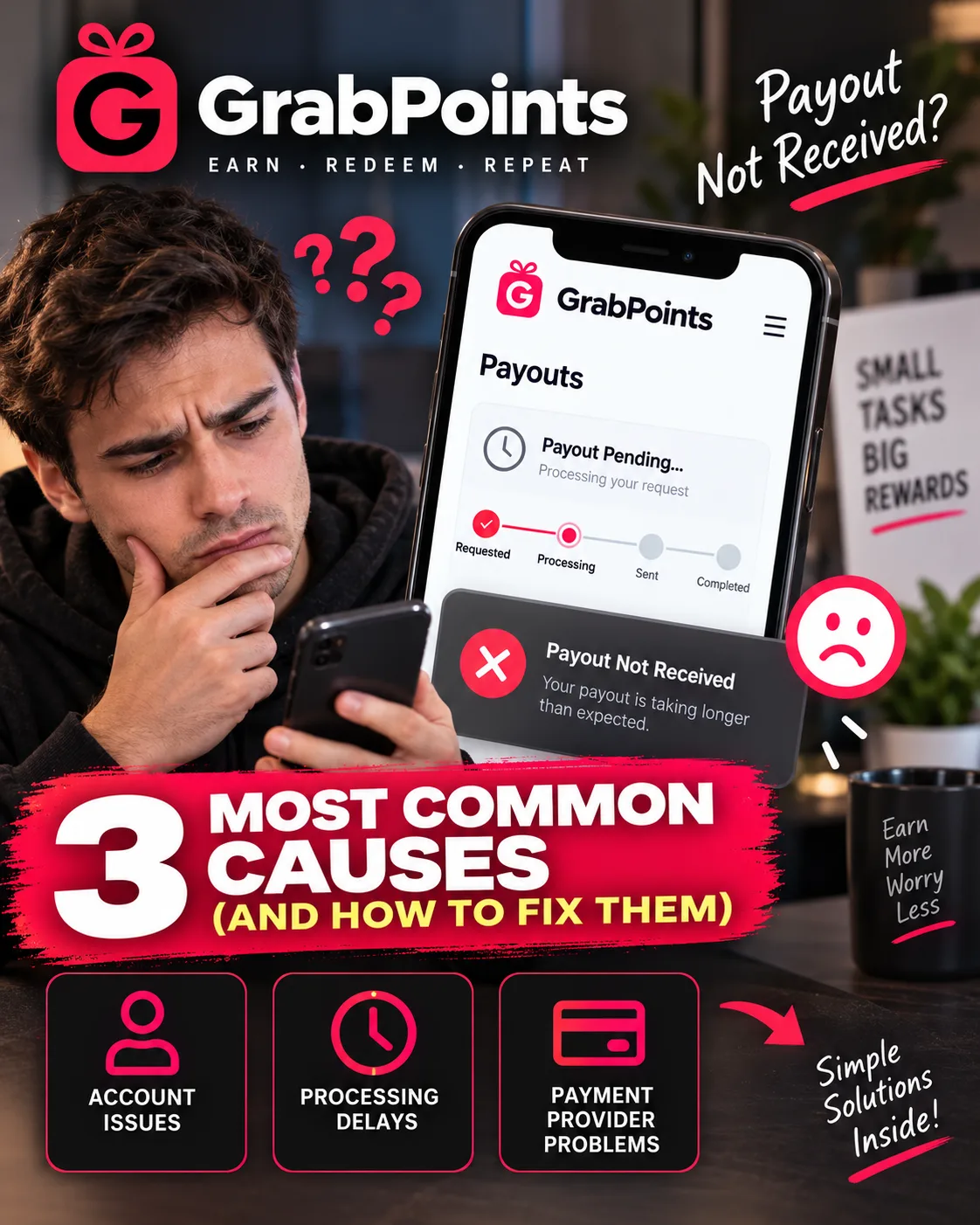
GrabPoints Payout Not Received? 3 Most Common Causes (and How to Fix Them)
 VERIFIED 2026
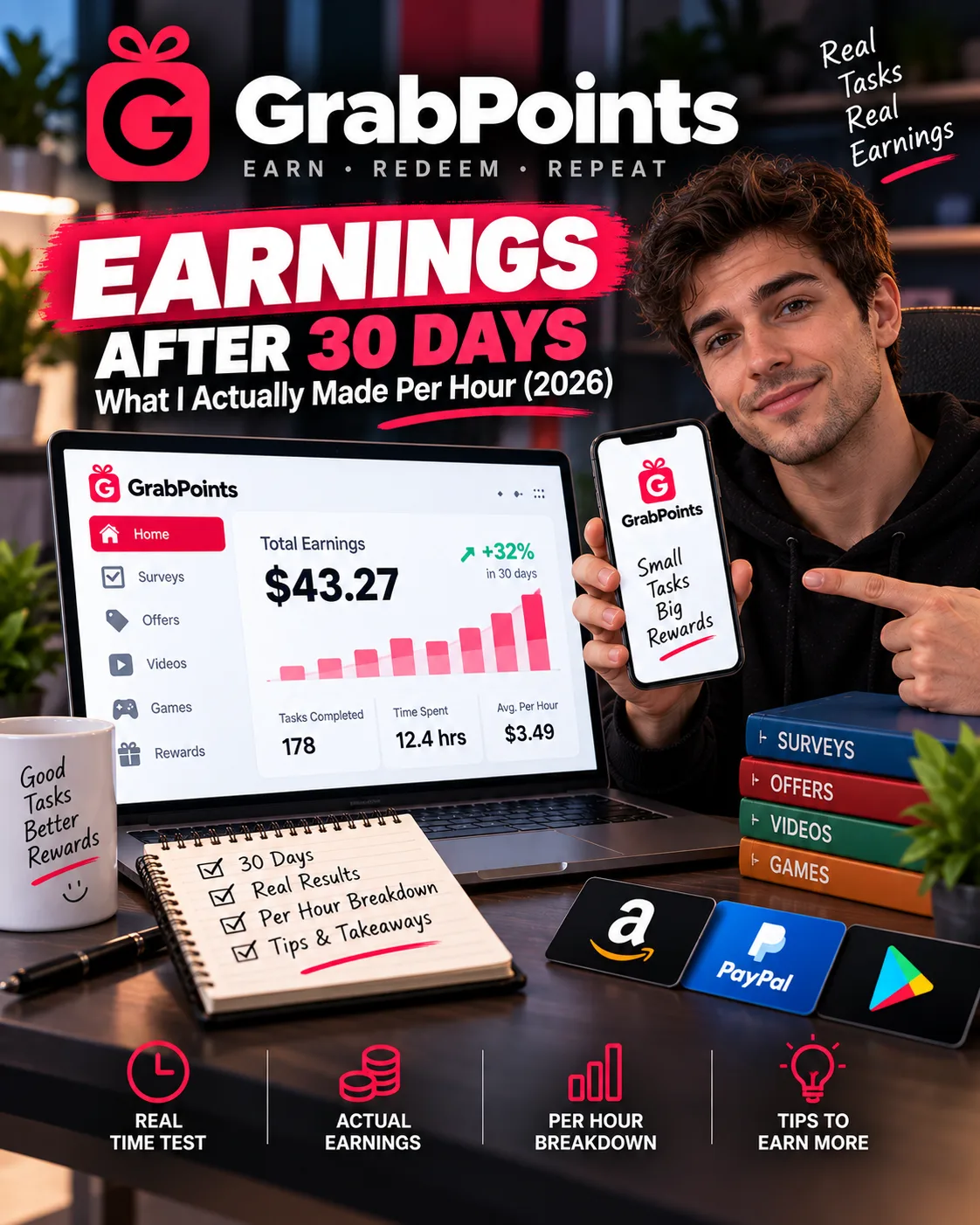
GrabPoints Review 2026: Earnings, Tasks & Platform Limits
 VERIFIED 2026
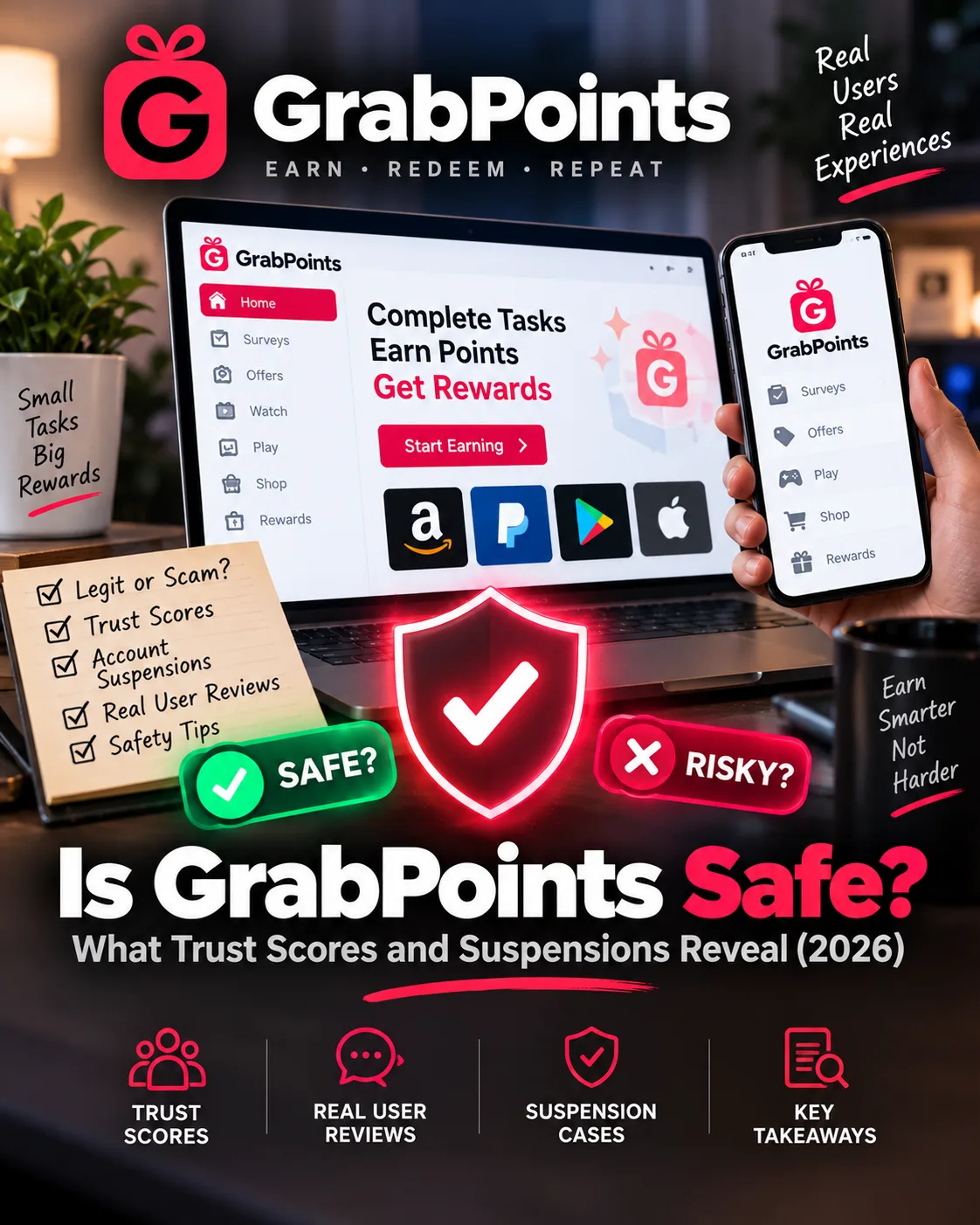
Is GrabPoints Safe? What Trust Scores and Suspensions Reveal (2026)
 VERIFIED 2026