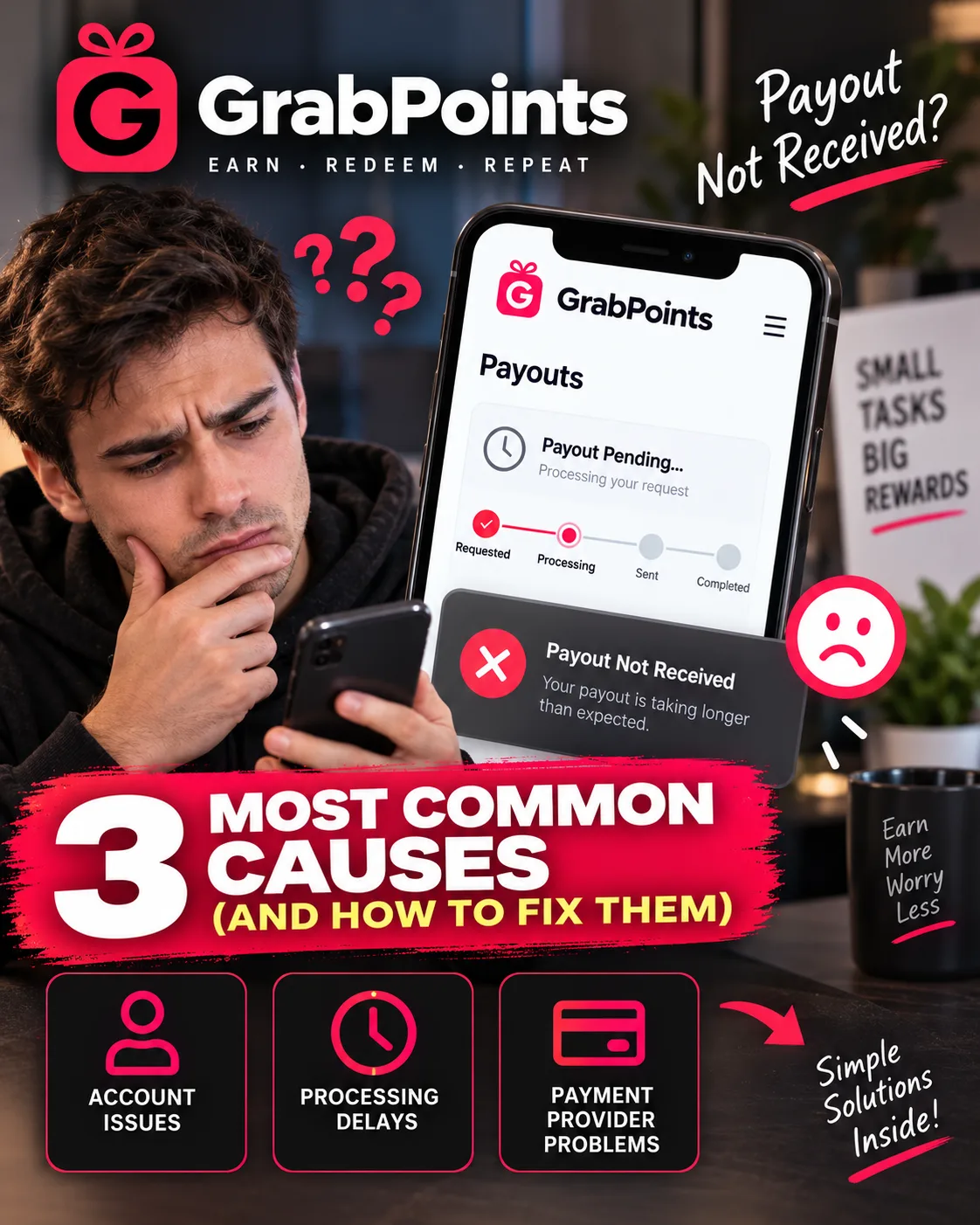
GrabPoints Payout Not Received? 3 Most Common Causes (and How to Fix Them)
GrabPoints
 VERIFIED 2026
Quick answer
If your GrabPoints payout has not arrived, the most likely cause is one of three things: the offer never tracked , your points were reversed by the survey provider , or your account was frozen after you requested the payout . Each has a different fix, and each has a different likelihood of success.
The good news is that GrabPoints processes most rewards within 1 business day — and in many cases, within minutes. The bad news is that, according to user reports on platforms like Trustpilot, a documented pattern of account freezes and point reversals means a significant number of users never receive the money they earned.
This guide walks through each cause, the exact steps to take, and the honest likelihood of getting your points back.
Cause 1: The Offer Never Tracked (Most Common for Missing Points)
This is the most common reason users do not receive credit for completed surveys or offers. GrabPoints relies on tracking signals from survey providers. If the signal is not received, GrabPoints cannot credit your account.
According to GrabPoints support, the most common reasons for missing credit include:
- You previously attempted the same survey or a similar version from another platform
- The provider flagged your submission as low quality — this can happen if answers were inconsistent or rushed
- You did not fully complete the survey or missed required steps
- You were disqualified late in the survey — this can happen after pre-screening questions
How to fix it:
- Wait at least 24 hours. Most surveys credit within 10 minutes, but some providers may take up to 24 hours.
- Check your account history. If the survey does not appear at all, the tracking signal was likely never received.
- Contact the survey provider directly. For missing points from specific providers, GrabPoints recommends contacting the provider directly. Here are the support contacts:
- CINT / Lucid — Submit a ticket through their support page
- CPX Research — Go to the CPX survey wall, click the menu icon, select "Help," and use the contact form
- Prime Surveys — Open the Prime Surveys panel, click the question mark icon, select "Ask Question"
- TheoremReach — Open the survey wall, click the menu icon, select "Survey History and Support"
- BitLabs — Submit a request through their Zendesk support page
- YourSurveys — Go to their support page and fill out a request form
- Grab Cherries — Email support@grabcherries.com
- Gather your evidence. Include screenshots showing you completed the offer, email receipts or confirmations, the email address used to sign up, and the location of the survey (e.g., "Found under Survey Partners").
- Wait for a response. Survey providers typically respond within 5 business days, excluding weekends and holidays.
Honest likelihood of success: Moderate. If the tracking signal exists but credit was not applied, providers often resolve the issue. If the signal was never received, there is nothing to investigate.
Cause 2: Your Points Were Reversed by the Provider (Most Frustrating)
Sometimes, points that were already credited to your account are reversed by the offer or survey provider. According to GrabPoints support, this usually happens when a completion is flagged as low quality or invalid based on the provider's review.
Common reasons for reversals include:
- Providing false or misleading information to qualify for a survey (e.g., incorrect demographic data)
- Rushing through surveys or clicking randomly
- Using VPNs, proxies, or other deceptive methods to bypass restrictions
- Duplicate entries or incomplete survey responses
- Technical issues causing duplicated or incorrectly routed credit
The critical limitation: GrabPoints states clearly that "the GrabPoints team is unable to credit back reversals, and all reversals are final".
How to fix it (or try to):
- Check your account history. Review whether points have been reversed and identify the specific survey or offer that caused the reversal.
- Review your survey answers. Ask yourself honestly whether any of the common reversal triggers apply — inconsistent answers, rushing, or using a VPN.
- Contact the survey provider directly. Even though GrabPoints cannot reverse a reversal, the provider may be able to review your case and issue a manual credit if the reversal was an error.
- Accept the outcome. If the provider confirms the reversal was valid, there is no further recourse. Reversals are final.
Honest likelihood of success: Low. Reversals are almost always final. The best strategy is prevention: answer surveys honestly, take your time, and never use a VPN.
For a full breakdown of how to avoid reversals and improve your survey quality score, see our GrabPoints survey disqualification guide.
Cause 3: Your Account Was Frozen After Requesting a Payout (Hardest to Fix)
This is the most damaging outcome for users — and it is a documented pattern. According to Trustpilot reviews, GrabPoints has a 1.5 out of 5 rating, with dozens of users describing the same experience: successful first withdrawal, suspension on the second.
What does a frozen account mean?
According to GrabPoints support, a frozen account means your access to key features is temporarily restricted. The following restrictions apply:
- You can continue to earn points — but you cannot redeem them until the freeze is lifted
- You cannot cash out — all reward redemptions are disabled
- You must wait until the freeze is lifted — the freeze lasts until a specific date communicated by the support team
The freeze "may lead to permanent suspension if the issue isn't resolved".
Common triggers for a freeze include:
- Suspicious activity
- Policy violations
- Bot-like behavior
- Use of emulators
- Use of VPNs or proxies
- Providing false or misleading information
How to fix it (or try to):
- Check your email for communication from GrabPoints. The freeze notice may include an expected unfreeze date or a request for additional information.
- Review the Terms of Use. Identify which rule you may have violated.
- Contact support. If you believe the freeze was a mistake, reach out through the chat feature on the GrabPoints Help Desk page. Be polite and factual.
- If the freeze is not lifted, consider whether you used a VPN accidentally. VPN usage is one of the most common triggers and is explicitly prohibited. Even a single VPN login can trigger a permanent freeze.
Honest likelihood of success: Low. Some freezes are temporary and lifted after the stated date. But the pattern of accounts being frozen immediately after a payout request — especially a second payout request — suggests that some freezes are designed to prevent payouts. Recovery is not guaranteed.
For the full step-by-step process on recovering a frozen account, see our GrabPoints account frozen guide.
What About Frozen Points (Not the Whole Account)?
Frozen points are different from a frozen account. Frozen points are temporarily inaccessible points that have been removed from your available balance. They cannot be redeemed until the freeze is lifted — if it ever is.
Why points may be frozen:
- Security concerns (e.g., suspicious activity)
- Bot-like behavior
- Use of emulators
- Delayed advertiser payment
- Providing false or misleading information
- Technical issues causing duplicated or incorrectly routed credit
When will frozen points be released?
- According to GrabPoints support, points are typically released within 15 to 45 days if the advertiser approves and compensates GrabPoints after their review
- Points frozen due to technical issues remain frozen permanently and cannot be recovered, according to GrabPoints support
If you see frozen points in your account history, wait the full 45 days before assuming they will not be released. If the freeze was triggered by a technical issue, they may never be released.
How Long Does a GrabPoints Payout Take?
| Reward type | Stated processing time | Realistic time |
|---|---|---|
| PayPal | Within 1 business day | Minutes to 24 hours |
| Gift cards | Within 1 business day | Minutes to 24 hours |
| Prepaid cards | Within 1 business day | Minutes to 24 hours |
| Gaming credits | Within 1 business day | Minutes to 24 hours |
| Offers (credit pending) | Up to 24 hours | Varies |
| Account security review | Varies | Can extend beyond 5 business days |
Important: Allow at least 5 full business days from the time of your redemption before contacting support about a missing reward. Business days do not include weekends or holidays.
How to Contact GrabPoints Support
The support process matters. A clear, well-documented ticket is more likely to get a positive response than an emotional complaint.
Step-by-step:
- Go to the GrabPoints Help Desk page.
- Click the chat icon in the bottom-right corner of the page.
- Describe your issue clearly. Include:
- Your username
- The reward type and redemption date
- The number of points deducted
- Screenshots showing the issue
- If your issue is with a specific survey provider, contact the provider directly using the list in Cause 1 above.
- Wait for a response. Support response times vary. Some users report same-day resolutions; others wait longer.
How to Avoid Payout Problems Before They Happen
Most stuck payouts are preventable. Here is a checklist to follow:
- Never use a VPN. VPN usage is explicitly prohibited and is the most common trigger for account freezes and point reversals.
- Answer surveys honestly and consistently. Inconsistent answers or rushed responses can lead to low-quality flags and reversals.
- Do not open multiple surveys at once. This can cause tracking issues or lower your quality score.
- Cash out as soon as you hit the $3 threshold. Do not accumulate a large balance. The documented pattern of suspensions after second payout requests suggests that large balances attract scrutiny.
- Keep documentation for high-value surveys. Screenshots and confirmation emails make support tickets more likely to succeed.
- Check your email (including spam) for reward notifications. Sometimes reward notifications end up in spam or junk folders.
For more on maximizing your earnings while staying within the rules, see our GrabPoints review and our GrabPoints payout guide.
Frequently Asked Questions
Why is my GrabPoints payout still pending?
If it has been less than 1 business day, this is normal. If it has been longer, the most likely causes are a security review or a frozen account. Check your email for any communication from GrabPoints.
What does "frozen points" mean on GrabPoints?
Frozen points are temporarily inaccessible points removed from your available balance. They are typically released within 15 to 45 days if the advertiser approves the compensation. Points frozen due to technical issues remain frozen permanently.
Why was my GrabPoints payout cancelled?
Redemptions are typically cancelled because some points are frozen (pending security checks or survey validations), some points were reversed (the provider flagged the completion as invalid), or the reward is temporarily out of stock.
Can I get my reversed points back?
No. GrabPoints states clearly that "the GrabPoints team is unable to credit back reversals, and all reversals are final". The only recourse is contacting the survey provider directly.
How do I contact the survey provider for missing points?
Each provider has its own support process. For CINT/Lucid, submit a ticket through their support page. For CPX Research, use the contact form in the survey wall. For BitLabs, submit a request through their Zendesk page. Full provider contact details are listed in Cause 1 above.
Will my frozen account be unfrozen?
Some freezes are temporary and lifted after the stated date. However, the freeze "may lead to permanent suspension if the issue isn't resolved". If you believe the freeze was a mistake, contact support through the chat feature.
Is there a fee to retry a failed payout?
No. GrabPoints does not charge fees for standard payouts. The full point value is converted at the fixed 1,000 points = $1.00 rate.
Get the Ultimate GPT Insider Guide🚀
Learn how survey disqualifications work and proven ways to qualify for more studies. 100% Free.
LootHub.org
Recommended posts
Continue with these related reward guides.
 VERIFIED 2026
GrabPoints Account Frozen? What to Do and How to Avoid It (2026)
 VERIFIED 2026
GrabPoints Review 2026: Earnings, Tasks & Platform Limits
 VERIFIED 2026
Is GrabPoints Safe? What Trust Scores and Suspensions Reveal (2026)
 VERIFIED 2026
Idle-Empire vs Freecash vs GrabPoints 2026: Which GPT Site Pays More?
 VERIFIED 2026
GrabPoints Country Guide 2026: What Works in Germany, France, and the UK
 VERIFIED 2026