Honeygain Content Delivery Explained 2026: How to Earn More Credits
 VERIFIED 2026
Quick answer
Content Delivery (CD) is the single most important feature for maximizing your Honeygain earnings on a desktop. It pays a flat 6 credits per hour of connection — roughly $0.14 per day for a device running 24/7 — on top of your regular bandwidth sharing. Based on documented rates, Content Delivery can account for a substantial portion of desktop earnings. Without it, a desktop typically earns significantly less per month.
But Content Delivery comes with conditions that are not obvious at first glance. It is only available on Windows and macOS, only in certain countries, and only with an ISP or MOB IP type. It has a limited number of active slots, which means your device will spend time in a queue before it starts earning. And the data usage is significantly higher than regular bandwidth sharing — something to consider if you have a data cap.
This guide covers how Content Delivery works, which countries support it, how the queue behaves, realistic earning potential, and the settings that matter. If you are new to Honeygain, start with our Honeygain for beginners guide before diving into Content Delivery. For a full picture of what the platform pays, see our Honeygain review.
What Is Content Delivery?
Content Delivery is a separate earning mode on Honeygain that pays you for the time your desktop device is connected to Honeygain's CD servers, rather than for the amount of data you share. It is used for bandwidth-intensive content — streaming video, large images, heavy websites, IPTV, VoIP services, and social media feeds — that requires more bandwidth than the small web data fragments collected through Default Network Sharing.
The key distinction: Default Network Sharing (DNS) pays per gigabyte of data shared. Content Delivery pays per hour of connection. That means your earnings from CD are predictable — 6 credits per hour, regardless of how much traffic actually flows through your connection.
Content Delivery does not replace Default Network Sharing. When CD is active, both modes run simultaneously. You earn from CD at the hourly rate and you earn from DNS at the per-gigabyte rate. The two incomes stack.
How Much Does Content Delivery Pay?
Content Delivery pays a flat 6 credits per hour while your device is active in the CD pool. At the standard conversion rate of 1,000 credits = $1, that works out to:
| Time period | CD credits | USD value |
|---|---|---|
| 1 hour | 6 credits | $0.006 |
| 1 day (24 hours) | 144 credits | $0.14 |
| 1 week (7 days) | 1,008 credits | $1.01 |
| 1 month (30 days) | 4,320 credits | $4.32 |
The data usage is higher than regular sharing. Because CD handles bandwidth-intensive content, your monthly data consumption may increase significantly when it is active. This is something to consider if you have a data cap on your home internet plan. Honeygain states that CD is "incompatible with limited data plans."
Requirements: What You Need to Use Content Delivery
Content Delivery is not available to every Honeygain user. There are four requirements, and all of them must be met:
- Device type: Content Delivery only works on Windows and macOS desktop or laptop computers. It is not available on Android, Linux, Docker containers, or Raspberry Pi.
- Country: Your device must be located in one of the supported countries. The full list is below.
- IP type: Your connection must use an ISP or MOB usage type IP address. Datacenter (DCH), Organization (ORG), Reserved (RSV), Military (MIL), and Government (GOV) IPs are not eligible.
- App version: You must be running a recent version of the Honeygain desktop app. The feature was rolled out in phases, so older app versions may not include it.
If all four conditions are met, Content Delivery will appear as an option in your Honeygain app settings. If any condition is not met — for example, if you are on Linux, or in an unsupported country, or using a datacenter IP — the Content Delivery option will not appear at all.
Which Countries Support Content Delivery?
Content Delivery is available in 44 countries, grouped by region. Here is the full list, based on Honeygain's official documentation:
| Region | Countries |
|---|---|
| Western Europe | United Kingdom, Germany, France, Netherlands, Belgium, Denmark, Ireland, Portugal, Austria, Switzerland |
| Northern Europe | Finland, Norway, Sweden |
| Southern Europe | Greece, Italy, Spain, Türkiye (Turkey) |
| Eastern Europe | Romania, Poland, Czechia, Moldova, Hungary, Serbia, Russia |
| North America | United States, Canada, Mexico |
| South America | Argentina, Brazil, Peru, Colombia |
| Asia | India, Japan, China, Taiwan, Hong Kong, Malaysia, Philippines, South Korea, Singapore, Thailand, Israel, Georgia |
| Africa | South Africa |
| Oceania | Australia, New Zealand |
Honeygain continues to expand Content Delivery to new countries. In 2022, Moldova, Israel, and Georgia were added to the list. If your country is not listed, check back periodically — the list is updated as demand grows in new regions.
For German-speaking users: Germany, Austria, and Switzerland are all supported. For French-speaking users: France, Belgium, and Switzerland are supported. For users in other regions, the availability depends on whether Honeygain's business partners have demand for IP addresses from your country.
The Content Delivery Queue: What "In Queue" Means
Content Delivery has a limited number of active slots. Honeygain explains: "There is a limited number of devices that can share internet bandwidth through Content Delivery at the same time. If there are no more spots available on the Content Delivery, you will be put in the queue. Once an open spot comes up it will be activated for you."
The queue is not a bug. It is a capacity limit. Honeygain's partners pay for a certain amount of bandwidth-intensive traffic, and the platform only activates as many devices as the current demand supports. When demand increases, more slots open up and devices move from "In Queue" to "Active."
There is no way to jump the queue. The activation order depends on your region, IP type, and device history. Restarting the app does not help. Switching to a different device on the same network does not help. The only thing you can do is wait — or try again at a different time of day when demand may be higher.
While your device is in the queue, Default Network Sharing continues to run. You still earn credits from regular bandwidth sharing. You simply miss the Content Delivery hourly bonus until a slot opens up.
How to Enable Content Delivery
If you meet all the requirements, enabling Content Delivery takes about thirty seconds:
- Open the Honeygain app on your Windows or macOS device.
- Go to the Settings section.
- Find the Content Delivery toggle. It will be visible if your device and location are eligible.
- Turn it on. Your status will change to "In Queue".
- Wait for the status to change to "Active." This may take hours or days.
Once active, the app will show the Content Delivery status and begin earning credits at the rate of 6 per hour. There is nothing else to configure — the app handles the connection to CD servers automatically.
If the Content Delivery toggle does not appear, one of the four requirements is not met. Check that you are on Windows or macOS (not Linux or Android), that you are in a supported country, and that your IP is not classified as datacenter or reserved. For detailed troubleshooting of Content Delivery issues, see our Honeygain not earning guide.
Content Delivery vs Default Network Sharing: What's the Difference?
| Feature | Default Network Sharing (DNS) | Content Delivery (CD) |
|---|---|---|
| Earning model | Per GB of data shared | Per hour of connection |
| Rate | ~1 credit per 10 MB (varies by demand) | 6 credits per hour (fixed) |
| Available on | All devices (Windows, macOS, Linux, Android, Raspberry Pi) | Windows and macOS only |
| Available in | All countries where Honeygain operates | 44 countries (list above) |
| Data usage | Low | High (bandwidth-intensive content) |
| Predictability | Low (fluctuates with demand) | High (fixed hourly rate) |
| Queue | No queue | Yes — limited active slots |
How to Maximize Your Content Delivery Earnings
The following strategies are based on documented platform mechanics and reported user experiences:
- Run your desktop 24/7. Content Delivery pays per hour of connection. Every hour your device is off is an hour you do not earn. An always-on desktop is the ideal setup. If you are concerned about electricity costs, a low-power mini PC or a laptop with the lid closed will work.
- Keep the app updated. Honeygain periodically pushes updates that affect Content Delivery. Running an outdated version can cause the feature to stop working. Enable automatic updates, or check for new versions every few weeks.
- Do not use a VPN or proxy. Content Delivery requires an ISP or MOB IP type. A VPN changes your IP classification and will prevent CD from activating. If you use a VPN for daily browsing, disable it specifically for Honeygain. For more on this, see our Is Honeygain Safe? guide.
- Run on a separate device if possible. Content Delivery is only available on one device per IP address. If you have a second computer, run it on a separate network (mobile hotspot or a different Wi-Fi network) to activate a second Content Delivery pool.
FAQ
What is Content Delivery on Honeygain?
Content Delivery is a separate earning mode that pays you 6 credits per hour for keeping your desktop device connected to Honeygain's CD servers. It pays for time, not data, and runs alongside Default Network Sharing. It was designed for bandwidth-intensive content like streaming video and VoIP.
How much does Content Delivery pay?
Content Delivery pays 6 credits per hour (about $0.006 per hour, or $0.14 per day for a device running 24/7). Over a month, that adds up to about $4.32 in CD earnings alone. Combined with Default Network Sharing, desktop earnings typically reach $6 to $10 per month.
Why is my Content Delivery stuck "In Queue"?
"In Queue" means the Content Delivery pool is currently at capacity. It is not an error. Your device will be activated automatically when a slot becomes available. Default Network Sharing continues to earn while you wait.
Is Content Delivery available in my country?
Content Delivery is available in 44 countries across Europe, North America, South America, Asia, Africa, and Oceania. Check the full list in the article above. Germany, Austria, France, Belgium, and Switzerland are all supported.
Can I use Content Delivery on my phone?
No. Content Delivery is only available on Windows and macOS desktop or laptop computers. It does not work on Android, Linux, Docker containers, or Raspberry Pi.
Does Content Delivery use more data?
Yes. Content Delivery handles bandwidth-intensive content, so your data usage may increase significantly when it is active. Honeygain states that CD is incompatible with limited data plans. If you have a data cap, monitor your usage carefully.
Does Content Delivery replace Default Network Sharing?
No. Content Delivery is an additional earning mode. When CD is active, both CD and Default Network Sharing run simultaneously, and you earn from both.
How do I know if Content Delivery is working?
When Content Delivery is active, the Honeygain app will show your status as "Active" and you will see CD credits accumulating in your transactions history. If the status shows "In Queue," CD is not currently earning — but Default Network Sharing should still be running.
Final Verdict
Content Delivery is the most reliable way to increase Honeygain earnings on desktop, provided your device can stay online continuously and you have an unlimited or high-capacity data plan. It is not available to all users, and the queue can limit earnings in practice, but for eligible desktop users it is generally worth enabling.
For a complete guide to installing and configuring Honeygain, see our Honeygain for beginners guide. For realistic earnings numbers, see our Honeygain review. For payout details, see our payment methods guide.
Get the Ultimate GPT Insider Guide🚀
Learn how survey disqualifications work and proven ways to qualify for more studies. 100% Free.
LootHub.org
Recommended posts
Continue with these related reward guides.
 VERIFIED 2026
Honeygain vs EarnApp vs PacketStream vs Traffmonetizer vs Repocket: Real Passive Income Ranking (2026)
 VERIFIED 2026
Honeygain for Beginners 2026: How to Install, Configure and Maximize Earnings
 VERIFIED 2026
Honeygain Review 2026: Platform Analysis — Real Earnings & Verdict
 VERIFIED 2026
Is Honeygain Safe? Real Earnings, Legal Risks & Better Alternatives (2026)
 VERIFIED 2026
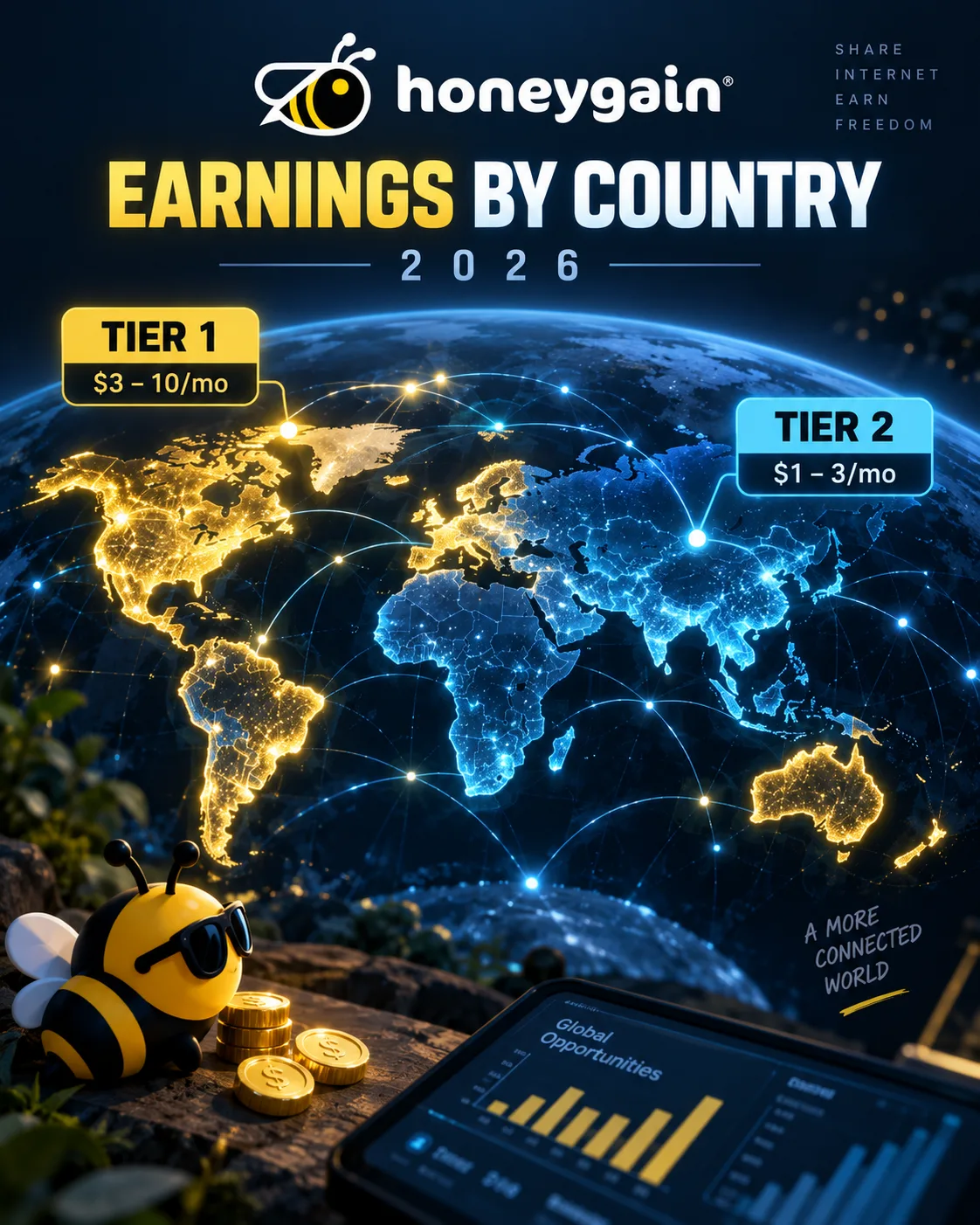
Honeygain Earnings by Country 2026: Tier 1 vs Tier 2 — Real Numbers
 VERIFIED 2026