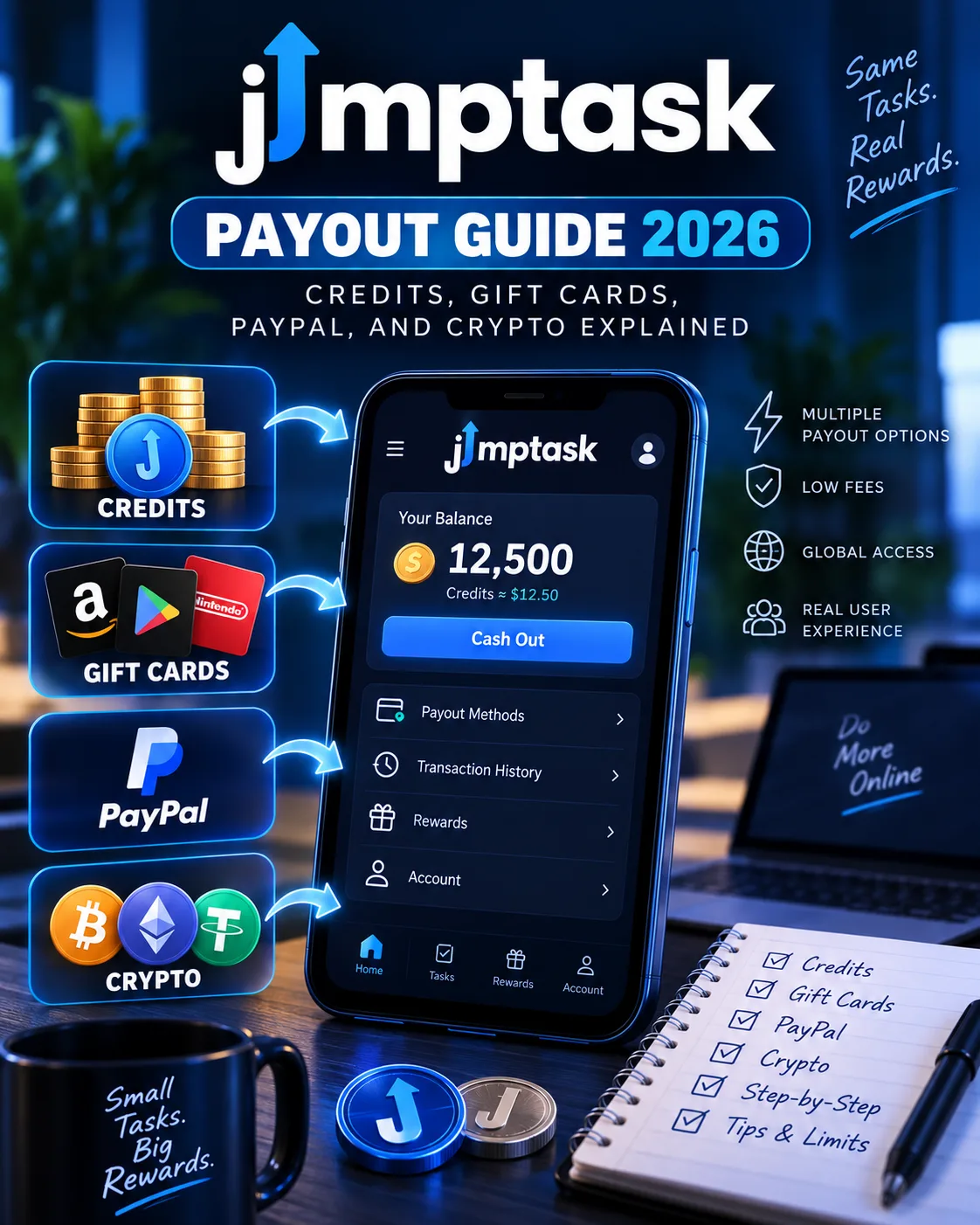
JumpTask Payout Guide 2026: Credits, Gift Cards, PayPal, and Crypto Explained
JumpTask
 VERIFIED 2026
Quick answer
JumpTask rebuilt its payout system from the ground up on August 10, 2026 . The old token-based model ($JMPT) was replaced with a credits system with a fixed dollar value: 1,000 credits = $1.00 . The minimum payout dropped to $0.50 (500 credits) — one of the lowest thresholds in the entire GPT and microtask industry.
All payouts now run through GIFQ, JumpTask's official payout partner. When you cash out, you're redirected to redeem.gifq.com to complete the transaction. GIFQ handles gift cards, PayPal, bank transfers, prepaid cards, and crypto — across more than 100 countries.
This guide walks through the entire payout process: what credits are, how the GIFQ redirect works, every withdrawal option, the exact thresholds, and what happened to the JMPT token after September 10, 2026.
What Are JumpTask Credits? (1,000 Credits = $1)
Credits are JumpTask's new earnings unit. Every task, offer, survey, and referral reward you complete pays out in credits, and your balance is held in credits until you cash out.
The conversion rate is fixed: 1,000 credits = $1.00. This rate does not change. Your balance is worth the same amount today, tomorrow, and next month — it does not move with any market. If your balance is worth $5.00 when you go to bed, it is worth $5.00 when you wake up.
| Credits | USD Value |
|---|---|
| 500 | $0.50 |
| 1,000 | $1.00 |
| 5,000 | $5.00 |
| 10,000 | $10.00 |
| 25,000 | $25.00 |
| 100,000 | $100.00 |
To convert any amount yourself, divide the credit figure by 1,000.
Credits are not a token and are not traded anywhere. They have one value, set by JumpTask, and that value does not change. They exist inside your JumpTask account until you cash them out.
What Happened to the JMPT Token?
If you held JMPT inside JumpTask before August 10, 2026, your balance was converted to credits automatically on launch day. Nothing was lost. The conversion used the JMPT market rate on that day, and the same rate was applied to all balances at once.
If you hold JMPT in your own wallet, the token still exists. But on September 10, 2026, JumpTask withdrew its JMPT liquidity from decentralized exchanges. After that date, selling or trading JMPT is likely to become very difficult, and may become impossible. The token will still exist, but without that liquidity there may be no practical way to exchange it.
JumpTask states clearly: "We can't advise you on that decision, and we won't make any claims about the token's price or future value".
For a full breakdown of the platform's performance after the migration, see our JumpTask review.
Withdrawal Thresholds: $0.50 Minimum
JumpTask's payout threshold is one of the lowest in the industry. The rules are simple:
- First payout: 1,000 credits ($1.00) minimum
- Every payout after that: 500 credits ($0.50) minimum
You can leave credits in your account and cash out again later. There is no expiry on credits, and no requirement to cash out everything at once.
For comparison: Swagbucks requires $3 for gift cards and $25 for PayPal. PrizeRebel requires $2 for gift cards and $5 for PayPal. Freecash requires $5–$20 depending on region. JumpTask's $0.50 threshold is unmatched.
For a direct comparison of how JumpTask's thresholds stack up, see our JumpTask vs Freecash vs Swagbucks comparison.
How to Cash Out on JumpTask: Step by Step
Cashing out takes a few steps. Here is the full flow from your dashboard to your payout:
Before you start
You need two things:
- Enough credits. The minimum payout is 500 credits ($0.50). If this is your first payout, the minimum is 1,000 credits ($1.00).
- An email or social login. The payout system runs on email-based accounts. If you sign in with a wallet only, you will be asked to add an email or social login the first time you cash out. It is a one-time step and takes under a minute.
Step 1 — Open the Payout section
Log in to your JumpTask account and click the Payout button under your balance. This replaces the old "My Wallet" section and shows your payout history.
Step 2 — Confirm and continue to GIFQ
Confirm your payout. JumpTask sends you to redeem.gifq.com to finish. GIFQ is the payout partner and handles gift card and crypto payouts for JumpTask. This redirect is normal. Before entering any details, check that the address in your browser is exactly redeem.gifq.com.
Step 3 — Complete your payout on GIFQ
Follow the steps on GIFQ to finish. What you do here depends on the option you chose:
- Gift card or prepaid card — You receive a code
- Digital wallet — You enter your account details
- Crypto — You enter your wallet address and select a network
Once confirmed, your payout is on its way. The payout appears in your payout history in the Payout section, along with its current status. Processing times vary by payout option.
Every Payout Method Explained
JumpTask offers six categories of payout through GIFQ. Here is what each one involves and who it is best for:
1. Gift Cards (5,000+ options)
This is the most popular payout method. GIFQ offers digital gift cards from over 5,000 brands across more than 100 countries, including Amazon, Steam, Netflix, PlayStation, Apple, Google Play, Starbucks, and DoorDash.
Best for: Users who want to convert credits into something they can spend directly. The variety means almost everyone can find a card they will actually use.
2. PayPal
PayPal cash transfers are available through GIFQ. You enter your PayPal account details on the GIFQ page, and the funds are transferred to your PayPal balance.
Best for: Users who want cash they can spend anywhere or transfer to a bank account.
3. Bank Transfer
Direct bank transfers are available in supported countries. JumpTask added this option as part of the new payout system, along with PayPal, prepaid cards, and crypto.
Best for: Users in countries where PayPal is restricted or where direct deposit is more convenient.
Processing time: 2–5 business days depending on the country and bank.
4. Cryptocurrency
GIFQ handles crypto payouts. You enter your receiving wallet address and select a network. Supported coins include Bitcoin, Ethereum, and others.
Best for: Users who want crypto exposure or who prefer not to use traditional payment channels.
Processing time: Usually within hours, depending on the blockchain and network congestion.
5. Prepaid Cards (Visa, Mastercard)
JumpTask offers prepaid Visa and Mastercard options through GIFQ. These are digital cards that can be used anywhere Visa or Mastercard is accepted.
Best for: Users who want the flexibility of a card without a bank account or PayPal.
Processing time: Same day to 24 hours.
6. Digital Wallets (Wise, Revolut, etc.)
GIFQ also supports digital wallets like Wise and Revolut, which are especially useful for international users who need multi-currency support.
Best for: Users in countries where PayPal or bank transfers are less accessible, or those who use multi-currency accounts.
Processing time: 24–48 hours.
Which Payout Method Should You Choose?
For a broader look at how JumpTask's payout methods compare to other platforms, see our JumpTask vs Freecash vs Swagbucks comparison.
What to Do If Your Payout Is Stuck
If your payout is not arriving, the first step is to check the payout status in your Payout section. If it shows "Pending," it is still processing. If it shows "Completed" but you have not received it, contact GIFQ support directly or use the "NEW Withdrawal System issue (GIFQ)" form on JumpTask's support site.
For a full troubleshooting guide, see our JumpTask payout troubleshooting guide.
Frequently Asked Questions
What is the minimum payout on JumpTask?
$0.50 (500 credits) for every payout after your first one. Your first payout has a $1.00 (1,000 credits) minimum.
How do I convert credits to dollars?
Divide the credit figure by 1,000. 5,000 credits = $5.00. 25,000 credits = $25.00. The rate is fixed and never changes.
What is GIFQ and why am I redirected there?
GIFQ is JumpTask's payout partner. When you cash out, you are redirected to redeem.gifq.com to complete the transaction. GIFQ handles gift cards, PayPal, bank transfers, prepaid cards, and crypto payouts across 100+ countries.
What happened to my JMPT balance?
Your JMPT balance was converted to credits automatically on August 10, 2026. Nothing was lost. The conversion used the JMPT market rate on that day.
Can I still cash out in JMPT?
No. JMPT is no longer supported as a payout method inside JumpTask. All payouts now run through credits and GIFQ. JumpTask withdrew its JMPT liquidity on September 10, 2026, after which selling or trading the token became very difficult or impossible.
How long does a JumpTask payout take?
Gift cards: same day to 24 hours. PayPal: 24–48 hours. Bank transfer: 2–5 business days. Crypto: usually within hours. Prepaid cards: same day to 24 hours.
Is there a fee to cash out on JumpTask?
JumpTask does not charge fees for payouts. GIFQ also does not charge for standard payouts. Crypto payouts may incur network fees, which are deducted from the amount received.
Get the Ultimate GPT Insider Guide🚀
Learn how survey disqualifications work and proven ways to qualify for more studies. 100% Free.
LootHub.org
Recommended posts
Continue with these related reward guides.
 VERIFIED 2026
Best GPT Sites in Canada 2026: What Actually Works (Interac, PayPal, and More)
 VERIFIED 2026
PrizeRebel Payout Methods 2026: PayPal, Venmo, Crypto or Gift Card — Which Pays Best?
 VERIFIED 2026
JumpTask Account Restricted? What to Do and How to Avoid It (2026)
 VERIFIED 2026