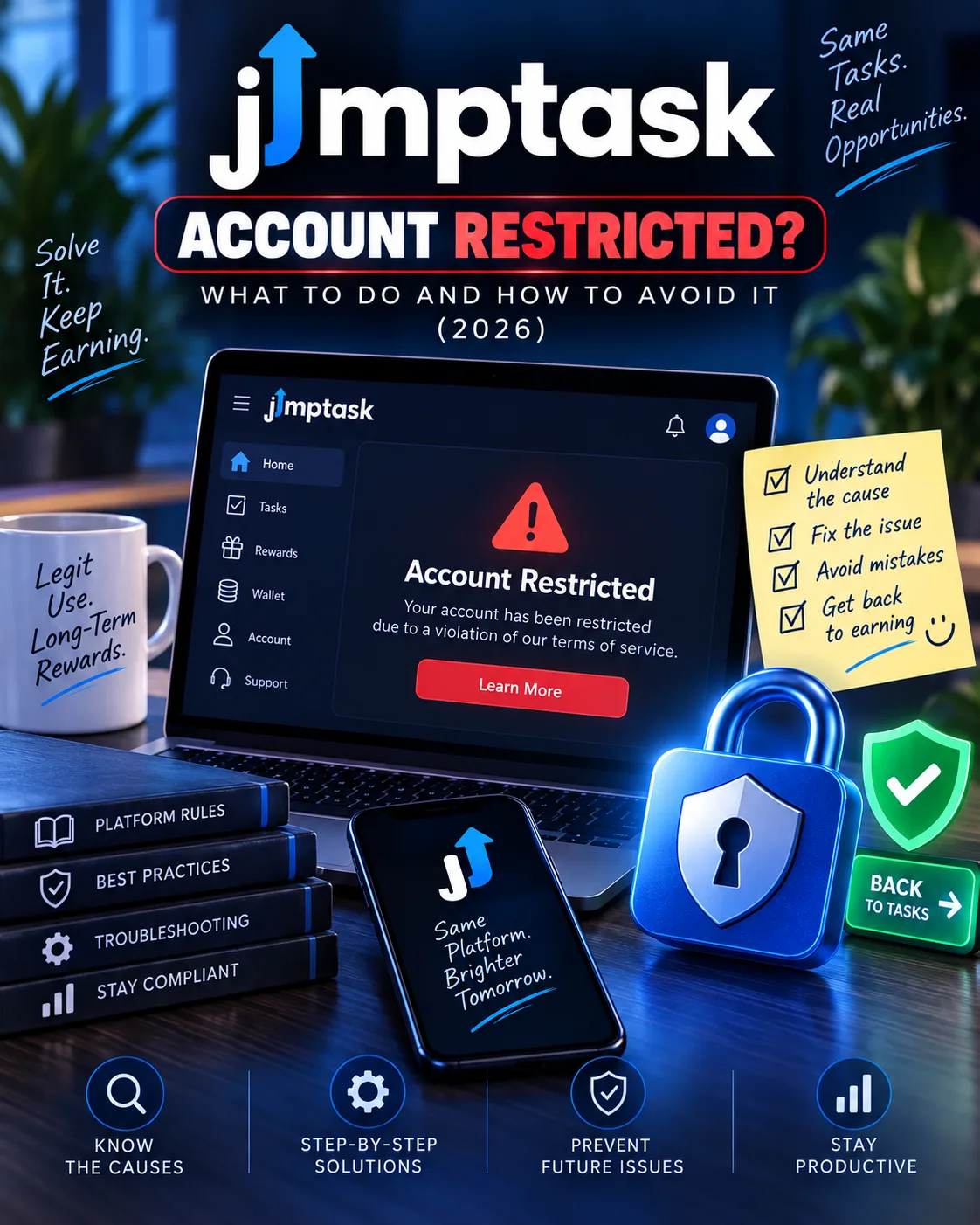
JumpTask Account Restricted? What to Do and How to Avoid It (2026)
JumpTask
 VERIFIED 2026
Quick answer
If your JumpTask account has been restricted or banned, the first thing to understand is that the restriction is not always permanent . One user on Trustpilot reported that their account was "suddenly restricted without any notice" — but after submitting a support ticket, "it was solved the same day". Another user who had their account blocked during the cashout process had it "restored" and the payout "processed instantly after reinstatement".
But recovery is not guaranteed. Some users report losing their balances permanently. And the most common trigger — VPN usage — is one of the hardest restrictions to appeal because it is explicitly prohibited in JumpTask's Terms and Conditions.
This guide breaks down the most common restriction triggers, what to do when it happens, and how to protect your account from the start.
What Triggers a JumpTask Account Restriction?
JumpTask does not publish a complete list of restriction triggers, but user reports and the platform's own documentation identify the following as the most common causes:
1. VPN or proxy usage (the most common cause)
This is the single most common reason for account restrictions on JumpTask. The platform's support documentation states clearly: "Using a VPN or proxy while completing offerwalls is strictly prohibited. Engaging in such activity may result in restrictions or penalties on your account".
The surveys guidelines go further: "The usage of VPN services, proxies, automation tools, or other things that could be deemed as cheating will result in your account being banned on both JumpTask and partner sites".
This pattern is common: a task explicitly permits VPN usage, the user turns on their VPN, and the platform's automated system flags the account. The user did nothing wrong in spirit, but the automated system does not distinguish between VPN usage for a permitted task and VPN usage for location spoofing.
2. Multiple accounts
JumpTask does not explicitly state a one-account-per-person rule in its public documentation, but multiple accounts from the same user are a common trigger for restrictions across the GPT industry. If you have created more than one account, this may be the cause.
3. Automated activity or "cheating"
The surveys guidelines state that "automation tools, or other things that could be deemed as cheating" will result in a ban. This includes bots, scripts, and any activity that mimics automated task completion.
4. Suspicious earning patterns
JumpTask's anti-fraud system monitors for unusual activity. A sudden spike in task completions, a pattern of rapid withdrawals, or activity that differs from your usual behavior may trigger an automated review.
5. False positives from network routing
This is a real issue. Some internet service providers, corporate networks, and mobile carriers route traffic in ways that look like VPN usage to automated systems. If you are on a shared network, a university connection, or a corporate network, your account may be flagged even if you personally did nothing wrong.
What Happens When Your Account Is Restricted?
When JumpTask restricts an account, the following usually happens:
- You can no longer log in. The login page either shows an error or a message that your account has been restricted.
- Your credits are frozen. The balance remains in the system but is inaccessible.
- Any pending payouts are cancelled. If you had a payout in progress, it will not be processed.
- You may not receive any explanation. Some users receive a generic message about "terms of service violation"; others receive nothing at all.
This experience is not universal — many users report same-day resolutions — but it is common enough to be a real risk.
Step-by-Step: How to Appeal a JumpTask Restriction
If your account has been restricted, the recommended appeal process is as follows:
- Do not create a new account. This is the most important step. Creating a second account after a restriction will almost certainly result in both being permanently blocked. JumpTask's anti-fraud system links accounts by device fingerprint, IP address, and wallet address.
- Identify the likely trigger. Review your recent activity. Did you use a VPN? Did you complete tasks from a shared network? Did you create more than one account? The most likely cause is VPN usage, even if you didn't realize a VPN was active.
- Gather supporting documentation. JumpTask may ask for documentation to verify your claim. Accepted documentation includes:
- Screenshots of completed tasks
- Email receipts showing task confirmations
- Transaction IDs or wallet addresses
- Submit a support ticket through the official help center. Go to support.jumptask.io and use the "Contact Support" form. Select "Account Restriction" or "Account Suspension" as the issue category.
- Write a factual, polite, and structured appeal. Use this structure:
- State your account ID and email
- Explain that you believe the restriction was a mistake
- Address the specific reason you believe triggered the restriction
- Provide documentation that supports your position
- Request that a human review your case
- Wait for a response. JumpTask's support documentation states that "account suspension reviews can take a few days". Some users report same-day resolutions; others wait longer.
- If no response after 5–7 days, escalate. File a complaint with Trustpilot or the BBB. In several documented cases, public complaints resulted in faster responses from JumpTask's support team.
For a full breakdown of how to contact support for payout issues specifically, see our JumpTask payout troubleshooting guide.
Case Study: Two Users, Two Different Outcomes
Case 1: Same-day resolution. A Trustpilot reviewer reported that their JumpTask account was "suddenly restricted without any notice," but after submitting a support ticket, the restriction was lifted the same day. This pattern suggests that some restrictions stem from automated technical errors rather than rule violations.
Case 2: Restored after a cashout block. Another reviewer described having their account blocked during the withdrawal process. After contacting support, the account was restored and the pending payout was processed. This indicates that cashout-triggered holds can sometimes be resolved quickly.
Case 3: No response. Not all restriction cases resolve favorably. Some users report losing account access or balances permanently, particularly when the restriction is tied to VPN usage. Because VPN use is explicitly prohibited in JumpTask's terms, these appeals tend to be less successful.
The pattern: Restrictions triggered by technical errors or cashout holds are often resolved quickly. Restrictions triggered by VPN usage are more likely to be permanent.
How to Avoid a JumpTask Account Restriction
Most restrictions are preventable. The following checklist can help protect your account:
- Never use a VPN. This is the single most important rule. Even if a task explicitly says "VPN friendly," do not use a VPN. The automated system does not distinguish between context and intent.
- Turn off ad blockers and privacy extensions. These can interfere with tracking signals and trigger anti-fraud flags.
- Use only one account. Do not create a second account, even if you think it is for a different purpose.
- Complete tasks honestly. Do not use bots, scripts, or automation tools. Do not speed-run through surveys or provide inconsistent answers.
- Cash out as soon as you hit the threshold. Don't accumulate a large balance. The $0.50 threshold means you can withdraw almost immediately.
- Be careful on shared networks. If you are on a university, corporate, or public Wi-Fi network, your IP may be shared with other JumpTask users, which can trigger a false positive.
- Keep documentation for high-value tasks. Screenshots and confirmation emails make support tickets more likely to succeed.
For more on maximizing your earnings while staying within the rules, see our JumpTask review and our safety review.
Frequently Asked Questions
Can I get my JumpTask account back after a restriction?
Sometimes. If the restriction was a technical error or a cashout hold, it may be resolved the same day after contacting support. If the restriction was for VPN usage, recovery is less likely because the violation is explicitly prohibited in the Terms and Conditions.
How long does a JumpTask restriction last?
There is no standard duration. Some restrictions are lifted the same day; others are permanent. JumpTask's support documentation states that "account suspension reviews can take a few days."
Will JumpTask tell me why my account was restricted?
Not always. Some users receive a generic message about "terms of service violation"; others receive no explanation. The help center lists potential reasons but does not confirm the specific trigger for individual accounts.
Can I create a new JumpTask account after a restriction?
No. Creating a new account after a restriction will almost certainly result in both being permanently blocked. JumpTask's anti-fraud system links accounts by device fingerprint, IP address, and wallet address.
What if my VPN was active without my knowledge?
If your VPN was active without your knowledge (for example, a browser extension that routes traffic through a VPN), you can explain this in your appeal. Provide screenshots of your VPN settings and a polite explanation. Recovery is not guaranteed, but a factual appeal has a better chance than an emotional one.
Does JumpTask ban for using a VPN?
Yes. VPN usage is prohibited by JumpTask's Terms and Conditions and is detectable. A single VPN login can trigger an automated restriction. The platform's support documentation states that VPN usage "may result in restrictions or penalties on your account."
What happens to my credits when my JumpTask account is restricted?
Your credits are frozen. If the account is restored, they are typically accessible again. If the restriction is permanent, the credits may be forfeited. For the full process, see our JumpTask payout guide.
Get the Ultimate GPT Insider Guide🚀
Learn how survey disqualifications work and proven ways to qualify for more studies. 100% Free.
LootHub.org
Recommended posts
Continue with these related reward guides.
 VERIFIED 2026
JumpTask Payout Guide 2026: Credits, Gift Cards, PayPal, and Crypto Explained
 VERIFIED 2026
JumpTask vs Freecash vs Swagbucks 2026: Which Microtask Platform Actually Pays Best?
 VERIFIED 2026
JumpTask Payout Not Received? The 3 Most Common Causes (and How to Fix Them)
 VERIFIED 2026
JumpTask Review 2026: Earnings, Tasks & Platform Limits
 VERIFIED 2026
Is JumpTask Safe? What the App Actually Tracks (Exodus Privacy Analysis)
 VERIFIED 2026