PrizeRebel Payout Not Received? Step-by-Step Fix (2026)
PrizeRebel
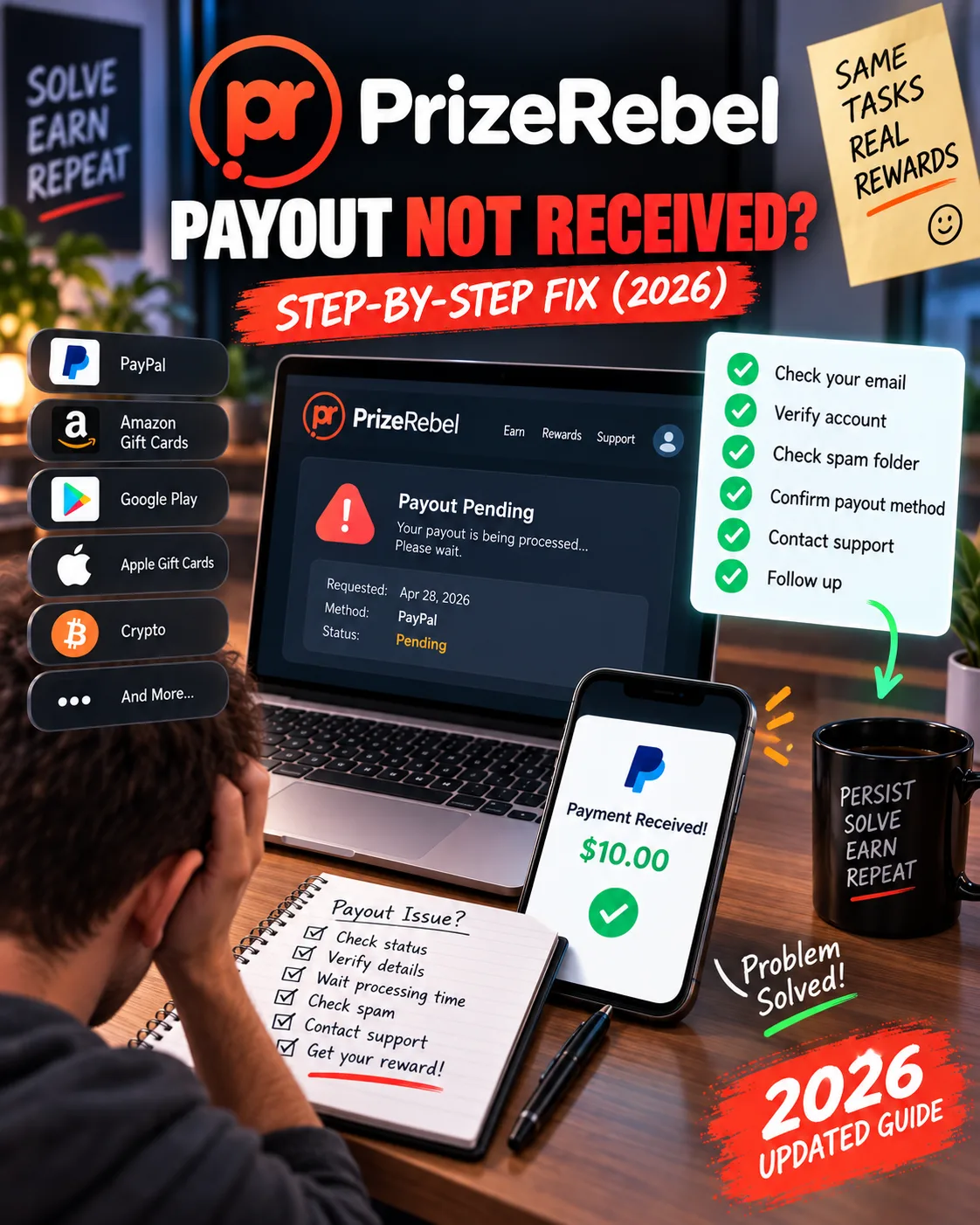 VERIFIED 2026
Quick answer
If your PrizeRebel payout has not arrived, the most likely cause is that you have not completed the Tremendous verification step — the separate confirmation email sent after PrizeRebel processes your claim. Without it, the payment never leaves the queue. Other common causes include account security verification triggered by VPN or multiple accounts, a cancelled-and-resubmitted claim that resets the 24-hour processing timer, or a reward marked as "out of stock."
How to Request a PrizeRebel Payout: Step by Step
The cashout process is simple, but it has one step that most users miss — and that step is where most stuck payouts originate.
- Log into your PrizeRebel account and click on the Rewards tab in the main navigation.
- Select your reward type. Choose PayPal, Venmo, bank transfer, crypto, or a gift card. The minimum is $5 for PayPal and $2 for most gift cards. If you're on Bronze tier, PayPal won't be available yet — you can only redeem gift cards.
- Confirm the claim. The points are immediately deducted from your balance and the reward appears in your Reward History page with a "Pending" status.
- Wait for PrizeRebel to process the claim. This is where the 24-hour clock starts. The status changes from "Pending" to "Processed."
- Check your email for the Tremendous link. This is the critical step. After processing, PrizeRebel sends a separate email from Tremendous (their payment partner) asking you to confirm your payment details. Until you click that link and submit your information, the payment does not move forward.
- Complete the Tremendous verification. Enter your PayPal email, bank details, or other required information. This is the final confirmation before the money is sent.
- Receive your payment. Venmo arrives within 24 hours of Tremendous verification. Bank transfers take 2–4 business days. Gift cards are emailed within 24–48 hours.
How Long Does a PrizeRebel Payout Actually Take?
The official processing time is approximately 24 hours for all reward claims below Gold tier. Gold-level users get digital rewards processed in 10 minutes, as long as the item is in stock.
But that 24-hour figure only covers the PrizeRebel side. The full timeline from claim to money in your account is longer:
| Payment method | PrizeRebel processing | Delivery time | Total realistic time |
|---|---|---|---|
| PayPal | ~24 hours | Instant after Tremendous verification | 24–48 hours |
| Venmo | ~24 hours | Up to 24 hours after processing | 24–48 hours |
| Bank transfer | ~24 hours | 2–4 business days after processing | 3–5 business days |
| Gift cards (digital codes) | ~24 hours (10 min for Gold+) | Available immediately in Reward History | ~24 hours |
| eGift Cards (emailed) | ~24 hours | 24–48 hours from merchant | 48–72 hours |
| Physical/shipped items | ~24 hours | 7–10 business days | 8–12 business days |
Important note: if you cancel and resubmit a claim, the 24-hour processing timer resets. This is one of the most common reasons users think their payout is stuck when it's actually just been restarted.
Why Your PrizeRebel Payout Is Stuck: 7 Common Causes
When a payout does not arrive, the cause usually falls into one of these categories:
1. You missed the Tremendous verification email
This is the number one cause. After PrizeRebel processes your claim, a separate email arrives from Tremendous asking you to confirm your payment details. If you don't complete that step, the payment sits in limbo. Check your spam folder — many users report the email landing there.
2. Your account is undergoing security verification
PrizeRebel runs manual security checks on first-time cashouts and on accounts that show unusual activity. According to their support documentation, this can be triggered by an email change, a VPN login, or a login from a different country. The verification takes up to 24 hours, but in some cases can extend longer if support is backlogged.
3. The reward is out of stock
Some gift cards and rewards sell out temporarily. When this happens, your claim stays in "Pending" status until stock is replenished. The best fix is to cancel the claim from your Reward History page and choose a different reward.
4. You cancelled and resubmitted the claim
If you cancel a pending claim to change your reward choice, the 24-hour processing clock restarts from zero. Many users interpret this as a delay when it's actually a reset.
5. You're on Bronze tier trying to cash out via PayPal
PayPal cashouts require Silver tier, which is unlocked at roughly 1,000 lifetime points. New users on Bronze can only redeem gift cards. If you don't see PayPal as an option, this is why.
6. Multiple accounts from the same household
PrizeRebel allows only one account per household. If a second account is detected, both accounts may be suspended, and any pending payouts are frozen. This is not a temporary delay — it's a policy enforcement action.
7. Your account was flagged for survey reversal abuse
A high rate of "survey reversals" — where a survey provider rejects your completion after you've already been credited — can trigger an account review. If the review concludes that the reversals are due to speeding or inconsistent answers, the account may be suspended and the payout denied.
How to Fix a Stuck PrizeRebel Payout
The fix depends on the cause. Here is a decision tree to follow:
- Check your spam folder for the Tremendous email. If you find it, complete the verification immediately. The payment should arrive within the stated timeline for your method.
- Check your Reward History status. If it says "Pending," wait the full 24 hours before assuming there's a problem. If it says "Processed" but you haven't received the Tremendous email, contact support.
- If the status is "Pending" for more than 48 hours, the reward may be out of stock. Cancel the claim from Reward History, choose a different reward, and resubmit.
- If you suspect a security verification, check your email for any message from PrizeRebel support requesting additional information. Respond promptly — the faster you reply, the faster the verification clears.
- If none of the above applies, submit a support ticket through the official contact form. Include your username, the reward you claimed, the date of the claim, and the exact amount of points deducted. Resolution typically takes 3–5 business days according to PrizeRebel's own documentation.
For a broader look at how PrizeRebel's payout methods compare in real value, see our PrizeRebel payout methods guide.
What to Do If Your Account Was Banned After Requesting a Payout
This is the most serious scenario. Multiple users have reported their accounts being suspended immediately after requesting a payout, with no explanation and no recourse. This pattern is not unique to PrizeRebel — it happens on several GPT sites — but it is the most damaging outcome for the user.
If this happens to you:
- Do not create a new account. PrizeRebel allows only one account per household. Creating a second account after a ban will result in both being permanently blocked.
- Review the PrizeRebel Terms and Conditions to identify any possible violation. Common triggers include VPN usage, multiple accounts, inconsistent survey answers, and ad blocker usage.
- Contact support politely and factually. Explain your situation, acknowledge any mistake you may have made, and ask for a review. Do not demand, threaten, or complain emotionally — it will not help.
- Accept that recovery is not guaranteed. PrizeRebel's terms state that banned accounts may forfeit all earnings and rewards. Some users have had accounts reinstated after a polite appeal; others have not.
For a deeper look at PrizeRebel's safety and reputation profile, see our PrizeRebel safety review.
How to Avoid Payout Problems Before They Happen
Most stuck payouts are preventable. Here is a checklist to follow before requesting any cashout:
- Complete your profile 100%. An incomplete demographic profile increases the risk of survey reversals, which in turn can flag your account.
- Never use a VPN. PrizeRebel detects VPN usage and treats it as a security risk. Even a single VPN login can trigger a manual review.
- Use only one account. Multiple accounts from the same household are the fastest route to a permanent ban.
- Turn off ad blockers. Some surveys require ad tracking to verify completion. Ad blockers can cause completions to be rejected.
- Answer surveys consistently. Do not change your demographic answers between surveys. The systems cross-check responses.
- Wait for the full 24 hours before panicking. The vast majority of "stuck" payouts clear within this window.
- Complete the Tremendous verification immediately. Set a reminder if you need to — this is the single most common cause of "missing" payouts.
For more on maximizing your earnings while avoiding account flags, see our PrizeRebel real earnings analysis and our survey disqualification guide.
Frequently Asked Questions
Why is my PrizeRebel payout still pending after 24 hours?
The most common reason is that you have not completed the Tremendous verification email. Check your spam folder. Other causes include account security verification, out-of-stock rewards, or a cancelled-and-resubmitted claim that restarted the processing timer.
How long does PrizeRebel take to pay via PayPal?
PrizeRebel processes PayPal claims in approximately 24 hours. Once processed and after you complete the Tremendous verification, the payment typically arrives within another 24 hours. Total realistic time: 24–48 hours.
What is the Tremendous link and why do I need it?
Tremendous is PrizeRebel's payment partner. After your claim is processed, Tremendous sends an email asking you to confirm your payment details (PayPal email, bank information, etc.). Without completing this step, the payment is never released.
Platform information and limitations
Yes. PrizeRebel's terms allow the platform to suspend accounts and forfeit pending rewards if it detects a violation of the Terms and Conditions, including VPN usage, multiple accounts, or survey fraud. Once a payout is processed and approved, it cannot be cancelled — but if the account is flagged before processing, the reward may be frozen or forfeited.
How do I contact PrizeRebel support about a payout problem?
Use the official contact form at prizerebel.com/supportcontact.php. Include your username, the reward type, the claim date, and the number of points deducted. Resolution typically takes 3–5 business days, though it can take longer if the issue involves an external merchant.
What should I do if my gift card code doesn't work?
Contact PrizeRebel support immediately with your claim details. Do not wait — some merchants have time-limited replacement policies. PrizeRebel states that it will research the issue and contact the merchant if necessary, but the merchant has final say on the solution.
Is PrizeRebel's payout system reliable?
Based on available user reports and platform documentation, PrizeRebel's payout system has a generally reliable record, though some users experience delays, verification holds, or account bans after requesting a payout. For a full picture, see our PrizeRebel review.
Get the Ultimate GPT Insider Guide🚀
Learn how survey disqualifications work and proven ways to qualify for more studies. 100% Free.
LootHub.org
Recommended posts
Continue with these related reward guides.
 VERIFIED 2026
PrizeRebel Payout Methods 2026: PayPal, Venmo, Crypto or Gift Card — Which Pays Best?
 VERIFIED 2026
PrizeRebel Account Banned? Here's What to Do (2026 Guide)
 VERIFIED 2026
PrizeRebel Review 2026: Earnings, Tasks & Platform Limits
 VERIFIED 2026
Is PrizeRebel Safe? What the Platform Really Does With Your Data (2026)
 VERIFIED 2026