Revolut vs PayPal for GPT Site Withdrawals: Which One Actually Keeps More of Your Money?
Revolut
 VERIFIED 2026
Quick answer
Revolut keeps more of your GPT site earnings than PayPal in almost every scenario, but it is not always the right choice. PayPal charges up to 5% on withdrawals from platforms like Freecash and GrabPoints, while Revolut charges nothing to receive the money.
The Short Answer
Revolut wins on fees. PayPal wins on coverage. If your GPT site pays directly to Revolut (Freecash and TimeBucks do), you avoid PayPal's 5% withdrawal fee entirely. If your platform only pays through PayPal, you are stuck with the fee unless you use the PayPal-to-Revolut bridge — which still costs you PayPal's cut.
The decision comes down to three factors: which platform you use, how much you withdraw per month, and whether you are willing to deal with stricter identity verification.
Fees Compared: The Real Numbers
| Cost factor | Revolut (Standard) | PayPal |
|---|---|---|
| Receiving fee (from GPT site) | €0 | Varies; some GPT sites charge 5% |
| Currency conversion markup | 0% weekdays up to €1,000/month, then 1% | 3–4% above mid-market rate |
| Withdrawal to bank | Free (SEPA in EUR) | Fees apply in most countries |
| Micropayment penalty | None | 5% + $0.05 for payments under ~$10 |
The most important number: 5%. That is what Freecash charges for PayPal withdrawals. Bank transfers through Freecash carry the same 5% fee. Gift cards and crypto are free.
PayPal also applies a currency conversion markup of roughly 3–4% above the mid-market rate on international payments. If you are in the EU and receive USD from a US-based GPT site, PayPal converts at a rate that costs you 3–4% before the platform's own fee is even applied.
Revolut charges nothing to receive SEPA transfers or electronic payments. There is no inbound fee, and no maximum limit on how much you can receive via bank transfer. The exchange allowance on the Standard plan is €1,000 per month before the 1% fair usage fee applies. Weekend exchanges carry a 1% surcharge.
Real-World Cost Comparison: What You Actually Keep
Fees in isolation are abstract. Here is what happens when you withdraw €25 from Freecash through each route.
| Route | Amount requested | Fees deducted | You receive |
|---|---|---|---|
| Freecash → Revolut (direct) | €25 | €0 | €25 |
| Freecash → PayPal → Revolut | €25 | ~€1.25 (5% PayPal fee) + ~€0.75 (FX markup) | ~€23.00 |
| Freecash → PayPal → Bank | €25 | ~€1.25 (5% PayPal fee) + conversion spread | ~€23.00 |
On a €25 withdrawal, the Revolut-direct route saves you roughly €2. That is 8% of the total. Scale that to €100 per month across multiple GPT sites and the gap becomes meaningful.
The PayPal-to-Revolut bridge does not save you anything on the PayPal side. You still pay PayPal's withdrawal fee. The only benefit is that the money lands in a multi-currency account instead of your main bank.
For a detailed breakdown of the PayPal-to-Revolut bridge, including where the costs actually fall, see our Revolut review for GPT site payouts.
Processing Speed: Who Pays Faster?
| Platform | PayPal processing time | Revolut processing time |
|---|---|---|
| Freecash | Up to 30 minutes | Up to 30 minutes (direct) |
| GrabPoints | Within 24–48 hours | Not supported |
| Swagbucks | 2–10 business days | Not supported |
| ySense | 1–3 business days | Not supported |
Freecash processes both PayPal and Revolut withdrawals within 30 minutes, though first-time withdrawals may require manual approval. The speed is identical for both methods on this platform. The difference is the fee, not the speed.
Swagbucks is significantly slower on PayPal, with withdrawals taking between 2 and 10 business days depending on your account history and location. GrabPoints is faster but still slower than Freecash.
Bank transfers are the slowest option across every platform. Freecash bank transfers take up to three business days, compared to 30 minutes for PayPal and Revolut. If speed matters, bank transfer is the wrong choice.
Direct Revolut Support: Which GPT Sites Actually Pay You
| Platform | Direct Revolut payout? | PayPal payout? | Notes |
|---|---|---|---|
| Freecash | Yes | Yes (5% fee) | Requires Revtag and KYC |
| TimeBucks | Yes | Yes | $3 minimum for Revolut |
| GrabPoints | No | Yes ($0.25 sending fee) | PayPal only for cash |
| Swagbucks | No | Yes | PayPal only for cash |
| ySense | No | Yes | PayPal, Payoneer, Skrill |
The honest picture: Revolut direct support is limited to Freecash and TimeBucks among the major GPT sites. For everything else, PayPal is the only practical route to cash.
This is the single biggest limitation of the Revolut-first strategy. If you use Swagbucks or ySense, you cannot avoid PayPal. The best you can do is withdraw to PayPal, then move the balance to Revolut — which does not save you the PayPal withdrawal fee.
For a full list of platforms that support Revolut payouts, including minimums and processing times, see our guide to GPT sites that pay via Revolut.
The Micropayment Problem Nobody Talks About
PayPal has a separate fee structure for small transactions called micropayments. The rate is 5% + $0.05 for payments under roughly $10. For a $5 GPT payout, PayPal's fee takes $0.30 — 6% of the total.
Revolut has no micropayment penalty. Receiving €5 costs nothing. This matters more for GPT site users than for most people, because GPT earnings are frequently in the $3–$15 range.
If you cash out $5 from Freecash through PayPal, you lose the platform's 5% fee on top of whatever PayPal charges on its end. Through Revolut, you lose nothing.
When PayPal Still Wins
PayPal remains the better choice in three specific scenarios:
- You use a platform that does not support Revolut directly. Swagbucks, ySense, and GrabPoints all pay through PayPal but not Revolut. There is no workaround that avoids PayPal's fee.
- You want the simplest possible setup. PayPal requires no separate KYC if you already have an account. Revolut requires a new identity verification process that can take up to seven business days.
- You need universal platform coverage. PayPal works with every major GPT site. Revolut works with two.
If your monthly GPT earnings are under €20 and you only use one platform, the savings from switching to Revolut may not justify the verification hassle. PayPal is simpler, and the fee difference on €20 is roughly €1.50.
If you are already receiving payments through PayPal and want to understand the full cost of that route, our Revolut review breaks down the PayPal-to-Revolut bridge in detail.
KYC and Verification: The Hidden Cost of Switching
Revolut's identity verification is stricter than PayPal's. If you are a long-time PayPal user with a verified account, switching to Revolut means starting over with a new verification process.
The practical barriers:
- Physical document requirement. Revolut does not consistently accept digital IDs. You need to photograph the original document.
- Name matching. The name on your ID must exactly match your Revolut account. Middle names and transliterations cause rejections.
- Processing time. Revolut states verification usually completes within one business day, but can take up to seven business days. During that window, your account may be restricted.
If you are already stuck in a Revolut KYC loop, our guide on Revolut KYC for GPT earnings explains which documents work for this type of income.
PayPal's verification is also required, but if you already have a verified PayPal account — which most GPT site users do — there is no additional step.
Verdict: Which Should You Use?
Use Revolut if:
- You use Freecash or TimeBucks as your primary GPT platform
- You withdraw €50+ per month from GPT sites
- You receive payments in multiple currencies and want to hold them without conversion
- You are willing to complete a stricter KYC process
Use PayPal if:
- You use Swagbucks, ySense, or GrabPoints
- You withdraw less than €20 per month and want the simplest setup
- You already have a verified PayPal account and do not want another verification process
- You need universal platform support
Use both if: You want the flexibility to choose the cheapest route per platform. Withdraw directly to Revolut from Freecash, and use PayPal for everything else.
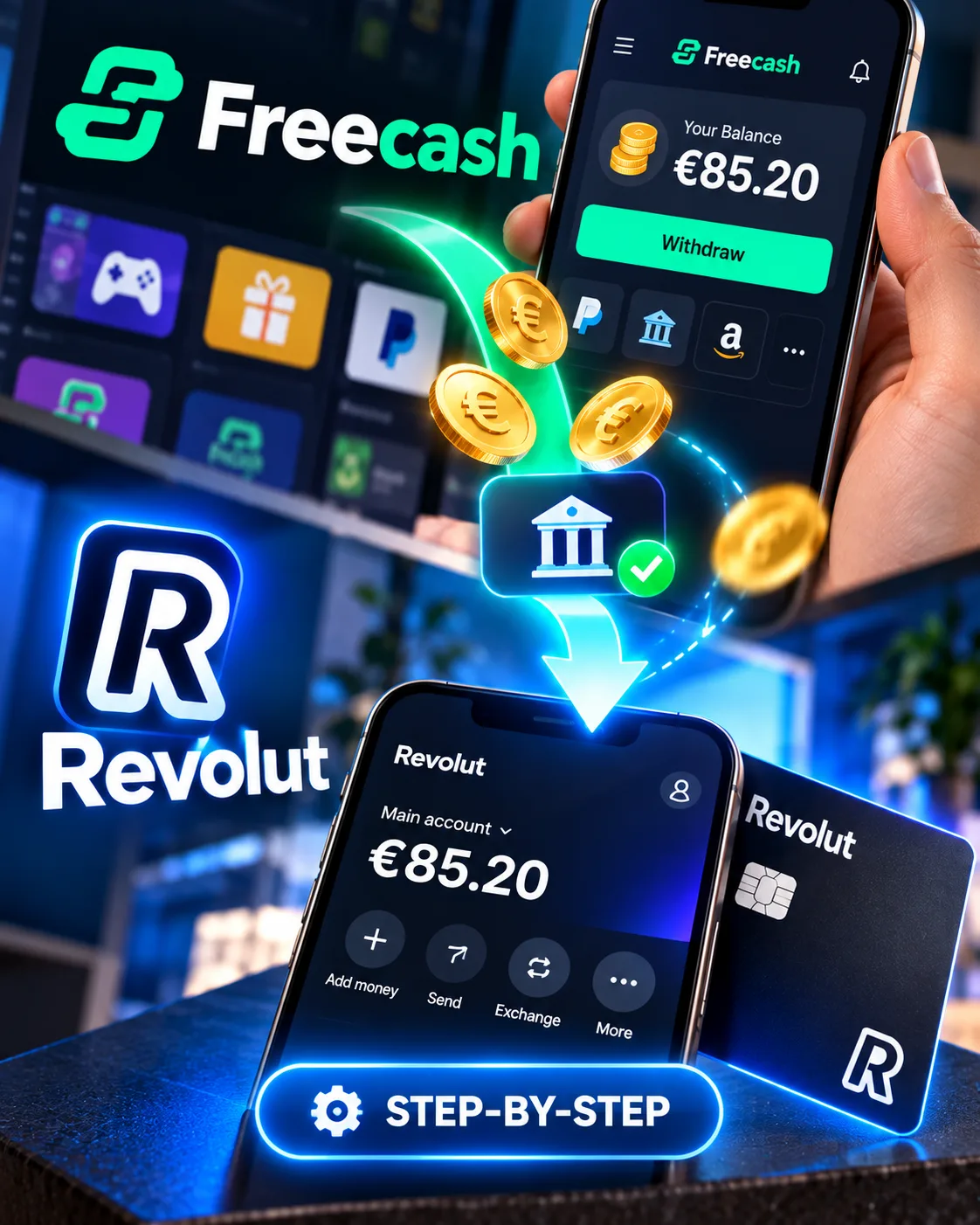
For a step-by-step tutorial on receiving your first Freecash payout in Revolut, see our Freecash Revolut withdrawal guide. If you are still deciding whether Revolut is right for you at all, start with our full Revolut review for GPT site users.
Frequently Asked Questions
Does PayPal charge a fee to receive GPT site payments?
PayPal's own receiving fee varies by country, but the more immediate cost is the platform-side fee. Freecash charges 5% for PayPal withdrawals. GrabPoints charges a $0.25 sending fee. The exact cost depends on the platform, not PayPal alone.
Can I avoid PayPal fees by using Revolut instead?
Only if the GPT site supports direct Revolut payouts. Freecash and TimeBucks do. Swagbucks, ySense, and GrabPoints do not. For those platforms, you cannot avoid PayPal unless you choose gift cards or crypto instead of cash.
Is Revolut faster than PayPal for GPT withdrawals?
On Freecash, both process within 30 minutes. On other platforms, the comparison is not applicable because Revolut is not supported. PayPal speed varies by platform: fast on Freecash, slow on Swagbucks.
What is the minimum GPT withdrawal for Revolut vs PayPal?
Freecash has a $5 minimum for both PayPal and Revolut. TimeBucks has a $3 minimum for Revolut. GrabPoints has a $3 minimum for PayPal. The minimum is set by the platform, not by Revolut or PayPal.
Does Revolut charge for currency conversion?
Revolut charges nothing for currency conversion on weekdays up to €1,000 per month on the Standard plan. Above that, a 1% fair usage fee applies. Weekend conversions carry a 1% surcharge.
Get the Ultimate GPT Insider Guide🚀
Learn how survey disqualifications work and proven ways to qualify for more studies. 100% Free.
LootHub.org
Recommended posts
Continue with these related reward guides.
 VERIFIED 2026
Revolut vs N26 vs Trade Republic 2026: Which Bank Is Best for Side Income Earners?
 VERIFIED 2026
How to Withdraw Freecash Earnings to Revolut: Step-by-Step Guide
 VERIFIED 2026
Freecash Withdrawal Guide 2026: PayPal, SEPA, Crypto — Fees, KYC & Real Timelines
 VERIFIED 2026
Revolut Alternatives for GPT Site Users: Wise, Payoneer & N26 Compared
 VERIFIED 2026
Revolut Review for GPT Site Payouts: An Editorial Analysis of Direct Payouts, Fees, and Verification
 VERIFIED 2026