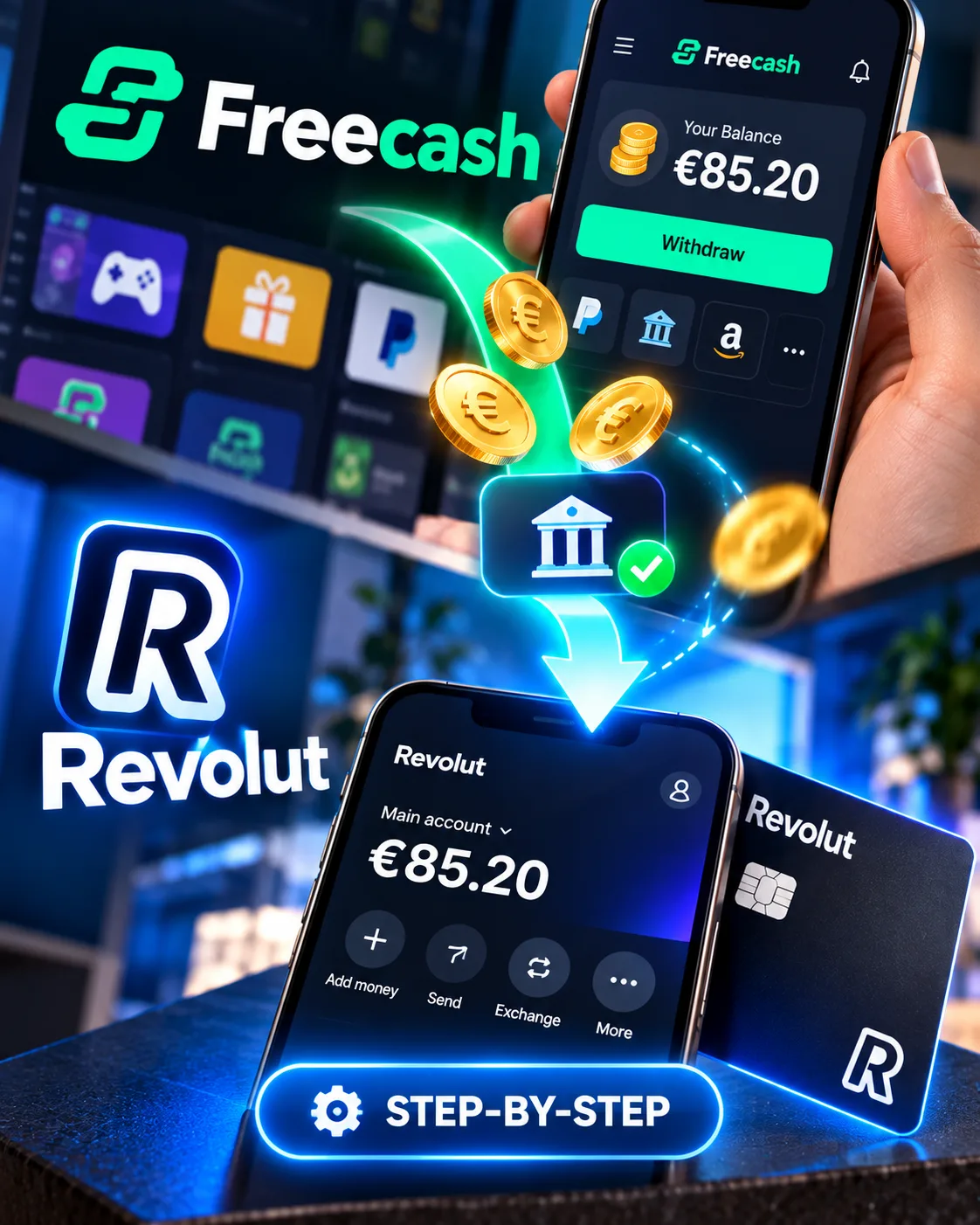
How to Withdraw Freecash Earnings to Revolut: Step-by-Step Guide
Revolut
 VERIFIED 2026
Quick answer
Freecash pays directly to Revolut with no withdrawal fee and a processing time of under 30 minutes in most cases. To receive your earnings, you need a Revolut account with completed KYC verification, your Revtag set to discoverable, and a minimum balance of $5. The process takes about two minutes from the Cashout page.
This guide examines the exact steps, the error that stops most first-time users, and what happens when Freecash triggers identity verification before your first payout.
What You Need Before You Start
Three things must be in place before Freecash will process a Revolut withdrawal:
- A Revolut account with completed KYC. Revolut requires identity verification before you can receive any incoming transfers. Without it, the money cannot be deposited.
- Your Revtag. This is your unique Revolut identifier, formatted like
@username. You can find it in the Revolut app under your profile. - A verified Freecash account. You need to verify your email and, for the first withdrawal, complete Freecash’s own ID verification through their partner Veriff.
If you do not have a Revolut account yet, see our full Revolut review for GPT site users to understand the fees, limits, and verification requirements before signing up.
Freecash also requires a minimum balance of $5 for Revolut withdrawals. This is lower than the $20 minimum for some other payout methods, which makes Revolut one of the more accessible options for small cashouts.
Step 1: Navigate to the Freecash Cashout Page
Log into your Freecash account and locate your balance in the top-right corner of the desktop interface or at the top of the page on mobile. Click or tap on it to open the Cashout page directly.
Alternatively, you can access the Cashout page through the left-hand menu on desktop. Freecash routes you to the same page either way.
On the Cashout page, you will see all available withdrawal methods: PayPal, bank transfer, gift cards, crypto, and Revolut. The available methods vary by country, so if Revolut does not appear in your list, your region is not supported.
Step 2: Select Revolut as Your Withdrawal Method
Find the Revolut option in the “Withdraw Cash” section and select it. A popup window opens asking for two pieces of information:
- Your full name — exactly as it appears on your Revolut account
- Your Revtag — the unique identifier formatted like
@username
The Revtag is case-sensitive and must be entered exactly as shown in the Revolut app. It should be all lowercase, and should not include any symbols — only letters and numbers.
To find your Revtag: open the Revolut app, tap your profile icon in the top-left corner, and look under your name. The Revtag is displayed there. You can also tap on it to copy it directly, which avoids typos.
Enter the amount you want to withdraw. Remember that Freecash requires a $5 minimum for Revolut withdrawals.
Step 3: Fix the “Revolut User Not Found” Error
The most common problem users encounter at this stage is the error message “Revolut user not found.” This happens when your Revtag discoverability is turned off in the Revolut app.
Here is the fix:
- Open the Revolut app on your phone
- Tap your profile icon in the top-left corner
- Navigate to Account → Privacy
- Select “Make me discoverable”
- A popup will appear with two toggles: Phone number and Revtag. Activate both
- Return to Freecash and try the withdrawal again
If you have already enabled discoverability and the error persists, double-check that your name on Freecash exactly matches the name on your Revolut account. Middle names, abbreviations, and transliterations can all cause mismatches.
Step 4: Complete Revolut KYC Verification
Before Revolut will accept any incoming transfer, you must complete their identity verification process. This is a regulatory requirement, not a Freecash issue.
If you have not yet completed Revolut KYC, the withdrawal will be held until you do. Here is how to complete it:
- Open the Revolut app
- Tap your profile icon in the top-left corner
- Tap Account
- Select Personal details
- Tap Verify in the top-right corner
- Follow the on-screen instructions, which include photographing a physical ID document and taking a selfie
Revolut does not consistently accept digital IDs. You need the original physical document. Verification usually completes within one business day, but can take up to seven business days. During that window, your account may be restricted from receiving funds.
If you are stuck in a KYC loop, our guide on Revolut KYC for GPT earnings explains which documents work for this type of income and how to resolve common rejections.
Step 5: Confirm and Wait for Processing
Once you have entered your details and amount, press the green Withdraw button. Freecash will then process your request.
In most cases, Revolut withdrawals are processed within 30 minutes. However, Freecash occasionally flags transactions for manual review. If this happens, the approval will still be completed within 30 minutes, according to Freecash’s official documentation.
After the withdrawal is approved, the funds appear in your Revolut account. You will receive a notification from Freecash when the transaction is ready.
If your withdrawal shows as pending for more than a few hours, check the status under Cashout → My Withdrawals. Freecash advises waiting at least five days before contacting support about a delayed payout.
For a comparison of Revolut against PayPal in terms of fees and speed for GPT site withdrawals, see our Revolut vs PayPal comparison.
Freecash’s First-Withdrawal Verification: What to Expect
Freecash requires identity verification before your first withdrawal, regardless of the payout method you choose. This is separate from Revolut’s KYC.
Here is what the Freecash verification involves:
- Email verification. If your email is not verified, tapping any cashout method opens a verification prompt instead of the withdrawal form
- ID verification through Veriff. You will be asked to photograph a physical ID document and take a selfie. The process takes up to five minutes
- Minimum threshold. You need at least $5 in your balance to withdraw via Revolut
After your first successful withdrawal, subsequent withdrawals are much simpler. You do not need to verify your ID again, and the minimum threshold is reduced to whatever the payout method requires — $0.10 for some methods, $5 for Revolut.
Freecash states that they are legally obligated to verify user IDs to ensure users are at least 16 years old and from the region they claim in their profile. They reserve the right to withhold withdrawals until they have proof.
Which Countries Support Freecash Revolut Withdrawals?
Freecash does not support Revolut withdrawals in every country. According to their official documentation, Revolut is available as a payout method in these five countries:
- United States
- Australia
- France
- Italy
- Netherlands
If you are in a country not on this list, Revolut will not appear as an option on your Cashout page. In that case, check whether Freecash offers SEPA bank transfer or PayPal in your region. Our guide to GPT sites that pay via Revolut lists other platforms with direct Revolut support and their country availability.
Freecash Revolut vs PayPal: Which Should You Choose?
| Feature | Revolut | PayPal |
|---|---|---|
| Withdrawal fee | $0 | 5% |
| Minimum withdrawal | $5 | $5 |
| Processing time | Under 30 minutes | Under 30 minutes |
| Country availability | 5 countries | Global |
| Revtag required | Yes | No |
Revolut is cheaper. On a $25 withdrawal, PayPal takes $1.25 in fees. Revolut takes nothing. The trade-off is that Revolut is only available in five countries, while PayPal works everywhere.
If you are in a supported country and use Revolut, the choice is straightforward: withdraw directly to Revolut and keep the full amount. If you are not in a supported country, PayPal is the practical alternative, though you will pay the 5% fee.
Frequently Asked Questions
Does Freecash charge a fee for Revolut withdrawals?
No. Freecash does not charge a fee for Revolut withdrawals. The 5% fee applies to PayPal and bank transfer withdrawals, but Revolut is fee-free.
How long does a Freecash Revolut withdrawal take?
Most withdrawals are processed within 30 minutes. Freecash occasionally flags transactions for random review, but approvals are still completed within 30 minutes according to their documentation. If your withdrawal is still pending after a few hours, check the status under Cashout → My Withdrawals.
Why does Freecash say “Revolut user not found”?
This error appears when your Revtag is not discoverable in the Revolut app. Go to Account → Privacy → “Make me discoverable” and activate both the phone number and Revtag toggles. Then retry the withdrawal.
Can I withdraw from Freecash to Revolut without completing KYC?
No. Revolut requires KYC before you can receive any incoming transfers. If you have not completed Revolut’s identity verification, the withdrawal will be held until you do. Freecash also requires its own verification before your first withdrawal.
Is Revolut available as a Freecash payout method in my country?
Revolut is available in the United States, Australia, France, Italy, and the Netherlands. If you are in a different country, Revolut will not appear on your Cashout page. Check whether PayPal or bank transfer is available in your region instead.
What is the minimum Freecash withdrawal to Revolut?
The minimum is $5 for Revolut withdrawals. This applies to all withdrawals, not just the first one. After your first withdrawal, you do not need to meet a separate minimum threshold beyond the $5 required for the method itself.
Get the Ultimate GPT Insider Guide🚀
Learn how survey disqualifications work and proven ways to qualify for more studies. 100% Free.
LootHub.org
Recommended posts
Continue with these related reward guides.
 VERIFIED 2026
Revolut vs N26 vs Trade Republic 2026: Which Bank Is Best for Side Income Earners?
 VERIFIED 2026
Is Revolut Safe for GPT Site Earnings? Security, Licenses & Data Breaches Explained
 VERIFIED 2026
Revolut Virtual Cards for GPT Sites: How to Use Them for Payouts & Subscriptions
 VERIFIED 2026
GPT Site KYC Guide: What Documents Are Accepted and What Gets Rejected
 VERIFIED 2026
Best GPT Sites in Austria & Switzerland 2026: Guide for English Speakers & Expats
 VERIFIED 2026