Revolut KYC for GPT Earnings: What Documents You Actually Need
Revolut
 VERIFIED 2026
Quick answer
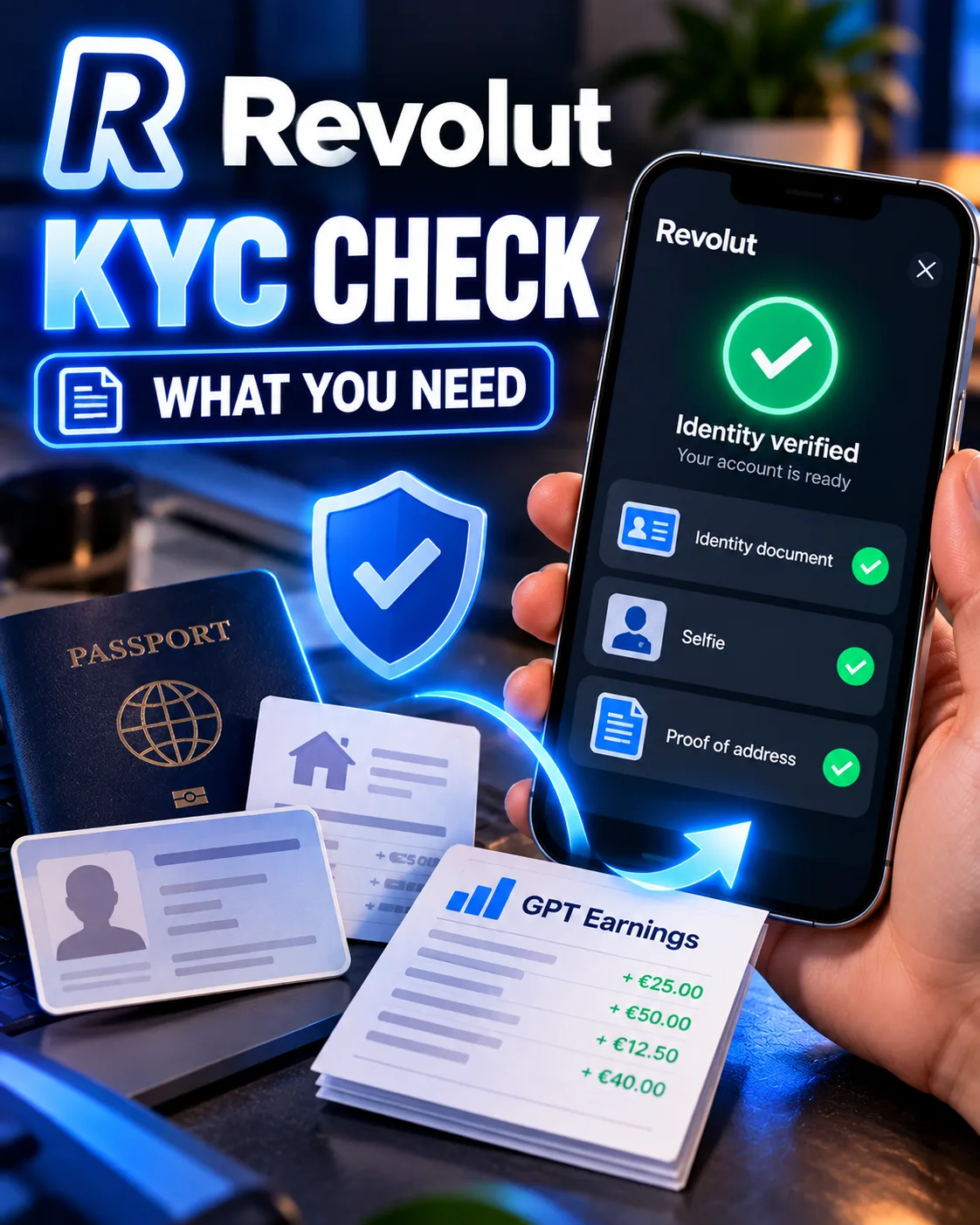
Revolut accepts GPT site earnings as a legitimate source of funds under two categories: self-employed/freelancer income and gaming wins . For freelancer income, the accepted documents are invoices dated within the last 12 months, contracts for services signed by both parties, or bank statements showing the incoming payments. For gaming wins, you need a statement from the platform plus a corresponding bank statement.
The problem is that GPT sites are neither traditional freelance clients nor gambling operators. They sit in a gray zone that Revolut's automated systems do not always recognize. This guide examines the categories and documentation that are most likely to satisfy Revolut's source of funds requirements, based on published guidance and user reports. It covers what tends to work, what often gets rejected, and how to build a paper trail before Revolut asks.
Why Revolut Asks for Source of Funds on GPT Earnings
Revolut is required by anti-money laundering regulations to verify that money entering your account comes from a legitimate source. When its automated system sees a pattern it cannot classify — many small incoming transfers from different senders, platforms it does not recognize as merchants, or rapid inflow-and-outflow behavior — it triggers a source of funds review.
GPT earnings hit all three triggers. You receive small payments from Freecash, GrabPoints, ySense, TimeBucks, and other platforms that Revolut's system does not recognize as standard merchants. The payments are irregular in amount and timing. And many users move the money out almost immediately.
The review is not an accusation. It is a compliance checkpoint. But if you cannot produce acceptable documentation, your account can be restricted or closed.
The Two Categories That Work for GPT Earnings
When Revolut asks you to select a source of income, you will be shown a list of categories. Only two of them apply to GPT site earnings.
| Category | When to use it | Documents accepted |
|---|---|---|
| Self-employed / freelancer | You earn from GPT sites regularly and can show a transaction history | Invoices, contracts for services, bank statements showing incoming payments |
| Gaming wins | You earn from play-to-earn apps like Mistplay or JustPlay | Statement of deposit/win/withdrawal from the platform plus corresponding bank statement |
The freelancer category is the more practical choice for most GPT site users. It covers income earned through online platforms, and the documentation requirements are flexible enough to accommodate the way GPT sites actually pay.
If you are not sure which category fits your earnings, check the platform. Freecash and GrabPoints are survey and task platforms, which fall under freelance or self-employed income. Mistplay and JustPlay are game reward apps, which can be classified under gaming wins.
What Documents Actually Work for GPT Site Income
Revolut's official documentation for freelancer income lists three acceptable document types. In practice, two of them work for GPT sites and one does not.
What works: Bank statements showing incoming payments
This is the most reliable document for GPT site users. Download a PDF statement from your bank or from Revolut itself showing the incoming payments from GPT platforms. The statement must clearly show the sender name (Freecash, GrabPoints, etc.) and the amount.
If the payments arrive via PayPal first, download the PayPal transaction history showing the transfer from the GPT site to your PayPal account, plus the PayPal statement showing the withdrawal to Revolut. Revolut may ask for the full chain if the money passed through an intermediary.
What makes this work: the sender names are recognizable, the amounts match what you declared, and the statement is an official document from a regulated financial institution.
What works: Platform statements from GPT sites
Most GPT sites have a transaction or payout history page. Freecash shows your withdrawal history under Cashout → My Withdrawals. TimeBucks and ySense have similar pages. Take screenshots or download the history, and combine it with the bank statement showing the same payments arriving in your account.
Revolut's documentation for gaming wins explicitly accepts "statement of deposit/win/withdrawal from the platform and corresponding bank statement." The same principle applies to GPT sites: the platform statement proves the source, and the bank statement proves the money arrived.
What does not work: Screenshots of dashboard balances
A screenshot of your Freecash balance is not proof of income. It shows what you have earned, not what you have received. Revolut needs to see money moving into an account in your name.
Do not submit dashboard screenshots as your primary document. Use them as supporting evidence alongside bank statements, never on their own.
Step-by-Step: How to Respond to a Revolut Source of Funds Request
If Revolut has asked you for source of funds documentation, the following process is commonly recommended based on available guidance and user reports.
- Open the app and go to the verification task. Revolut shows a tile on your home screen or sends a notification. Tap it to see exactly what they are asking for.
- Select the right income category. Choose "Self-employed" or "Freelancer" for GPT site earnings. If you use play-to-earn apps, "Gaming wins" may also work.
- Gather your documents. Download PDF statements from your bank or PayPal showing the incoming GPT payments. If the payments came directly to Revolut, download your Revolut statement for the relevant period.
- Upload everything in one submission. Do not upload documents one at a time. Revolut's review team works faster when all evidence arrives together.
- Wait. Revolut states it aims to unblock accounts within three hours of receiving the required information. Published user reports indicate that GPT-related reviews often take between 24 and 72 hours, although individual cases can take longer.
If your review is taking longer than expected, you can contact Revolut support through the app. Be patient and polite. The support agent is not the person who reviews the documents.
The Documentation Mistakes That Get GPT Users Rejected
| Mistake | Why it fails | Fix |
|---|---|---|
| Submitting screenshots instead of PDF statements | Revolut's system treats screenshots as unverifiable | Download PDF statements from your bank or PayPal |
| Name mismatch between documents | The name on the GPT site account does not match the name on the bank statement | Ensure your GPT site profile name exactly matches your bank account name |
| Incomplete transaction chain | Money passed through PayPal and the intermediary statement is missing | Include statements from both PayPal and your bank |
| Declaring the wrong income category | Selecting "salary" or "employment income" when you are not employed | Select "self-employed" or "freelancer" |
The name mismatch issue is a common reason for rejection. If your Freecash profile says "Mike" and your bank account says "Michael," the transaction chain breaks. Fix the name on the GPT site before you submit any documents.
How to Avoid the Review Entirely (Or Minimize the Damage)
You cannot prevent Revolut from ever asking for source of funds. But you can make the process faster and less painful.
- Keep your GPT site profile names consistent. Use the exact same name on every platform that matches your bank account and Revolut account.
- Do not move money in and out within hours. Let incoming GPT payments sit in your account for at least a few days before transferring or spending.
- Download and save statements monthly. When a review happens, you will have the documents ready instead of scrambling.
- Build a transaction log. A simple spreadsheet listing each GPT platform, payout date, amount, and the corresponding bank statement line makes manual review faster.
- Do not use a Revolut account you cannot afford to have restricted. If you depend on Revolut for daily spending, consider keeping GPT payouts in a separate account that you can afford to have frozen during a review.
The review risk is not solely determined by the amount you earn. Revolut's automated system flags patterns as well as amounts.
What Happens If Revolut Rejects Your Documents
If Revolut does not accept your documents, you have two options: appeal or close the account.
Close the account: If you cannot satisfy Revolut's requirements, you can close the account and move your GPT earnings elsewhere. Our guide to Revolut alternatives for GPT site users covers Wise, Payoneer, and N26 with different verification requirements.
Before closing, check whether you have a balance you need to withdraw. Revolut may allow you to transfer remaining funds to a different account even during a source of funds review, but this is not guaranteed.
Frequently Asked Questions
Does Revolut accept GPT site earnings as source of funds?
Yes. GPT site earnings can be declared as self-employed or freelancer income. The accepted documents are bank statements showing the incoming payments, platform statements from the GPT sites, or invoices if you can produce them. The key requirement is showing money arriving in an account in your name from a traceable source.
What category should I select for survey site earnings?
Self-employed or freelancer. Survey platforms like Freecash, GrabPoints, and ySense pay for tasks and time, which fits the freelancer category better than employment income or gaming wins.
Can I use screenshots of my Freecash dashboard as proof?
Screenshots alone are not sufficient. Revolut needs to see money moving into an account. Use screenshots as supporting evidence alongside PDF bank statements, not as your primary document.
How long does a Revolut source of funds review take for GPT earnings?
Revolut states it aims to resolve reviews within three hours of receiving the required information. Published user reports indicate that GPT-related reviews often take between 24 and 72 hours, although some cases take longer, especially if the documentation is incomplete or the transaction chain is unclear.
What happens if I do not provide source of funds documents?
Your account will be restricted or closed. Revolut can hold incoming payments and block outgoing transfers until the review is complete. If you do not respond to the request, the account may be closed permanently.
Do I need to pay taxes on GPT earnings?
Tax treatment depends on your country. In most jurisdictions, GPT earnings are taxable income, but the thresholds and reporting requirements vary. Consult a local tax advisor for guidance specific to your situation.
Get the Ultimate GPT Insider Guide🚀
Learn how survey disqualifications work and proven ways to qualify for more studies. 100% Free.
LootHub.org
Recommended posts
Continue with these related reward guides.
 VERIFIED 2026
Revolut vs N26 vs Trade Republic 2026: Which Bank Is Best for Side Income Earners?
 VERIFIED 2026
How to Withdraw Freecash Earnings to Revolut: Step-by-Step Guide
 VERIFIED 2026
Revolut Virtual Cards for GPT Sites: How to Use Them for Payouts & Subscriptions
 VERIFIED 2026
Best GPT Sites That Pay via Revolut in 2026 (Ranked)
 VERIFIED 2026
Revolut Review for GPT Site Payouts: An Editorial Analysis of Direct Payouts, Fees, and Verification
 VERIFIED 2026