How to Run Honeygain, EarnApp, PacketStream and More on One Machine (Docker Guide 2026)
 VERIFIED 2026
Quick answer
You can run one bandwidth-sharing app and earn $3–$5 a month. Or you can run five of them on the same machine, from the same IP, and earn $10–$20 without doing anything extra.
That's the promise of the multi-app approach. It works — but only if you understand three things: how to install the apps without conflicting, which apps can share an IP safely, and how to monitor everything without losing track of balances across five different dashboards.
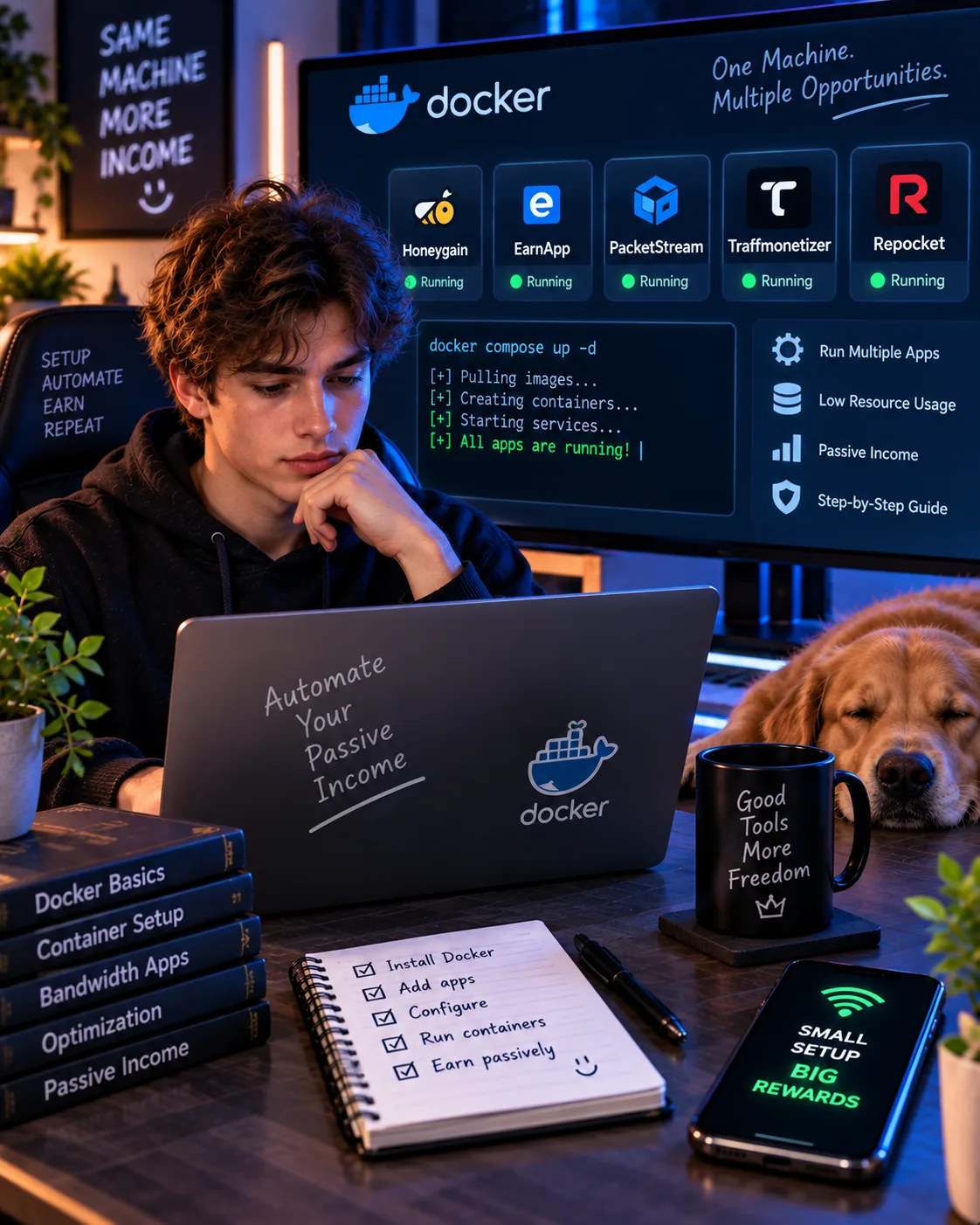
This guide walks through a complete setup using Docker, the open-source tool that makes running multiple apps on one machine practical. The apps covered are Honeygain, EarnApp, PacketStream, Traffmonetizer and Repocket — the five most common bandwidth-sharing apps in 2026.
Warning before you start: Running all five simultaneously means running EarnApp, which carries the highest IP risk of the group. If your connection is used for work, banking, or anything sensitive, skip EarnApp or use a dedicated connection. The rest of the guide assumes you understand and accept that trade-off.
Why Docker instead of native installs?
You can install each bandwidth app natively — a separate installer for Windows, a.deb for Linux, an APK for Android. That works, but it gets messy fast when you're running five of them.
Docker solves three specific problems:
- Isolation. Each app runs in its own container with its own environment. If one crashes or conflicts with another, the others keep running.
- Automatic restarts. Docker can restart containers that crash, which matters for apps that need to run 24/7 to earn.
- Central management. You manage every app through the same commands and the same interface, instead of hunting through five different native dashboards.
The trade-off: Docker requires Linux, macOS, or Windows with WSL2. If you're on a Raspberry Pi or a VPS, Docker is the natural choice. If you're on Windows without WSL2, this guide won't work as written.
Prerequisites
- A Linux machine, macOS, or Windows with WSL2. A Raspberry Pi 4 or 5 works well and uses very little power.
- Docker and Docker Compose installed. Docker Desktop for macOS/Windows, or the docker-ce package for Linux.
- A residential IP address. Datacenter IPs (typical VPS IPs) earn far less on most apps, and some apps refuse them entirely.
- Accounts on each app. You need to register on each platform's website first and get your credentials or registration tokens.
- Patience. Bandwidth apps do not pay immediately. Expect 30–90 days before you see meaningful balances.
Important: Do not use a VPN on the machine running these containers. All five apps will likely detect it and either ban your account or refuse to pay. If you use a VPN for other purposes on the same network, disable it before starting the containers.
The money4band project: the easiest starting point
Instead of writing your own Docker Compose file from scratch, you can use money4band — an open-source project on GitHub that packages multiple bandwidth apps into a single deployable stack.
money4band supports Honeygain, EarnApp, PacketStream, Traffmonetizer, Repocket, Peer2Profit, and several others. It handles container creation, restart policies, and basic monitoring. According to the project's GitHub page, it is actively maintained and has over 450 stars as of early 2026.
Basic setup with money4band
- Clone the repository:
git clone https://github.com/goris97/money4band - Enter the directory:
cd money4band - Edit the environment file: Fill in your credentials for each app you want to run. The file is usually called
.envormoney4band.env. - Start the stack:
docker-compose up -d - Verify containers are running:
docker ps - Check logs:
docker-compose logs -f
That's the minimum. The rest of this guide covers what to do after — monitoring, IP rotation, and troubleshooting.
Manual Docker setup (if you prefer control)
If you'd rather not rely on a third-party project, you can set up each app manually with Docker Compose. Here's a minimal example for Honeygain:
docker-compose.yml
services:
honeygain:
image: honeygain/honeygain
command: -email your@email.com -pass yourpassword -device your-device-name
restart: unless-stopped
For EarnApp, PacketStream, Traffmonetizer and Repocket, the pattern is similar — each has an official or community Docker image. The key differences are the environment variables and the registration tokens each app requires.
Note on EarnApp: According to community reports, EarnApp's Docker image is unofficial and has received mixed feedback on reliability. If you're uncomfortable with an unofficial image, run EarnApp natively on a separate device, or skip it entirely.
Which apps can run together safely?
| App | Docker support | Can share IP with others? | IP risk | Notes |
|---|---|---|---|---|
| Honeygain | Official image | Yes | Low | Most compatible; run this first |
| PacketStream | Community image | Yes | Low | Pairs well with Honeygain |
| Traffmonetizer | Official image | Yes | Medium | Crypto payouts, low threshold |
| Peer2Profit | Official image | Yes | Medium | Good earnings in high-demand countries |
| EarnApp | Unofficial image | Yes, but adds risk | High | Owned by Bright Data; highest IP risk of the group |
| Repocket | Community image | Yes | Medium-High | Not recommended — poor payout history |
Practical recommendation: Start with Honeygain + PacketStream + Traffmonetizer. These three are low-to-medium risk, work well together, and cover both PayPal and crypto payouts. Add Peer2Profit if you're in a high-demand country. Add EarnApp only if you accept the IP risk. Skip Repocket.
Monitoring your earnings across five apps
Once you're running multiple apps, keeping track of balances becomes a problem. You have five dashboards, each with its own login, its own payout threshold, and its own status.
The simplest solution is a spreadsheet. It takes five minutes a week and prevents the most common mistake: letting a balance sit untouched until an account gets flagged or a payout expires.
What to track weekly
- Current balance on each app
- Date of last payout
- Next payout threshold
- Any app notifications (KYC requests, warnings, policy changes)
Optional: automated monitoring
If you're comfortable with scripting, you can query the Honeygain API and similar endpoints to pull balances automatically. This is overkill for most users, but useful if you're running a larger setup on a VPS.
Common problems and how to fix them
Container crashes on startup
Check the logs with docker-compose logs [service-name]. The most common causes are missing environment variables or invalid credentials. Verify your email, password or token in the.env file.
App connects but earns nothing
This usually means your IP is in a low-demand region, or your ISP has blocked the app's traffic. Check the app's dashboard for connection status. If the dashboard shows "connected" but earnings are zero for weeks, your IP is likely in a low-demand country.
Account flagged or banned
The most common cause in a Docker setup is VPN usage. If the host machine has a VPN running, disable it. Docker containers share the host's network stack by default, so a host VPN affects all containers. You can also configure Docker to use a different network namespace, but that's advanced and rarely necessary.
Multiple containers competing for resources
Bandwidth apps are lightweight — they use minimal CPU and RAM. On a Raspberry Pi 4, all five apps together typically use under 500MB of RAM. If you see high CPU usage, the culprit is usually PacketStream under heavy traffic, or a misconfigured container looping.
Payout threshold reached but no payout received
Check the platform's payout schedule. Some apps pay automatically when the threshold is hit; others require a manual request. Verify the account email and payout details match. If everything looks correct, contact the platform's support — do not simply wait.
Is this worth it?
Let's be honest about the numbers. Based on user reports and platform payout rates, a single machine running Honeygain, PacketStream and Traffmonetizer 24/7 for a month in a high-demand country (US, UK, Germany, France) will earn roughly:
| App | Monthly earnings (single device) |
|---|---|
| Honeygain | $3–$5 |
| PacketStream | $2–$8 |
| Traffmonetizer | $0–$4 |
| Total | $5–$17 |
Add Peer2Profit and EarnApp, and you might reach $15–$30 per month. That's not nothing — but it's also not enough to justify a dedicated machine unless you already have one running 24/7 (a home server, a NAS, a Raspberry Pi).
The setup makes sense if:
- You already run a home server or Raspberry Pi 24/7 for other reasons.
- You're curious about passive income and want to learn how the apps work.
- You have a connection with no data caps and don't care about the IP trade-off.
It doesn't make sense if:
- You'd have to buy new hardware to run it.
- Your connection is used for work or anything sensitive.
- You're expecting meaningful income.
Frequently asked questions
Can I run Honeygain, EarnApp and PacketStream on the same IP?
Yes. They use different backend networks and don't conflict. The only caveat is that EarnApp increases IP risk regardless of what else is running, so if you're worried about IP reputation, skip EarnApp and keep the others.
Do I need a separate machine for each app?
No. All five apps can run on the same machine in separate Docker containers. They use minimal resources — under 500MB of RAM combined on a Raspberry Pi 4.
Platform information and limitations
Each platform has its own terms and limitations regarding multiple devices, IP usage, and payouts. Always review the current terms on the official website for each app before running them together.
Can I run these apps on a VPS?
Technically yes, but most bandwidth apps pay far less for datacenter IPs (typical VPS IPs) than for residential IPs, and some refuse datacenter IPs entirely. If you want to run this on a VPS, use one that offers a residential IP — which usually costs more than a standard VPS.
Is running multiple bandwidth apps against the terms of service?
According to most platforms' terms of service, running multiple apps on the same connection is generally allowed as long as you have one account per platform. However, running multiple accounts of the same app from the same IP likely violates terms and can lead to account bans.
What happens if I use a VPN on the host machine?
Docker containers share the host's network stack by default, so a host VPN affects all containers. All five apps will likely detect the VPN and either refuse to earn or ban your account. Disable the VPN before starting the containers.
How do I update the apps?
With Docker Compose: docker-compose pull followed by docker-compose up -d. This pulls the latest image versions and restarts the containers. Do this monthly to stay current with app updates.
Are there alternatives to money4band?
Yes. You can write your own Docker Compose file (as shown above), or use projects like casinocoin/miner or the community Dockerfiles on GitHub. money4band is simply the most beginner-friendly option because it handles most configuration for you.
The bottom line
Running five bandwidth-sharing apps on one machine with Docker is a legitimate way to earn a small amount of passive income. It's not life-changing, and it's not for everyone — especially if your connection is used for sensitive activities.
But if you have a spare machine running 24/7, a residential connection, and reasonable expectations, the setup is straightforward. Start with Honeygain + PacketStream + Traffmonetizer. Add Peer2Profit if you're in a high-demand country. Consider EarnApp only if you accept the IP risk. Skip Repocket.
Monitor your balances weekly, cash out as soon as you hit the thresholds, and don't run a VPN on the host machine. That's the whole system.
Get the Ultimate GPT Insider Guide🚀
Learn how survey disqualifications work and proven ways to qualify for more studies. 100% Free.
LootHub.org
Recommended posts
Continue with these related reward guides.
 VERIFIED 2026
Honeygain Content Delivery Explained 2026: How to Earn More Credits
 VERIFIED 2026
Best Honeygain Alternatives 2026: EarnApp, PacketStream, Pawns.app & More Compared
 VERIFIED 2026
Honeygain for Beginners 2026: How to Install, Configure and Maximize Earnings
 VERIFIED 2026
Honeygain vs EarnApp vs PacketStream vs Traffmonetizer vs Repocket: Real Passive Income Ranking (2026)
 VERIFIED 2026
Honeygain Payment Methods 2026: PayPal, Crypto, Gift Cards & Fees Explained
 VERIFIED 2026