TimeBucks Account Banned or Flagged? Causes & How to Recover (2026)
 VERIFIED 2026
Quick answer
What many users do not realize is that TimeBucks distinguishes between a flag and a ban . A flag means your account is in a review queue and survey access is temporarily restricted. A ban means your account is permanently disabled and your balance will not be paid out. The difference matters because only a flag is reversible in many cases.
Quick Answer: What Happens When You Get Banned?
If your TimeBucks account was flagged for VPN or proxy use, you can usually restore access by disabling the VPN and refreshing the page. If you were banned for multiple accounts or shared devices, the ban is permanent and your balance is lost. If the ban was due to a failed sanction check, you need to contact support with your real name and country — there is no self-service path.
The most important thing in one sentence: Not every ban is the end. But if you violated the one-account-per-device rule, there is no second chance.
Flag vs. Ban: What Is the Difference?
TimeBucks uses two terms that are often confused.
Flag: Your account or device was marked by the security system. Survey access is restricted, but you can still log in and complete other tasks. The flag is manually reviewed. If the review finds it was a false alarm, access is restored. If the review confirms a rule violation, the flag is converted into a permanent ban.
Ban: Your account is permanently disabled. You cannot log in, and your entire balance is not paid out. According to TimeBucks policies, bans for fraud (survey fraud, offer fraud, fake documents) are never lifted. There is no appeal.
The Most Common Causes of a Flag or Ban
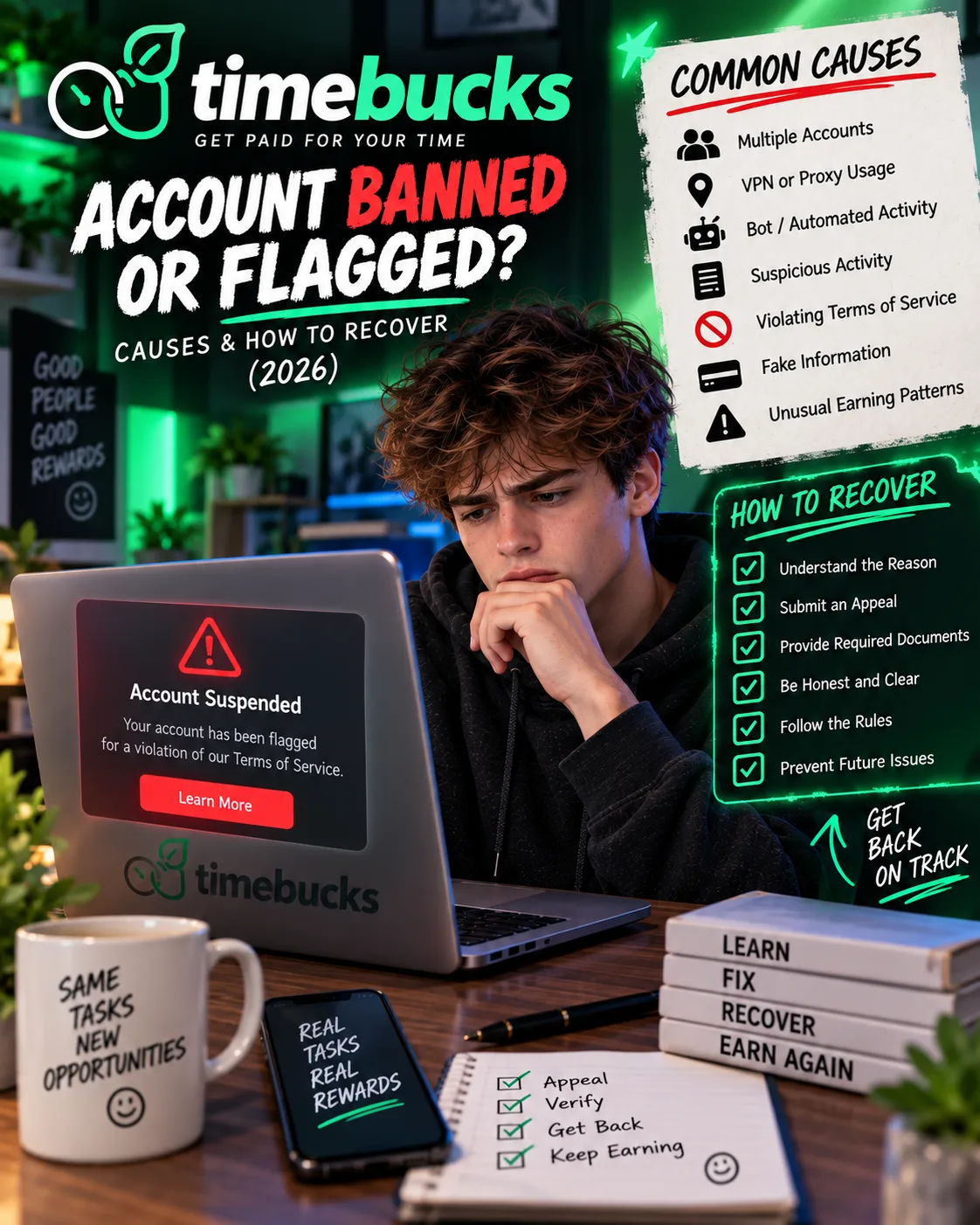
1. VPN, Proxy, or IP Masking
This is the most common cause. TimeBucks explicitly prohibits the use of VPNs, proxies, or any tool that hides your true geographic location. The system automatically detects suspicious connections and places your account in the review queue.
TimeBucks has clear instructions for disabling VPNs and proxies on different devices. On Windows: Settings → Network & Internet → VPN → disconnect. On Android: Settings → Network & Internet → VPN → disconnect. On iPhone: Settings → VPN → turn off. After disabling, just reload the survey page.
2. Multiple Accounts
TimeBucks allows exactly one account per user. The system monitors device IDs, IP addresses, and behavioral patterns. If there are signs of multiple accounts — for example, because two people use the same device or the same IP address — all associated accounts are banned.
What many do not know: using different email addresses is not enough. The system detects the device and IP. If your roommate already has a TimeBucks account and you try to create one on the same laptop, it is treated as a multiple account. TimeBucks offers the possibility to request an IP exception in such cases, but that must happen before the ban.
User reports indicate that bans for multiple accounts are typically final. TimeBucks does not lift them, even after multiple support tickets.
3. Shared Devices
TimeBucks requires that each user uses their own device. If two people use the same smartphone or computer for different TimeBucks accounts, it is considered suspicious. Survey providers may then block both accounts.
This is particularly problematic in shared housing or families where one device is shared. TimeBucks explicitly recommends that each user has their own device. If that is not possible, at least an IP exception should be requested.
4. Survey Fraud and False Information
If you provide false information in surveys — for example, stating an income that does not match your profile, or claiming to own a car when you do not — it can be treated as fraud. TimeBucks works with survey providers who cross-check profile data with answers. Discrepancies lead to a flag and, in the worst case, a permanent ban.
The system also detects if you try to answer the same survey multiple times or use automated tools. In these cases, the account is immediately banned and the balance is withheld.
5. Failed Sanction Check
TimeBucks is legally required to screen all members against international sanctions lists. This automatic check runs when you update your name or payment details. If your name matches someone on a watchlist, your payouts are temporarily paused and you are asked to complete an ID check.
If the ID check confirms that you are not the sanctioned person, the block is lifted immediately. If your government ID confirms a legitimate sanctions match, the account is banned with the reason “Failed Sanction Check – Contact Support.” In that case, there is no self-service path. You must contact support with your full name and country exactly as they appear on your ID.
What You Can Do If Your Account Was Flagged or Banned
Step 1: Find out why you were flagged
Log in to your TimeBucks account and check if there is a message stating the reason for the flag. Common messages are “Suspicious Connection,” “Your Account has been flagged,” or “Failed Sanction Check – Contact Support.” If you do not see a message, contact support through the ticket system.
Step 2: Fix the problem if it is fixable
If the flag was caused by a VPN or proxy, disable the VPN and all proxy settings on your device. TimeBucks has detailed instructions for Windows, Android, and iPhone. After disabling, reload the survey page and try to access surveys.
If the flag was caused by a shared device, make sure only you use that device for TimeBucks. If that is not possible, contact support and explain the situation.
Step 3: Contact support — but only if you are innocent
TimeBucks has a support ticket system. If you believe the ban was unfair, you can appeal. According to the policies, you should provide as much detail as possible about why you believe the ban was unfair, and include any evidence you have — screenshots, records, or other supporting documents.
TimeBucks states that it tracks activity closely and can see where traffic comes from. Inaccurate or misleading explanations are immediately detected. There is no second chance if that happens. In other words: if you broke the rules, admit it. If you did not, be honest and precise.
Step 4: Accept it if it is not fixable
If your account was banned for fraud or multiple accounts, there is no recovery. TimeBucks has a zero-tolerance policy for fraud. Decisions on fraud-related bans are final, and no appeals are considered. The balance on banned accounts is not paid out.
User reports indicate that attempting to create a new account after a ban leads to all associated accounts being banned. TimeBucks explicitly prohibits this and monitors compliance.
How to Avoid a Ban in the First Place
- No VPN, no proxy. If you use a VPN for other purposes, create an exception for TimeBucks or turn it off before visiting the site.
- One account, one device. Do not share your device with other TimeBucks users. If that is unavoidable, request an IP exception before creating a second account.
- Be honest in surveys. Give answers that match your profile. The system detects discrepancies.
- Do not use automated tools. Bots, scripts, and emulators lead to immediate bans.
- Keep your data up to date. If your name or payment details change, update them immediately. Sanction checks run automatically and may temporarily pause payouts.
FAQ
Can I recover my TimeBucks account if it was banned?
It depends on the reason. If the ban was for VPN or proxy use, you can often restore access by disabling the VPN. If the ban was for multiple accounts or fraud, it is permanent and the balance is lost.
What happens to my balance if my account is banned?
For a permanent ban, your balance is not paid out. TimeBucks retains it.
How long does a flag review take?
TimeBucks does not publicly specify a review timeframe; it may vary depending on the case.
Can I create a new account after a ban?
No. TimeBucks prohibits users whose accounts were banned for violating the terms from creating new accounts. Attempting to circumvent this leads to all associated accounts being banned.
What is a sanction check?
TimeBucks is legally required to screen all members against international sanctions lists. If your name matches someone on a watchlist, your payouts are paused and you are asked to complete an ID check. If the check confirms you are not the sanctioned person, the block is lifted.
How do I contact support for a sanction check ban?
Contact support with your full name and country exactly as they appear on your ID. There is no self-service way to lift this ban.
Can I request an IP exception if I share my device?
Yes. TimeBucks offers the possibility to request an IP exception when multiple users share the same IP address. However, this must happen before the ban. Contact support to request an exception.
Final Verdict
Based on available information and user reports, the most common cause of bans is carelessness. A forgotten VPN, a shared device, a second account “just to test” — these are the things that lead to flags and bans. Most users who were banned did not intentionally cheat. They simply did not know how strict TimeBucks is.
The good news: VPN flags are usually fixable. The bad news: multiple accounts and fraud lead to permanent bans without appeal. If you use TimeBucks, treat it like a bank: one account, one device, honest answers. Then you will probably never have to deal with a ban.
If you have already been banned, contact support, be honest and precise. If the ban was justified, accept it and find another platform. There are plenty of alternatives that are less strict — but they also pay less reliably. That is the trade-off.
Get the Ultimate GPT Insider Guide🚀
Learn how survey disqualifications work and proven ways to qualify for more studies. 100% Free.
LootHub.org
Recommended posts
Continue with these related reward guides.
 VERIFIED 2026
TimeBucks for Beginners 2026: How to Sign Up, Verify and Maximize Earnings
 VERIFIED 2026
TimeBucks Referral Program 2026: How to Earn 10% Lifetime Commission
 VERIFIED 2026
Is TimeBucks Safe? Data Privacy, VPN Risks & What You Should Know (2026)
 VERIFIED 2026
TimeBucks by Country 2026: Tier 1 vs Tier 2 Earnings Compared
 VERIFIED 2026
TimeBucks Payment Methods 2026: PayPal, Crypto, Bank Transfer & All Fees
 VERIFIED 2026