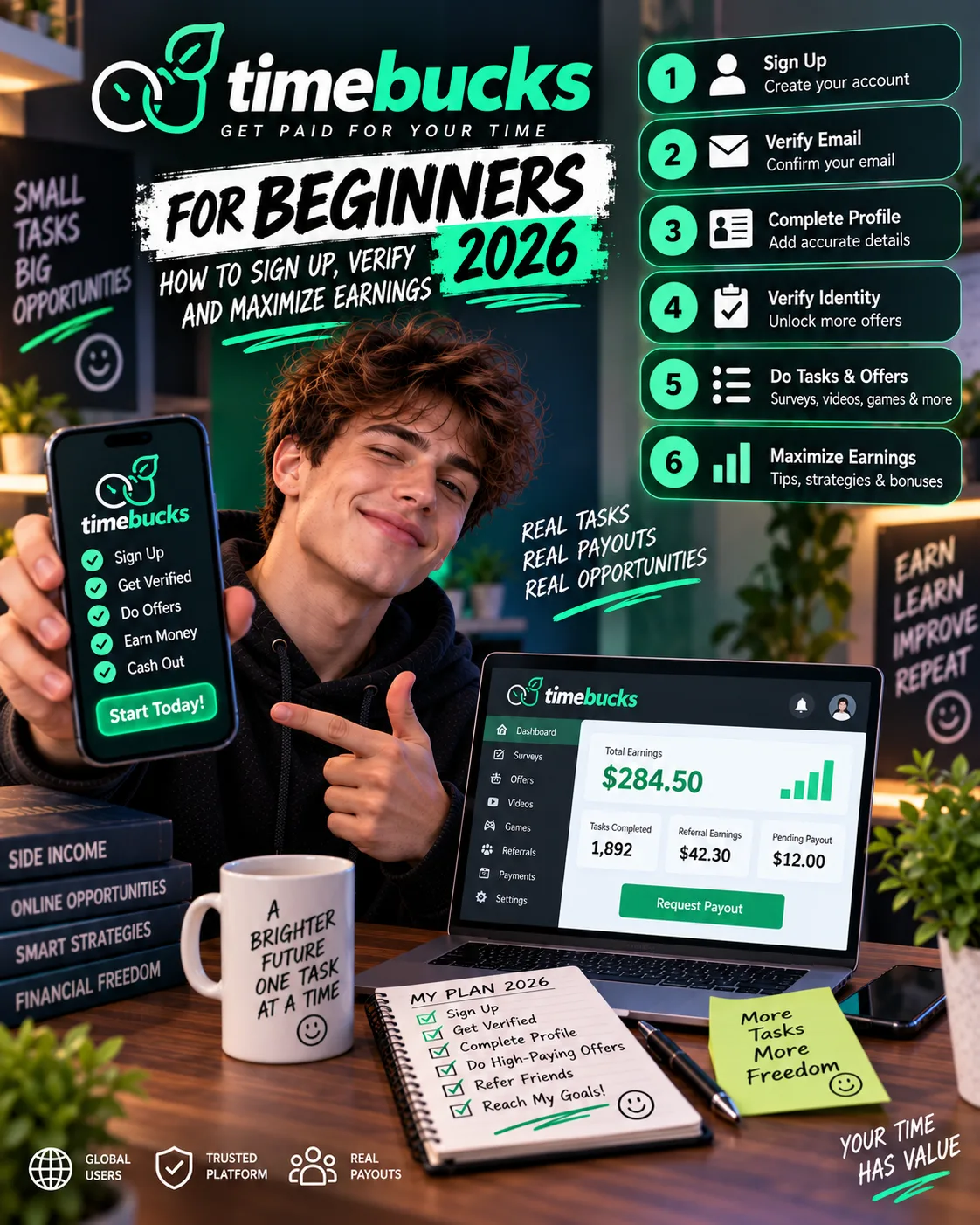
TimeBucks for Beginners 2026: How to Sign Up, Verify and Maximize Earnings
 VERIFIED 2026
Quick answer
TimeBucks is a legitimate GPT platform that has paid users since 2014. The $3 payout threshold is one of the lowest in the industry, and payments go out five days a week. But the platform does not hold your hand. There is no withdraw button. There is no welcome tutorial. The settings that matter are buried in menus most new users never open. This guide covers everything I learned from six months of hands-on testing.
Step 1: Create Your TimeBucks Account
If you register with email, you must click the confirmation link in the email TimeBucks sends you before you can access the platform. The link typically arrives within a few minutes. If it does not, check your spam folder.
Once you are logged in, go to the Settings tab immediately. This is where you will fill out your profile and configure your payment method. Do not skip this step. Your profile determines which surveys you qualify for, and your payment method determines whether you can cash out at all.
Fill out your profile completely
This is not optional if you want to earn from surveys. Incomplete profiles are shown fewer surveys. And if your profile information contradicts your survey answers, you risk a chargeback — the advertiser can reverse a reward up to 60 days after completion if they find inconsistencies.
Step 2: Set Up Your Payment Method Before You Need It
This is the step most beginners skip, and it is the one that causes the most payout delays. TimeBucks pays out automatically on Sunday, Monday, Tuesday, Wednesday, and Thursday at 23:59:59 server time (New York). There is no withdraw button. If your payment method is not configured, the payment cannot be sent, even if your balance has reached $3.
| Method | Minimum | Fee | My verdict |
|---|---|---|---|
| Revolut | $3 | None stated | Best option if available. Direct to RevTag. Name must match exactly. |
| Bank Transfer (Wise) | $3 | $1.13 flat | Best for payouts above $8. Works as SEPA transfer in Europe. |
| PayPal | $3 | 4% (min $0.25) | Most expensive percentage fee. Redemption email expires in 2 hours. |
| LiteCoin / Solana | $3 | Free at $5+ | Cheapest at $5+, but requires full ID verification. |
| AirTM | $3 | 1.5% (min $0.25) | Functional, but extensive country restrictions and clunky interface. |
| Virtual Visa | $10 | None stated | High minimum. Delivery up to 72 hours. Avoid unless you need a card. |
If you configure PayPal, add rewards@tremendous.com to your contacts immediately. TimeBucks uses Tremendous to process PayPal payments, and the redemption email expires two hours after it is sent. I missed mine once because it landed in my promotions folder. I had to wait two extra days for the next payout cycle.
Step 3: Complete ID Verification Early
TimeBucks has two verification levels:
Trust-score verified: Granted automatically when you create your account and set up a standard payment method like PayPal or bank transfer. No scan required. This is enough for non-crypto payouts.
ID Verified: Requires a full selfie and government-issued ID scan through Verisoul, TimeBucks’ third-party verification partner. This is required if you want to use LiteCoin or Solana for payouts. It is also required if your account is flagged for a routine compliance review.
I waited three weeks to complete ID verification. That was a mistake. My first two payouts were processed through PayPal, which did not require the full ID check, but I had wanted to test crypto payouts and could not until I verified. The verification itself took about 20 minutes — I uploaded a photo of my driver’s license and took a selfie. It cleared in about two hours.
What to do: Go to Settings → Verify ID and click Start ID Verification. You must complete the scan on a mobile phone. The link opens a third-party site where you take a selfie and photograph your ID. Make sure your ID is not expired, the photo is clear, and your face is well-lit. If your TimeBucks profile country does not match your ID country, the check will fail. This also happens if you have a VPN active during the scan.
If the check fails and the “Start ID Verification” button is still visible, you can retry. If the button is gone and replaced by a “Contact Support” prompt, the check was rejected and requires manual review. Contact support and state that you are on a crypto rail if you use LiteCoin or Solana — this routes your ticket to the correct specialist.
Step 4: Choose the Right Tasks (Not the Most Obvious Ones)
Once your account is set up, go to the Earn tab. You will see options for surveys, videos, offers, and tasks. The most obvious choices are not the best ones. Here is what I learned from six months of testing:
Start with offerwall game installs
Use surveys to fill gaps, not as your primary activity
Use surveys when you have a block of time and the offerwall is thin. Do not rely on them as your primary earning method. And always fill out your profile completely — it improves your qualification rate.
Skip videos and micro-tasks entirely
Videos pay $0.01 to $0.03 per video, with each video lasting 30 to 90 seconds. My calculated hourly rate was $0.20 to $0.40 — the worst on the platform. Micro-tasks, including comments, follows, and selfies, pay an average of $0.04 per task. Neither is worth your time.
Use PTC clicks as filler
Step 5: Start Your Daily Streak on Day One
TimeBucks has a Daily Streak reward system. You check in each day to build a streak, and the streak unlocks bonuses. For the first 10 days, there is no earning requirement — you simply check in. After Day 10, you must meet an earning requirement to continue the streak. The requirement is measured over your last 48-hour period and varies by region.
Check in every day. If you miss a check-in for more than 48 hours, your streak resets to Day 0.
Common Beginner Mistakes That Cost Me Money
Mistake 1: Missing the PayPal redemption email
The Tremendous email expires in two hours. Mine landed in my promotions folder. I did not see it until the next day, and the payment had already been returned to TimeBucks. I waited two extra days for the next payout cycle. Add rewards@tremendous.com to your contacts and create a filter that moves it to your primary inbox.
Platform information and limitations
Invoices are finalised four hours before each payout. If your balance is below $3 during that window, the payment rolls to the next cycle. I had $3.12 one day, but $0.40 of that was from an offer still pending advertiser confirmation. My finalised balance was $2.72. The payment rolled over. Check your finalised balance, not your total balance.
Mistake 3: Using a VPN while logged in
Mistake 4: Rushing through surveys
Mistake 5: Not checking the offer terms
Some offers have hidden conditions. A game that says “reach level 10” might actually require you to reach level 10 within 7 days of installing. I learned to read the terms carefully before starting any offer. If the time limit is too short or the level requirement is too high, skip it.
Beginner Checklist: First Week on TimeBucks
- Day 1: Create your account (use Google for faster verification). Fill out your profile completely. Set up your payment method in Settings → Payment Method. Add
rewards@tremendous.comto your contacts. - Day 1: Start your Daily Streak by checking in.
- Day 2–3: Complete ID verification if you plan to use crypto. Go to Settings → Verify ID and complete the scan on your mobile phone.
- Day 2–7: Explore the offerwall. Sort by reward value, filter for games that pay at least $1.00, and complete two or three game installs. Check the level requirements and time limits first.
- Daily: Check in to maintain your streak. Do a few PTC clicks as filler while surveys load. Attempt surveys when you have a block of time.
- Before you hit $3: Double-check your payment method is configured correctly. Confirm your name matches exactly on Revolut or PayPal.
- After you hit $3: Watch for the Tremendous email if you use PayPal. It expires in two hours. For bank transfer, expect 2–4 business days for the money to arrive.
FAQ
How long does it take to earn your first $3 on TimeBucks?
Do I need to verify my ID to get paid?
Not for standard payouts like PayPal, bank transfer, or Revolut. Your account is trust-score verified automatically when you set up a standard payment method. ID verification is only required for crypto payouts (LiteCoin or Solana) or if your account is flagged for a compliance review.
What is the minimum payout on TimeBucks?
$3 USD for all payment methods except Virtual Visa, which has a $10 minimum.
How often does TimeBucks pay?
Payments are sent automatically on Sunday, Monday, Tuesday, Wednesday, and Thursday at 23:59:59 server time (New York). There is no withdraw button. Invoices are finalised four hours before each send time.
Can I use a VPN on TimeBucks?
No. TimeBucks prohibits VPNs, proxies, and any IP masking tools. Using a VPN can result in a flagged account or a permanent ban. If you use a VPN for daily browsing, disable it before visiting TimeBucks.
What is the best task for beginners?
Offerwall game installs. They have the highest hourly rate on the platform and are the most reliable way to reach the $3 payout threshold quickly. Surveys are a secondary option once your profile is complete.
What happens if I miss a day in my Daily Streak?
If you do not check in within 48 hours, your streak resets to Day 0. Check in every day to maintain it.
Why did my TimeBucks balance go down?
A sudden drop is usually a chargeback. Advertisers can reverse survey or offer rewards up to 60 days after completion if they review your answers and find inconsistencies. TimeBucks cannot reverse a chargeback once it is applied.
Final Verdict
TimeBucks is a legitimate GPT platform with a low payout threshold and a reliable payment system. It will not make you rich — my six-month average was $8 to $15 per month — but it is one of the easiest platforms to start with because you can cash out at just $3.
The biggest mistake beginners make is not setting up their account correctly on day one. Configure your payment method before you earn your first dollar. Complete ID verification early if you plan to use crypto. Start your Daily Streak on day one. And focus your time on offerwall game installs, not on videos or micro-tasks that pay fractions of a cent.
If you follow the steps in this guide, you can reach your first payout within a week and avoid the mistakes that cost me a full payout cycle during my first month. TimeBucks works. You just have to set it up correctly.
Get the Ultimate GPT Insider Guide🚀
Learn how survey disqualifications work and proven ways to qualify for more studies. 100% Free.
LootHub.org
Recommended posts
Continue with these related reward guides.
 VERIFIED 2026
TimeBucks by Country 2026: Tier 1 vs Tier 2 Earnings Compared
 VERIFIED 2026
TimeBucks Referral Program 2026: How to Earn 10% Lifetime Commission
 VERIFIED 2026
TimeBucks Review 2026: Platform Analysis — Real Earnings & Verdict
 VERIFIED 2026
Is TimeBucks Safe? Data Privacy, VPN Risks & What You Should Know (2026)
 VERIFIED 2026
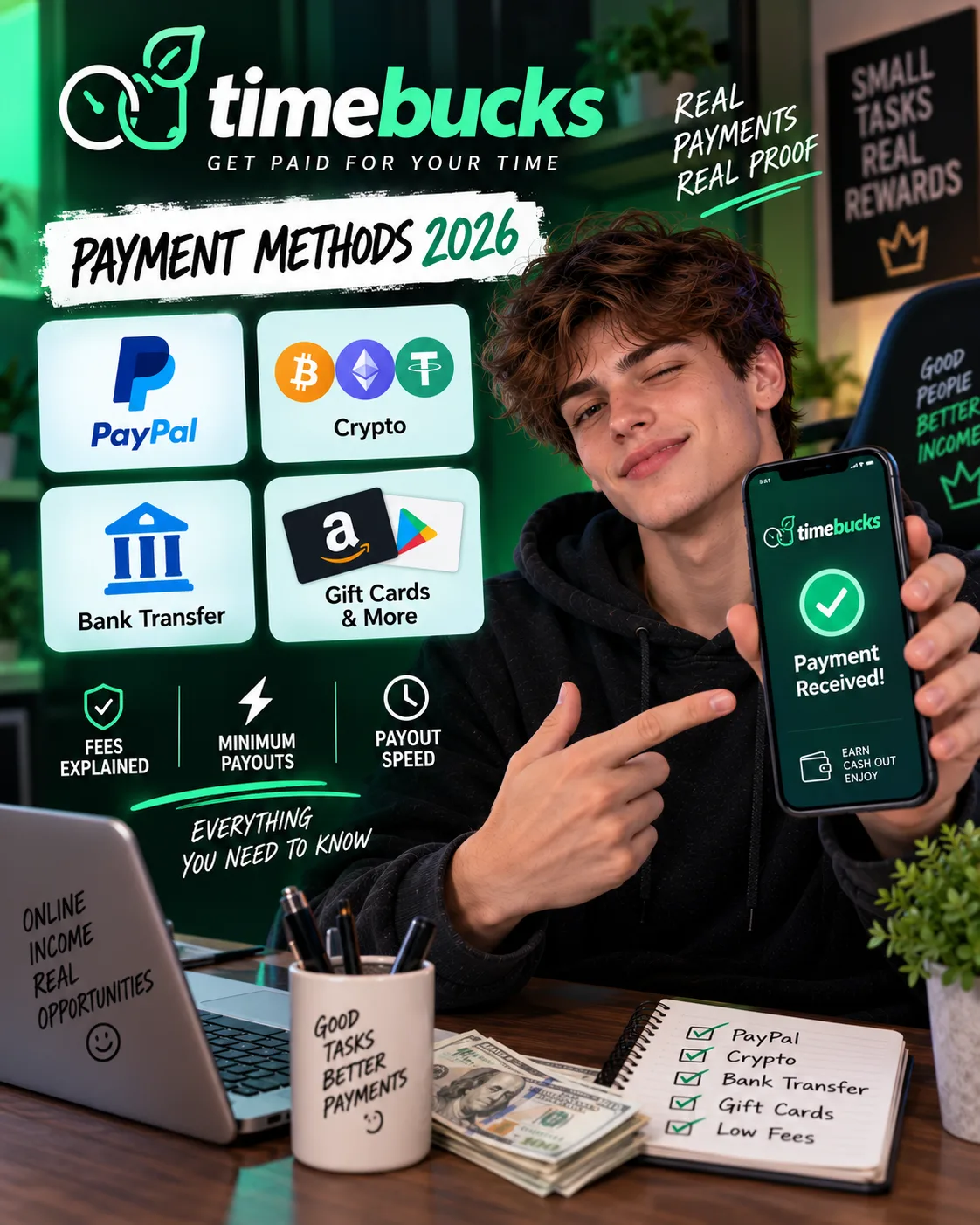
TimeBucks Payment Methods 2026: PayPal, Crypto, Bank Transfer & All Fees
 VERIFIED 2026