How to Receive GPT Site Payouts in AirTM: Step-by-Step Guide
airtm
 VERIFIED 2026
Quick answer
To receive GPT site payouts in AirTM , you need to activate the US Virtual Account in your AirTM profile, copy your routing number and account number, and enter those details on the GPT site's bank transfer page.
The catch: AirTM is not a direct payout method on most GPT sites. Only a few platforms — ySense, TimeBucks, Clickworker, and Get Paid To — list AirTM as a withdrawal option. For everything else, you use the US Virtual Account as a regular bank account, and the GPT site treats it like any other US bank.
What You Need Before You Start
Three things must be in place before a GPT site can send money to AirTM.
- An AirTM account with completed KYC. AirTM requires identity verification before you can receive any payments. The verification process gives you three attempts before manual intervention is required.
- An activated US Virtual Account. This is not enabled by default. You need to activate it from your AirTM profile and accept the terms from the vendor, Bridge Ventures Inc.
- A GPT site that supports bank transfer or AirTM directly. ySense and TimeBucks list AirTM as a direct payout option. Freecash and PrizeRebel support bank transfer, which you can receive via the US Virtual Account.
If you do not have an AirTM account yet, see our AirTM review for GPT site users for the full fee structure, compliance risks, and account block reports before signing up.
Step 1: Complete AirTM KYC Verification
AirTM will not let you receive payments until your identity is verified. The process takes about 15 minutes if the automated system accepts your documents.
Important: You have exactly three attempts to complete identity verification from your account. If the third attempt fails, the automated process is blocked and you must contact support for manual assistance, which can take up to 72 hours.
To verify your identity:
- Open the AirTM app or log in on the web.
- Photograph your identity document. Accepted documents include passport, national ID card, or driver's license.
- Take a selfie as instructed by the app.
- Submit and wait. Automated verification takes about 15 minutes. If manual review is required, it can take up to 72 hours.
The most common reasons verification fails:
- Using screenshots instead of photographs of the physical document
- Editing the image, applying filters, or sending photos through messaging apps (which compress and blur them)
- Not showing all edges of the document
- Only showing one side of the document (both sides are required except for passports)
- Expired documents
- Blurry images or images with glare and shadows that obscure data
If you exhaust your three attempts, email support@airtm.com for manual assistance. Do not create a new account — AirTM will detect duplicate accounts and may block both.
For a detailed guide on resolving KYC issues, see our AirTM review for GPT site users.
Step 2: Activate Your US Virtual Account
The US Virtual Account is not enabled by default. You need to activate it manually before you can receive USD from GPT sites.
- Log in to your AirTM account.
- Click on "US Account" in the menu or navigate to "Settings" → "US Virtual Account."
- Read and accept the terms and conditions from the vendor, Bridge Ventures Inc.
- Verify your identity if prompted (this is separate from the initial account verification in some cases).
- Once activated, copy your account details:
- Account holder name
- Routing Number (ABA)
- Account number
- Bank name and address
You can also receive payments via the EUR Virtual Account if your GPT site supports SEPA transfers. The EUR Virtual Account has a minimum of 5 EUR, a 0% receiving fee, and a credit time of 1–2 business days. Note that the IBAN is registered under Bridge Ventures, not your name, so some platforms that require the account holder name to match the recipient may not be compatible.
For a comparison of how AirTM's virtual accounts stack up against Wise's local account details, see our Wise review for GPT site earnings.
Step 3: Enter Your AirTM Details on the GPT Site
How you enter the details depends on whether the platform supports AirTM directly or requires bank transfer.
If the platform supports AirTM directly (ySense, TimeBucks)
- Log in to your GPT site.
- Go to Settings → Payment Method.
- Select "AirTM" from the list of available methods.
- Enter the email address associated with your AirTM account.
- Save the method. Payouts will be sent automatically or when you request a withdrawal, depending on the platform.
TimeBucks pays automatically every Thursday once your balance reaches $10. The fee is 1.5% with a minimum of $0.25. ySense requires a $10 minimum and processes AirTM withdrawals within 1–3 business days.
If the platform supports bank transfer only (Freecash, PrizeRebel)
- Log in to your GPT site.
- Go to the Cashout or Withdraw page.
- Select "Bank Transfer" or "Direct Deposit."
- Enter your AirTM US Virtual Account details: the routing number and account number.
- Enter your full name exactly as it appears on your AirTM account. This is critical. See the next section.
- Confirm the amount and submit.
The payment arrives as a domestic ACH transfer. Third-party transfers to the US Virtual Account are limited to $2,000 USD per transfer. ACH transfers from your own US bank account can be up to $100,000 USD.
For a full list of platforms that support bank transfer payouts, see our guide to Wise for GPT site earnings and check whether the same platforms support AirTM virtual accounts.
Step 4: Fix the Name Mismatch Error
The single most common reason a GPT payout fails to arrive in AirTM is a name mismatch.
AirTM requires that the name on the incoming transfer match the name on your AirTM account. If your GPT site profile says "Mike Smith" and your AirTM account says "Michael Smith," the transfer can be rejected or returned.
AirTM's own documentation states: "The name on any identification given to Airtm must match the name of the bank accounts or electronic transfer methods you use on the platform."
The fix:
- Update your GPT site profile name to match your AirTM account name exactly.
- Update your AirTM account name to match the name on your identity document.
- Ensure the name is consistent across every platform: GPT site, AirTM, and the bank account you use for P2P cashout.
Middle names, suffixes, and transliterations all cause mismatches. If your AirTM account is "John A. Smith" and your GPT site profile is "John Smith," the transfer may fail.
If the transfer is rejected, it will typically be returned to the GPT site, and the platform will credit your account again. You can then retry after fixing the name.
Step 5: Cash Out to Your Local Currency
Once the money is in your AirTM balance as USDC, you need to withdraw it to your local currency. This happens through AirTM's P2P network or through direct withdrawal options.
- Click the "Withdraw" button in the AirTM app.
- Select your preferred payment method. AirTM supports over 400 methods across 190+ countries, including bank transfer, mobile money (M-Pesa, GCash, Nequi), and cash pickup.
- Enter the amount you want to receive in local currency.
- Add your bank or payment details.
- Submit the request. AirTM matches you with a cashier who will send the local currency.
- Confirm receipt. When the cashier notifies you that the payment has been sent, verify it in your bank or payment app, then click "Transfer Received" in AirTM.
The P2P process is not instant. It depends on how quickly a cashier accepts your transaction and how quickly they send the money. In most cases, the cashout completes within a few hours to a couple of days.
The fees for the P2P cashout are variable. AirTM calculates a service fee based on your historical activity, the cashier sets a variable and fixed commission, and there is an escrow fee. On a $25 payout, the total cost can range from 2% to 8% depending on the cashier and your country.
For a detailed breakdown of AirTM fees, see our AirTM review for GPT site users.
How Long Does the Whole Process Take?
| Stage | Time | Notes |
|---|---|---|
| KYC verification | 15 minutes automated, up to 72 hours manual | 3 attempts limit |
| US Virtual Account activation | Immediate after accepting terms | One-time setup |
| Payment sent by GPT site | Depends on platform | TimeBucks pays weekly; ySense processes within 1–3 days |
| ACH transfer to AirTM | 1–3 business days | Third-party transfers capped at $2,000 |
| P2P cashout to local currency | Hours to a few days | Depends on cashier availability |
The total time from requesting a GPT payout to having the money in your local bank account can range from a few days to over a week. The bottleneck is usually the P2P cashout, not the ACH transfer.
Frequently Asked Questions
Which GPT sites support AirTM as a direct payout method?
ySense, TimeBucks, Clickworker, and Get Paid To support AirTM as a direct payout method. Freecash and PrizeRebel support bank transfer, which you can receive via the AirTM US Virtual Account. Most other GPT sites do not list AirTM as an option.
Does AirTM charge a fee to receive GPT payouts?
No. Receiving into the US Virtual Account is free. Receiving into the EUR Virtual Account is also free, with a 0% fee and a 5 EUR minimum. The cost appears when you cash out to local currency through the P2P network, where fees are variable.
How many KYC attempts does AirTM give?
Three attempts. If you fail on the third attempt, the automated process is blocked and you must contact support for manual assistance. Support responses can take up to 72 hours.
Why did my GPT payout not arrive in AirTM?
The most common cause is a name mismatch between your GPT site profile and your AirTM account. The names must match exactly, including middle names and suffixes. Other causes include incorrect account details and platform delays.
Can I receive USD from a GPT site in AirTM if I live outside the US?
Yes. The US Virtual Account gives you US banking details that can receive ACH transfers from US bank accounts, including GPT sites that pay via bank transfer. You do not need a US bank account or US residency.
What is the maximum amount I can receive in the US Virtual Account?
Third-party transfers (from GPT sites) are limited to $2,000 USD per transfer. Transfers from your own US bank account can be up to $100,000 USD. Wire transfers have a minimum of $1,501 USD.
Does AirTM work in Germany or France?
Technically yes, but AirTM is not the best choice for users in Germany, France, or other EU markets. Wise and Revolut provide cheaper and more predictable options. AirTM is more relevant for users in LATAM, Africa, and parts of Asia where PayPal is restricted.
Get the Ultimate GPT Insider Guide🚀
Learn how survey disqualifications work and proven ways to qualify for more studies. 100% Free.
LootHub.org
Recommended posts
Continue with these related reward guides.
 VERIFIED 2026
AirTM Fees Explained: What You Actually Pay on GPT Withdrawals
 VERIFIED 2026
AirTM P2P Cashout for GPT Earnings: How It Works and What It Costs
 VERIFIED 2026
AirTM vs PayPal for GPT Payouts: Which One Should You Use?
 VERIFIED 2026
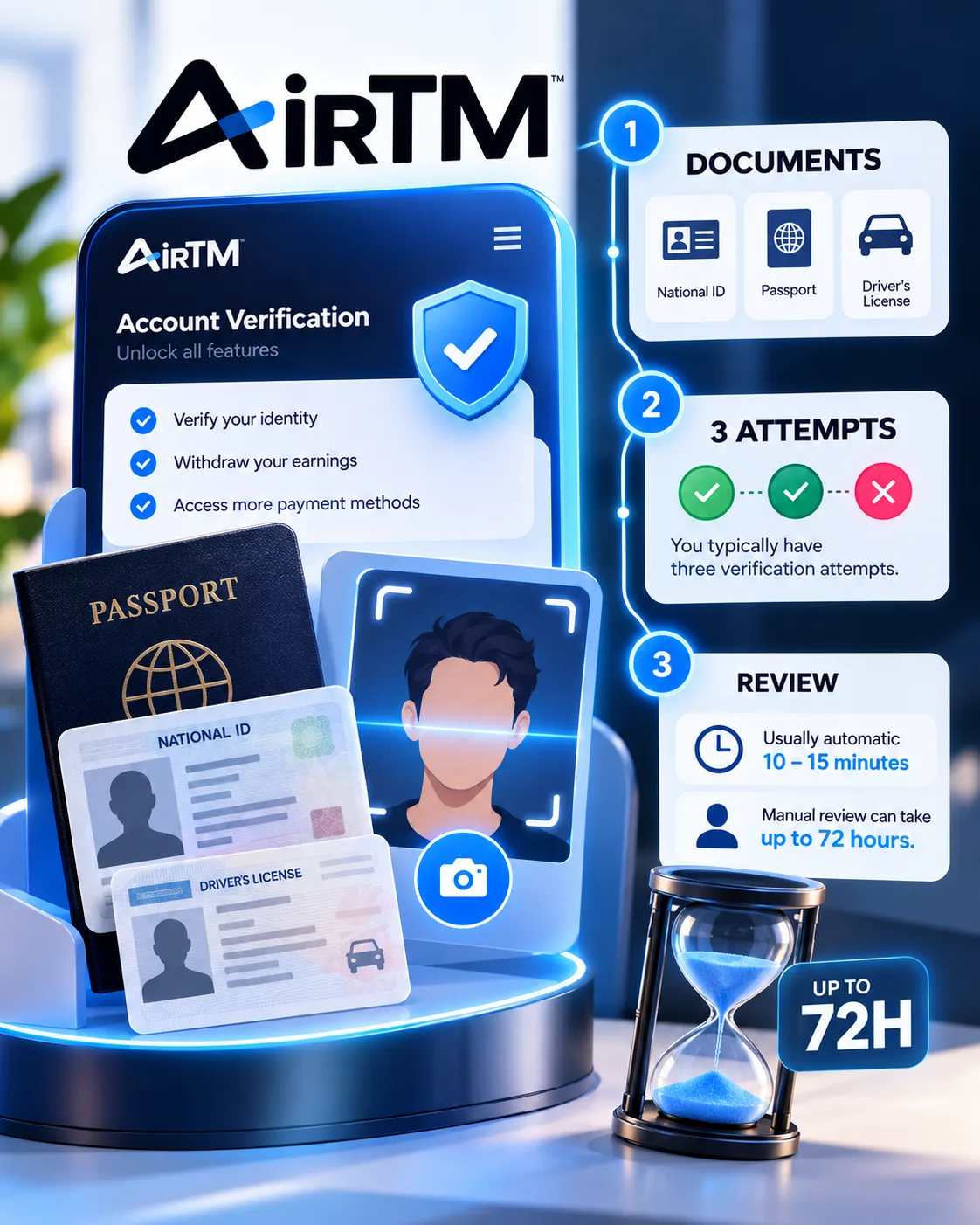
AirTM Account Verification for GPT Users: Documents, Attempts & Delays
 VERIFIED 2026
AirTM vs Wise vs Payoneer for GPT Site Users: Which One to Choose?
 VERIFIED 2026