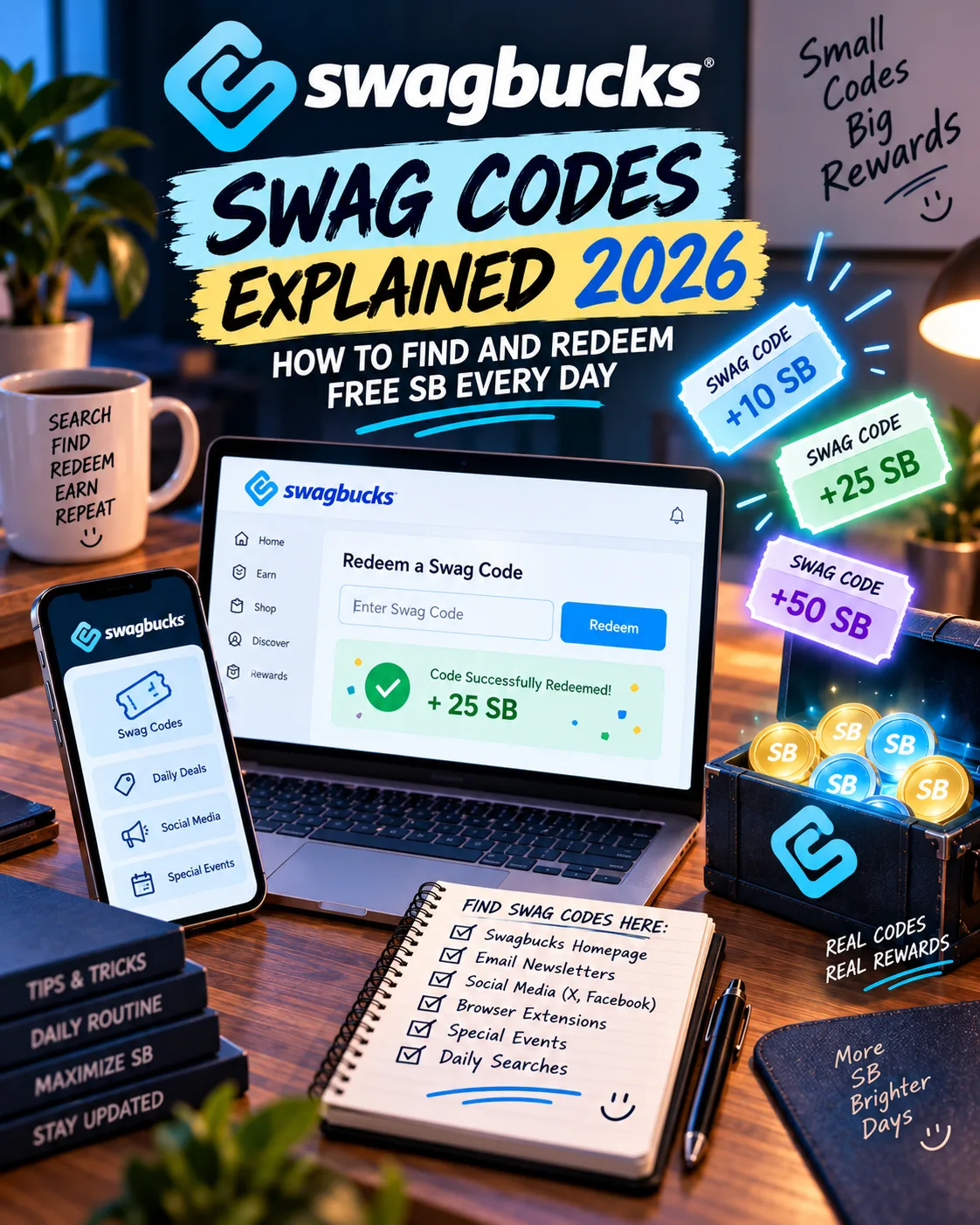
Swag Codes Explained 2026: How to Find and Redeem Free SB Every Day
SwagBucks
 VERIFIED 2026
Quick answer
The catch is that codes expire quickly — often within a few hours — and they are scattered across the Swagbucks ecosystem. This guide covers exactly where to find them, how to redeem them, and the difference between the two types of codes that most users confuse.
What Is a Swag Code?
A Swag Code is a unique text string that Swagbucks distributes through its website, mobile app, social media channels, and third-party partners. Entering the code into the designated Swag Code box adds SB to your account.
Codes range in value from 1 SB to 15+ SB. The value is always disclosed when the code is made available — either in the announcement post, the code box itself, or the notification that alerts you to an active code.
There are two types of Swag Codes:
- Static Codes — Shared publicly and can be used by multiple users. These are the codes you find on Facebook, Twitter, and the blog.
- Stealth Swag Codes — Personalised, one-time-use codes tied to your individual account. These are delivered through the SwagButton, the mobile app, or specific promotional links. They cannot be shared.
Where to Find Swag Codes
Swag Codes can appear anywhere in the Swagbucks ecosystem. The most reliable sources, ranked by how often they yield codes:
1. The SwagButton (highest hit rate)
The SwagButton is a browser extension available for Chrome, Firefox, Edge, and Safari. Once installed, it displays an icon in your browser toolbar. Clicking it reveals a "Check for Swag Code" button. If an active code is available, the button alerts you and provides the code directly.
Swagbucks' help centre recommends installing the SwagButton as a primary method for catching codes reliably.
2. Swagbucks Mobile App
The iOS and Android apps send push notifications when a Swag Code is live. The notification often contains the code itself. You can redeem it directly within the app without switching to the website.
3. Swagbucks Social Media
Swagbucks posts codes on its official social accounts:
- Facebook — The Swagbucks Facebook page regularly posts Swag Code alerts. The page is updated multiple times per week.
- Twitter/X — @Swagbucks posts codes, often during flash promotions.
- Instagram — Occasionally posts codes in stories or feed posts.
- Reddit — r/Swagbucks is a community-run subreddit where users share active codes.
4. Swagbucks Blog
The official Swagbucks blog (blog.swagbucks.com) announces codes during promotions and holidays. These are often higher-value codes tied to specific events.
5. Daily Trivia
The Swagbucks Daily Trivia game occasionally rewards players with Swag Codes for correct answers. This is not a reliable source, but it adds a small bonus for users who already play.
6. Third-Party Code Aggregators
Several websites track active Swag Codes and post them in real time. These include:
- sc-s.com — A dedicated Swag Code tracker with history, region filters, and expiry times
- SwagbucksCodes.net — Focused on Extravaganza events and high-value codes
- Reddit r/Swagbucks — Community-shared codes, often posted within minutes of going live
How to Redeem a Swag Code
Redeeming a code takes about 15 seconds. There are three ways to do it:
Method 1: The Swag Code Box (website)
- Log into your Swagbucks account.
- On the homepage, locate the Swag Code box (usually near the top of the page).
- Paste or type the code exactly as provided.
- Click "Submit" or press Enter.
- The SB are added to your account instantly.
Method 2: The SwagButton (browser)
- Click the SwagButton icon in your browser toolbar.
- If an active code is available, the button will display it.
- Click the code to auto-fill the redemption field.
- Confirm to add the SB to your account.
Method 3: The Mobile App
- Open the Swagbucks app.
- Tap the Swag Code icon (usually in the top navigation or menu).
- Enter the code manually or paste it from your clipboard.
- Tap "Redeem."
If a code does not work, the most common cause is that you have entered it improperly — a typo, a missing character, or an extra space. Check the code character by character before assuming it has expired.
Static vs Stealth Swag Codes: What's the Difference?
| Feature | Static Swag Code | Stealth Swag Code |
|---|---|---|
| Sharing | Can be shared publicly | Personalised, cannot be shared |
| Usage | Multiple users can redeem | One-time use only (your account only) |
| Where found | Facebook, Twitter, blog, code aggregators | SwagButton, mobile app, personalised links |
| Typical value | 2–3 SB | 2–5 SB |
| Expiry | Usually a few hours to a few days | Often shorter — sometimes 1–2 hours |
Static codes are the ones you see posted on social media or code aggregator sites. They can be shared and used by anyone.
Stealth codes are personalised. When you click a Swagbucks promotional link, you may receive a code that is tied to your account. If you try to share it, the other person will receive an error because the code is not valid for their account. Stealth codes are often delivered through the SwagButton or app, and they tend to have shorter expiry windows.
How Much Can You Earn from Swag Codes?
Swag Codes are a supplemental earning method. Individual codes typically have a small SB value, and the total you can earn depends on how many codes you catch, how often Swagbucks releases them, and whether you participate in special events such as Swag Code Extravaganzas.
Swagbucks does not publish official statistics on average code frequency or total monthly earnings from codes. Public code trackers and community forums indicate that active codes are often released several times per week, but availability varies. The most reliable way to maximize earnings is to use the SwagButton or mobile app alerts, which surface codes as they become available.
During Swag Code Extravaganzas, Swagbucks promotes a higher number of codes within a single day. Past promotional announcements have described multiple codes released throughout the day, with larger events such as the "200 Million Swag Code Extravaganza" featuring several codes. Exact code counts and total SB values vary by event and are disclosed at the time of release.
How to Avoid Missing Codes
- Install the SwagButton. This is the most reliable method. It is the single most reliable source of code alerts.
- Enable push notifications on the mobile app. The app will notify you when a code goes live. If you have notifications disabled, you will miss most codes.
- Follow the Swagbucks Facebook page and turn on notifications. The page posts codes regularly, and Facebook's "See First" setting ensures you see them in your feed.
- Check a code aggregator once or twice per day. Sites like sc-s.com post active codes with expiry times. A quick check in the morning and evening catches most of what you missed.
- Join the r/Swagbucks subreddit. Community members post codes within minutes of them going live. This is especially useful during Extravaganzas.
- Do not chase every code. Some codes are worth only 1 SB and expire within minutes. If you miss one, do not spend time trying to find it. Another will come.
For a broader look at how Swag Codes fit into the overall Swagbucks earnings picture, see our Swagbucks review.
Frequently Asked Questions
What is a Swag Code?
A Swag Code is a short string of text that you enter into Swagbucks to earn SB. Codes range from 1 SB to 15+ SB and can be found on the website, mobile app, social media, and third-party code trackers.
How often do Swag Codes come out?
Swagbucks does not publish a fixed schedule, but public code trackers and community reports indicate that codes are typically released several times per week, with more frequent releases during special events such as Swag Code Extravaganzas.
How much is a Swag Code worth?
Most codes are worth a small amount, often between 2 and 3 SB, according to typical announcements. During promotions, higher-value codes may appear, sometimes up to 10–15 SB each.
What is the difference between a static and a stealth Swag Code?
Static codes can be shared publicly and used by multiple users. Stealth codes are personalised to your account and can only be used once. If you try to share a stealth code, it will not work for the other person.
Where do I enter a Swag Code?
You can enter a code in three places: the Swag Code box on the Swagbucks homepage, the SwagButton browser extension, or the Swagbucks mobile app.
Why is my Swag Code not working?
The most common reasons are: (1) the code has expired, (2) you entered it incorrectly (typo, extra space), or (3) it is a stealth code that is not valid for your account.
How much can I earn from Swag Codes per month?
There is no guaranteed monthly amount. Because codes are small and timing-dependent, the monthly total varies widely. Community reports suggest that active users who catch most codes earn a modest amount of SB each month, but Swagbucks does not publish official averages.
Get the Ultimate GPT Insider Guide🚀
Learn how survey disqualifications work and proven ways to qualify for more studies. 100% Free.
LootHub.org
Recommended posts
Continue with these related reward guides.
 VERIFIED 2026
Swagbucks Payout Not Received? 3 Most Common Causes (and How to Fix Them)
 VERIFIED 2026
Is Swagbucks Safe? What Happens to Your Data (and How to Protect Yourself)
 VERIFIED 2026
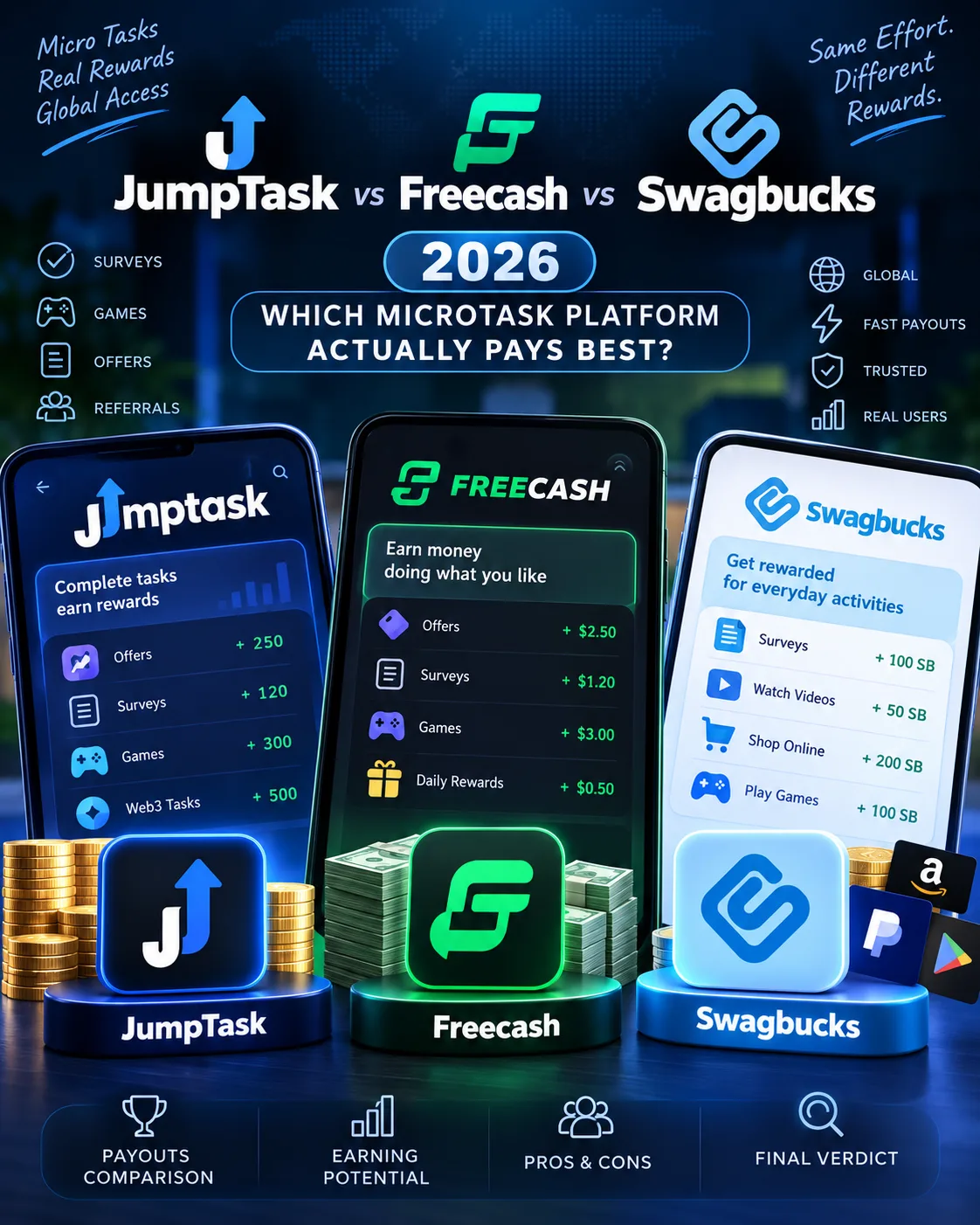
JumpTask vs Freecash vs Swagbucks 2026: Which Microtask Platform Actually Pays Best?
 VERIFIED 2026