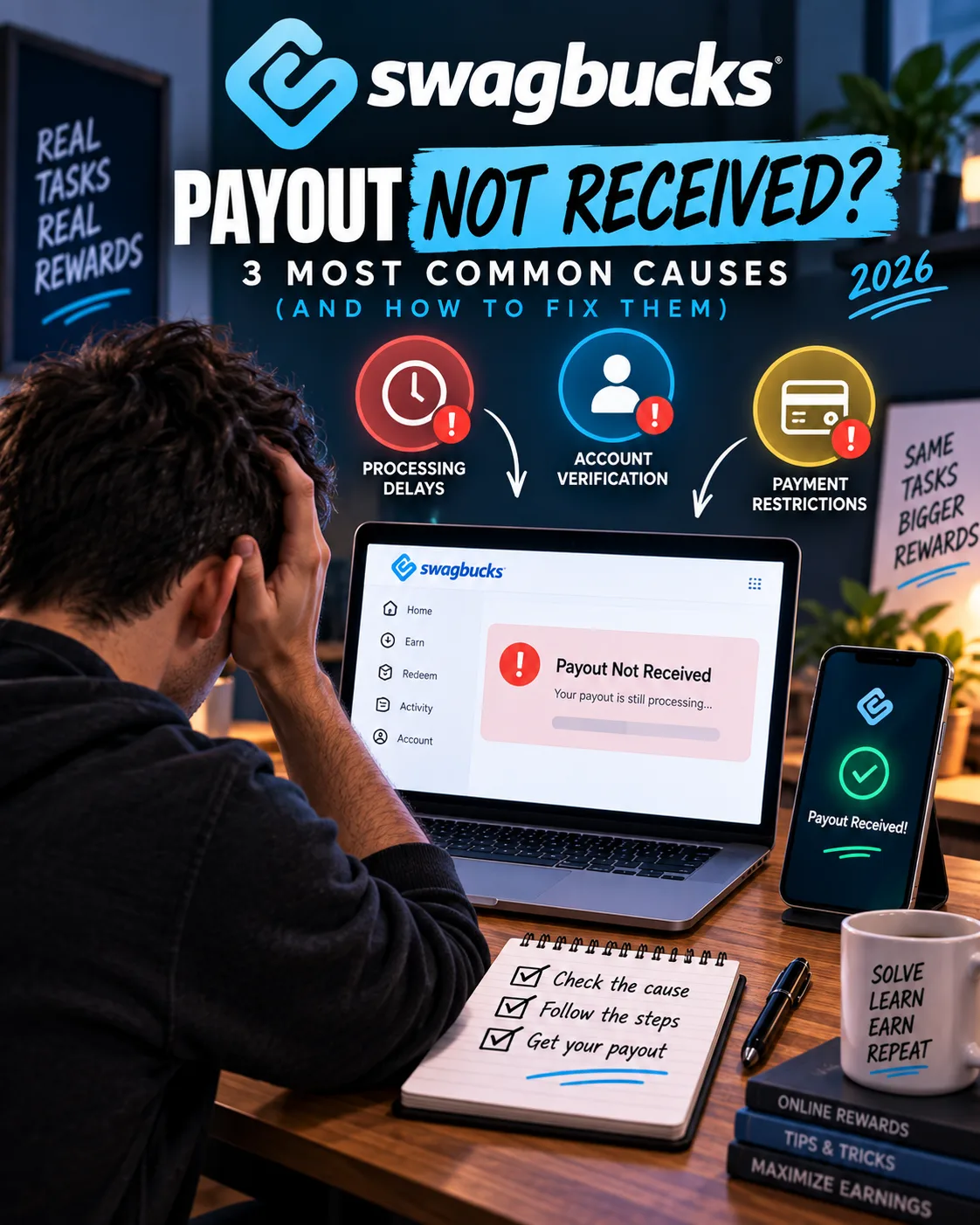
Swagbucks Payout Not Received? 3 Most Common Causes (and How to Fix Them)
SwagBucks
 VERIFIED 2026
Quick answer
If your Swagbucks payout has not arrived, the most likely cause is one of three things: the offer never tracked , your account was deactivated with a balance , or your redemption is blocked by a verification step . Each has a different fix, and each has a different likelihood of success.
An analysis of 650 substantial negative Swagbucks reviews from Google Play found that 179 (27.5%) describe a payout that never completed. Of those, 73 describe accounts being shut down while a balance existed, 55 describe credit that was never applied for completed work, 26 describe a reward that was redeemed but never arrived, and 25 describe a redemption blocked by a verification step.
This guide walks through each cause, the exact steps to take, and the honest likelihood of getting your money back.
Cause 1: The Offer Never Tracked (Most Common for Missing SB)
This is the most common reason users do not receive credit for offers. Swagbucks relies on third-party tracking signals from its partners. If the signal is not received, Swagbucks cannot credit your account — and its support documentation states clearly that if there is no initial click recorded in your Activity Ledger, Swagbucks "will NOT credit you rewards under any circumstances for that offer."
Tracking failures happen for several reasons:
- Using third-party software that blocks tracking — ad blockers, privacy extensions, and VPNs can all interfere
- Completing the offer through a different link instead of the one on Swagbucks
- Partner-side technical issues — the merchant did not report the completion
- Incomplete offer requirements — for example, signing up but not completing the required steps
What Swagbucks says about tracking:
"If there is no initial click in your Ledger, then Swagbucks has no record of that offer attempt and will NOT credit you rewards under any circumstances for that offer, period."
How to fix it:
- Check your Activity Ledger first. Before contacting support, verify that your initial click on the offer was recorded. If it was not, support will not be able to help — there is no tracking signal to investigate.
- Wait the full stated time. Swagbucks support documentation states that offers can take up to 30 business days to credit. Do not submit a ticket before that time has passed.
- Gather your evidence. If the click was tracked but the credit never came, collect:
- A screenshot of your completed offer confirmation
- The offer name and completion date
- Any confirmation emails from the merchant
- Submit a support ticket. Use the "Visited" section of your Activity Ledger to find the specific offer and click the help icon. Investigation of claims may take up to 30 business days.
- If the offer was through a third-party offer wall, Swagbucks states it is "unable to investigate due to not having insight into your activity with them." You must contact the offer wall provider directly.
In a documented 90-day evaluation, two tracking tickets were submitted for a total of 320 SB ($3.20). One was credited within 12 days. The other was denied because the initial click was not recorded in the activity ledger. The outcome depends almost entirely on whether the tracking signal exists.
For strategies on avoiding tracking issues before they happen, see our Swagbucks review.
Cause 2: Your Account Was Deactivated With a Balance (Hardest to Fix)
This is the most damaging outcome for users. 73 of the 179 payout complaints (40.8%) describe accounts being shut down while a positive balance existed. In 25 of those 73 cases, the shutdown occurred at or immediately next to a redemption attempt or a milestone.
The pattern is consistent: the account works, the balance builds, and then the account stops working — usually right when the user tries to cash out.
Why does this happen?
Swagbucks' terms give the platform the right to deactivate accounts for violations. The most common triggers reported by users are:
- Multiple accounts from the same household — Swagbucks allows only one account per person, and detects shared IPs and device fingerprints
- VPN usage — Connection masking is prohibited, and detection is aggressive
- Large balances left unredeemed — Users who accumulate large SB balances appear to be at higher risk of manual review
- Inconsistent survey answers or high reversal rates — A pattern of contradictory answers or "speed running" can trigger a flag
- Suspected fraud activity — Using bots, scripts, or automation
What users report:
How to fix it (or try to):
- Do not create a new account. This is the most important step. Creating a second account after deactivation will result in both being permanently blocked, and you will lose any chance of recovering the original balance.
- Check your email for a verification request. Some deactivations are actually verification holds — the account is temporarily frozen until you complete ID verification. If Swagbucks has sent a verification request, completing it may restore access.
- Contact support politely and factually. Submit a support ticket through the Swagbucks help center. Include:
- Your username
- The date you noticed the deactivation
- Your balance at the time of deactivation
- Any information about what you were doing before the deactivation
- A polite request for clarification
- Acknowledge any mistake you may have made. If you used a VPN, admit it. If someone else in your household created an account, explain the situation. Support is more likely to respond positively to honesty than to denial or aggression.
- Ask specifically about the appeals process. Swagbucks may not have a formal appeals process, but asking directly forces a response. If support says the deactivation is permanent, ask for the specific reason in writing.
- Wait for a response. Support response times are inconsistent. Some users report replies within 24–48 hours; others wait a week or more. Do not send repeated follow-up messages — it will not help.
Honest likelihood of recovery: Low. Some users have had accounts reinstated after a polite appeal, especially when the deactivation was a verification hold rather than a permanent ban. But the majority of users who report deactivation with a balance do not recover it.
For the full step-by-step process that one user followed to recover a $100 balance, see our Swagbucks account ban guide.
Cause 3: Redemption Blocked by a Verification Step (Most Fixable)
This is the most frustrating cause because it is almost always fixable — but many users do not realize what is blocking them. 25 of the 179 payout complaints (14.0%) describe a redemption blocked by a verification step.
There are two types of verification that can block a Swagbucks payout:
Type 1: PayPal Account Verification
To redeem for PayPal on Swagbucks, three conditions must be met:
- Your name must match exactly. The first and last name on your Swagbucks account must match the first and last name on your PayPal account exactly. Even a middle initial or a nickname mismatch can block the transfer.
- Your email must match. The email address on your Swagbucks account must be associated with your PayPal account. If you use different emails for each platform, you must add your Swagbucks email to your PayPal account.
- Your PayPal account must be bank-confirmed. Your PayPal account must be linked to and confirmed by a bank account, showing a "Confirmed" status. This is the step most users get stuck on.
How to fix it:
- Check your PayPal name at paypal.com/myaccount/settings and compare it to your Swagbucks name. If they do not match, edit one to match the other.
- Check your PayPal email list at paypal.com/myaccount/settings/email/add. Add your Swagbucks email if it is not listed.
- Check your PayPal confirmation status at paypal.com/myaccount/money. If your account is not "Confirmed," link your bank account in PayPal and complete the verification. This may take a few days — PayPal typically deposits a small amount and asks you to confirm the exact amount.
Once these three conditions are met, PayPal redemptions on Swagbucks become seamless.
Type 2: Swagbucks Account Verification (ID Request)
Some users are asked to verify their identity before a redemption is processed. This typically involves submitting a government-issued ID. Swagbucks may request this for:
- First-time PayPal cashouts
- Larger redemption amounts
- Accounts flagged for unusual activity
How to fix it: Complete the ID verification as requested. There is no way around it if Swagbucks has flagged your account. The verification is a security measure, but once completed, redemptions typically proceed normally.
Realistic fix time: This is the most fixable of the three causes. Most users who complete the verification requirements receive their payout within the normal processing window.
How Long Does a Swagbucks Payout Take?
Understanding the expected timeline helps you know when to act:
If you have waited the full stated time and your payout has not arrived, that is when you should take action.
How to Contact Swagbucks Support
The support process matters. A clear, well-documented ticket is more likely to get a positive response than an emotional complaint.
Step-by-step:
- Go to the Swagbucks Help Center at help.swagbucks.com.
- For offer-related issues, find the specific activity in your Activity Ledger under the "Visited" section and click the help icon next to it.
- For redemption issues, use the "Contact Us" form and select the appropriate category.
- Include in your ticket:
- Your username
- The exact issue (missing credit, stuck redemption, deactivation)
- The date the issue occurred
- The offer or reward name
- Screenshots or confirmation emails (required for offer investigations)
- Do not submit multiple tickets for the same issue. This slows down the process.
- Wait for the automated confirmation email and respond to it if requested.
What to expect: Support response times are inconsistent. Some users get a response within 24–48 hours; others wait a week or more. Investigations of offer claims may take up to 30 business days.
How to Avoid Payout Problems Before They Happen
Most stuck payouts are preventable. Here is a checklist to follow:
- Complete your profile 100%. An incomplete profile increases disqualification rates and can flag your account.
- Never use a VPN. Even a single VPN login can trigger a manual review.
- Turn off ad blockers and privacy extensions when completing offers. They can interfere with tracking signals.
- Use only one account per household. Multiple accounts are the fastest route to a permanent ban.
- Verify your PayPal account before you redeem. Ensure your name matches, your email is added, and your account is bank-confirmed.
- Cash out as soon as you hit the threshold. Don't accumulate a large balance. If your account is deactivated, you lose everything.
- Keep documentation for high-value offers. Screenshots and confirmation emails make support tickets more likely to succeed.
- Answer surveys consistently. Do not change your demographic answers between surveys.
For more on maximizing your earnings while avoiding account issues, see our Swagbucks review and our payout methods guide.
Frequently Asked Questions
Why is my Swagbucks payout still processing after 10 days?
If it has been more than 10 business days, check your email (including spam) for any verification requests. If there is nothing, contact support. The most common causes are a verification hold or a reward that is out of stock.
What does "tracking" mean and why did my offer not track?
Tracking is how Swagbucks records that you clicked on an offer and completed it. If the initial click is not in your Activity Ledger, Swagbucks cannot credit you — there is no tracking signal to investigate. Using ad blockers, VPNs, or completing the offer through a different link can cause tracking failures.
Can I get my Swagbucks account back after deactivation?
Sometimes. If the deactivation was a verification hold, completing the verification can restore access. If it was a permanent ban for a terms violation, recovery is unlikely. Some users have had accounts reinstated after a polite appeal, but there is no guarantee.
How long does Swagbucks support take to respond?
Support response times vary. Some users get a reply within 24–48 hours; others wait a week or more. Investigation of offer claims may take up to 30 business days.
What should I do if my PayPal redemption is blocked?
Check three things: (1) your first and last name on Swagbucks must match your PayPal name exactly, (2) your Swagbucks email must be associated with your PayPal account, and (3) your PayPal account must be bank-confirmed with a "Confirmed" status.
Platform information and limitations
Swagbucks' terms state that deactivated accounts may forfeit all points and rewards. Some users have recovered balances after an appeal; most do not. The only reliable protection is to cash out as soon as you reach the threshold.
Get the Ultimate GPT Insider Guide🚀
Learn how survey disqualifications work and proven ways to qualify for more studies. 100% Free.
LootHub.org
Recommended posts
Continue with these related reward guides.
 VERIFIED 2026
Swagbucks Payout Methods 2026: PayPal, Gift Cards, or Crypto — Which Pays Best?
 VERIFIED 2026
Is Swagbucks Safe? What Happens to Your Data (and How to Protect Yourself)
 VERIFIED 2026
JumpTask vs Freecash vs Swagbucks 2026: Which Microtask Platform Actually Pays Best?
 VERIFIED 2026
Toluna Account Banned: Why It Happens and How to Get Your Points Back (2026)
 VERIFIED 2026
Toluna Tips 2026: How to Actually Earn More Points (and Avoid Disqualification)
 VERIFIED 2026