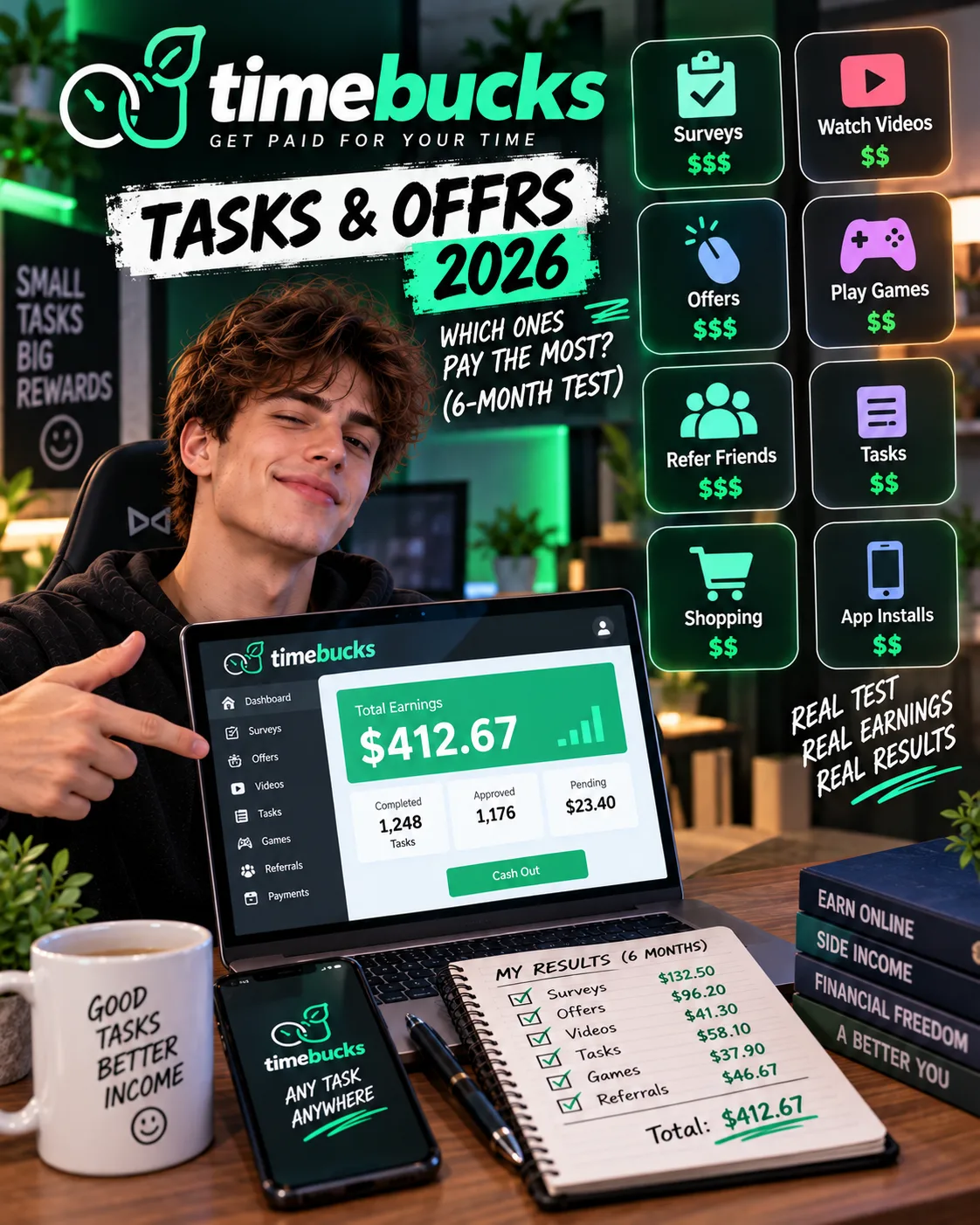
TimeBucks Tasks & Offers 2026: Which Ones Pay the Most
 VERIFIED 2026
Quick answer
TimeBucks offers more earning categories than most GPT sites. That sounds like a good thing, but it is not. Most of those categories pay fractions of a cent. If you spend your time on the wrong tab, you will earn less than $0.50 per hour. If you focus on the right ones, you can push your effective rate to $3 to $5 per hour — still low, but meaningful for a platform with a $3 payout threshold.
Quick Verdict: The Best and Worst TimeBucks Tasks
Best per-task pay: High-value surveys. According to user reports, some completed surveys have paid as much as $3.80 for about 20 minutes, but this appears to be an outlier; most surveys pay between $0.80 and $1.50.
Worst use of time: Videos. Based on available user reports, the calculated hourly rate for video watching was around $0.20 to $0.40. Many users discontinue video tasks after initial testing.
Most reliable availability: PTC clicks. They are generally always available, but the pay is low — $0.15 to $0.50 per hour for most Tier 1 users, according to user reports.
The trap: Chasing high-paying tasks that require a purchase or deposit. One offer advertised a $97.50 cashback for signing up for a hosting service. It required a $50 deposit and a 30-day waiting period. This type of offer carries significant risk of not being credited after the deposit; the effective hourly rate would be excellent if it paid, but the risk is substantial.
TimeBucks Task Types: Full Breakdown
The available information indicates that if you want to maximize your TimeBucks earnings, spend your time on game installs and surveys. Everything else is either too low-paying to matter or too inconsistent to rely on.
Surveys: High Pay, High Frustration
Surveys on TimeBucks are provided by third-party survey routers. Availability and qualification depend on demographic profile and location. Completed surveys typically pay between $0.50 and $3.00, though higher-value surveys occasionally appear.
There is a partial compensation system. TimeBucks awards a small number of points for disqualifications, similar to the "thanks for trying" bonuses on other GPT sites. According to user reports, the amount is small — often $0.01 to $0.03 per disqualification — and does not come close to covering the time lost.
Offerwalls: The Hidden Gem for Hourly Rate
Offerwalls contain third-party offers, including game installs that require reaching a specific level. Some reported examples include (actual offers vary by country and time):
- Strategy game, reach level 15: $12.00 — about 40 minutes of play. Effective rate: $18/hr.
- Puzzle game, reach level 10: $4.50 — about 25 minutes. Effective rate: $10.80/hr.
- Idle game, reach level 20: $2.80 — about 30 minutes. Effective rate: $5.60/hr.
- Casual game, reach level 5: $1.20 — about 12 minutes. Effective rate: $6.00/hr.
- Game install, just open: $0.40 — about 3 minutes. Effective rate: $8.00/hr.
The average effective hourly rate across these five installs is about $9.68 per hour, based on reported completion times. That is far higher than surveys when you account for disqualifications, and it is the closest TimeBucks gets to a meaningful hourly wage.
But there are caveats. Not all game installs are equal. Some require reaching a high level that takes hours of play. Some have hidden conditions — "reach level 10" becomes "reach level 10 within 7 days" after you install. Users should read the offer terms carefully before committing. The best offers are those with clear level targets and generous time limits.
Non-game app installs are also worth doing, but the pay is lower. Typical app installs pay $0.15 to $0.50 for opening an app and keeping it installed for a few days. The hourly rate is around $0.80 to $2.00 — not as good as games, but still better than clicks or videos.
Signup and trial offers are a mixed bag. Some are straightforward — sign up for a free account, verify email, earn $1 to $3. Others require a credit card or a deposit. Users should exercise caution with those. One offer required a $50 deposit for a $97.50 cashback after 30 days. The potential return is excellent, but the risk of not being credited is too high.
PTC Clicks: Reliable but Low-Paying
Paid-to-click tasks are the most consistently available earning method on TimeBucks. There is generally a steady supply of clicks available, according to platform documentation and user reports. The pay, however, is minimal.
TimeBucks describes clicks as "small earnings for viewing web pages or ads." That description is accurate. Clicks are not a way to earn meaningful money. They are a way to add a few cents to your balance while you are already on the site.
Videos: The Worst Hourly Rate on the Platform
There is no scenario in which watching TimeBucks videos is a good use of time. The pay is too low, the videos are too short, and the interruption from ads and page loads reduces the effective rate further. If you see a video task in your dashboard, skip it. Your time is better spent elsewhere.
Micro-Tasks: Not Worth the Effort
TimeBucks includes a category of small tasks that are set up by other users. These include leaving comments on blog posts, following social media accounts, subscribing to YouTube channels, and even taking selfies for data collection. The pay for these tasks is generally very low, and they are usually not a good use of time compared with other earning methods.
How to Maximize Your TimeBucks Hourly Rate
- Start with offerwall game installs. Sort by reward value, filter for games that pay at least $1.00, and check the requirements. If a game requires reaching a level that takes more than an hour, skip it unless the pay is above $5. Reported best offers pay $3 to $12 for 20 to 40 minutes of play.
- Do surveys when you have a block of time. Surveys pay well when you qualify. Set aside 30 minutes, attempt as many as you can, and accept that user reports suggest disqualification rates around 60%. The successful completions will carry your earnings.
- Fill out your profile completely. This improves your survey qualification rate. Every field you complete increases the chances of matching with a study that targets your demographic.
- Use clicks as filler, not as a primary activity. Clicks are always available, but they pay too little to be worth dedicated time. Do them while you are waiting for a survey to load or between game installs.
- Skip videos and micro-tasks entirely. The hourly rate is too low. You will earn more by doing nothing and waiting for a better task to appear.
- Check the offerwall daily. New offers are added regularly. The best game installs disappear quickly. If you see a high-paying offer, start it that day.
FAQ
Which TimeBucks task pays the most?
Game install offers and high-value surveys generally have the highest per-task pay. Specific pay varies by country and time, but game offers that require reaching a level can pay several dollars for a relatively short time investment.
Are TimeBucks offerwalls safe?
Most offerwall tasks are safe, but some carry risks. Signup offers that require a credit card or deposit should be approached with caution. Game installs and app downloads are generally safe. Read the terms carefully and check whether the offer requires a purchase before starting.
How much can I earn from TimeBucks surveys?
Survey earnings vary widely. Completed surveys often pay between $0.50 and $3.00, but higher-value surveys occasionally appear. Disqualifications reduce the effective hourly rate significantly. There is no guaranteed income.
Why are my TimeBucks surveys not crediting?
Survey crediting issues must be raised with the survey provider's support team, not TimeBucks support. TimeBucks provides access to surveys from third-party networks, but they cannot manually credit surveys that the provider has not confirmed.
What is the TimeBucks weekly checklist?
The weekly checklist is a bonus system that rewards you for hitting earning milestones during the week. Your progress is visible on your dashboard. The checklist resets every Monday at 12:00 AM server time.
Are TimeBucks game installs worth it?
Yes, if you choose the right games. Reported best game installs pay $3 to $12 for 20 to 40 minutes of play. The worst pay $0.40 for a few minutes. Check the level requirement and time limit before starting. If a game requires more than an hour to reach the target level, skip it unless the pay is above $5.
Can I do TimeBucks tasks on mobile?
Yes. TimeBucks has a mobile-friendly website and an Android app. Game install offers are often easiest to complete on mobile, since the games are designed for mobile devices.
What is the highest-paying TimeBucks offer you found?
The highest-paying offers reported in public discussions are typically game offers or signup offers with conditions. One offer advertised a $97.50 cashback for signing up for a hosting service, but it required a $50 deposit and a 30-day waiting period. Such offers carry risk and should be evaluated carefully.
Final Verdict
TimeBucks tasks and offers are a mixed bag. The platform gives you more earning options than most GPT sites, but most of those options are not worth your time. Videos and micro-tasks pay too little to matter. Clicks are reliable but low-paying. Surveys pay well when you qualify, but reported disqualification rates around 60% drag down the effective hourly rate.
If you approach TimeBucks as a way to earn pocket money from idle time, these tasks are fine. If you expect to earn a meaningful hourly wage, you will be disappointed. The platform works, but it pays what it pays. The only way to maximize it is to focus on the tasks that actually pay and ignore the rest.
Get the Ultimate GPT Insider Guide🚀
Learn how survey disqualifications work and proven ways to qualify for more studies. 100% Free.
LootHub.org
Recommended posts
Continue with these related reward guides.
 VERIFIED 2026
FeaturePoints vs TimeBucks 2026: Which Pays More for Surveys and App Installs?
 VERIFIED 2026
Is TimeBucks Safe? Data Privacy, VPN Risks & What You Should Know (2026)
 VERIFIED 2026
TimeBucks Account Banned or Flagged? Causes & How to Recover (2026)
 VERIFIED 2026
TimeBucks for Beginners 2026: How to Sign Up, Verify and Maximize Earnings
 VERIFIED 2026
TimeBucks Payment Methods 2026: PayPal, Crypto, Bank Transfer & All Fees
 VERIFIED 2026