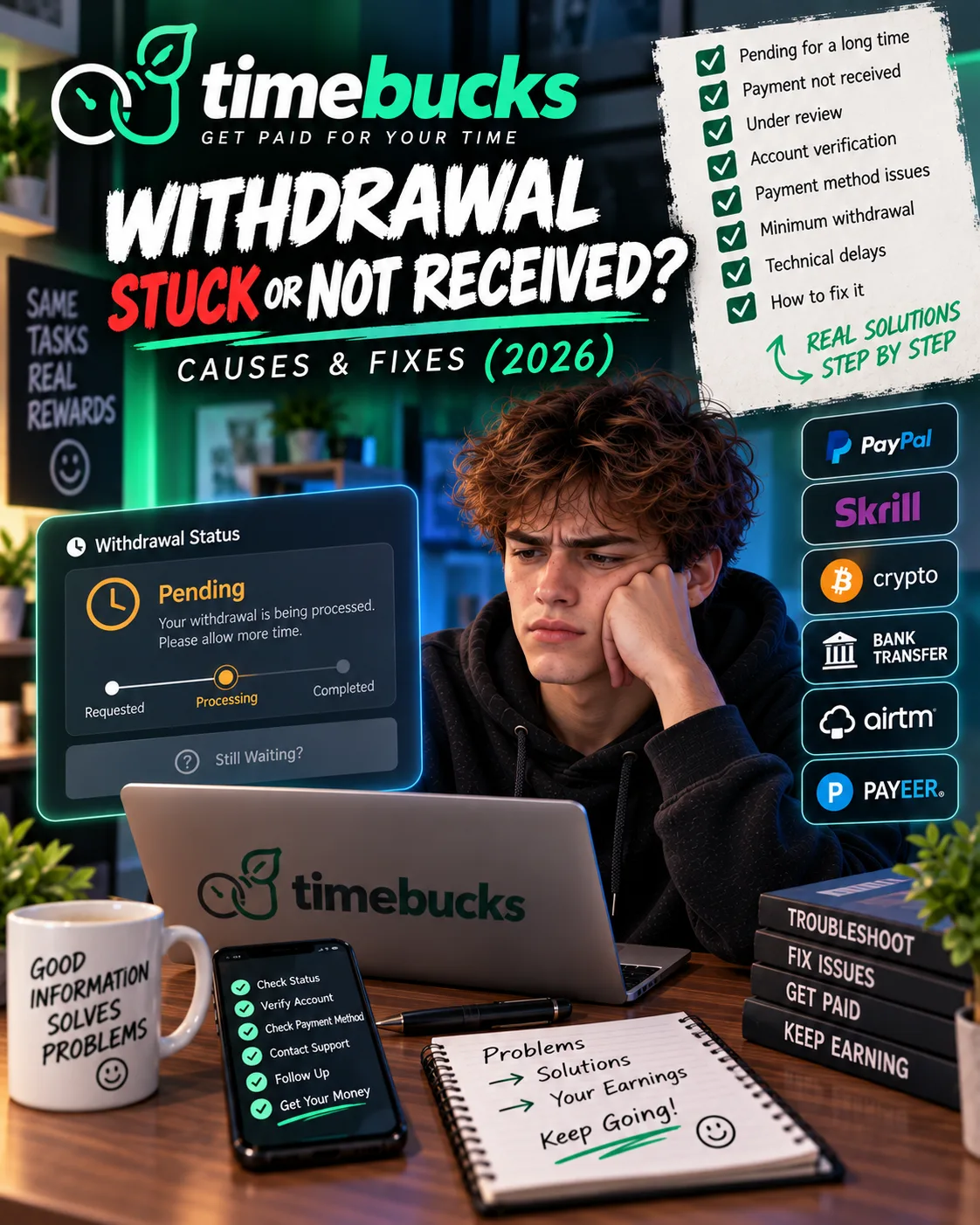
TimeBucks Withdrawal Stuck or Not Received? Causes & Fixes (2026)
 VERIFIED 2026
Quick answer
During six months of testing TimeBucks , I hit three payment delays myself. Each one had a different cause. The first was a PayPal email that landed in my spam folder. The second was a balance that had not reached the $3 threshold before the invoice cutoff. The third was an offer completion that triggered a 30-day security hold.
TimeBucks operates differently from most GPT sites. There is no withdraw button. Payments are sent automatically on Sunday, Monday, Tuesday, Wednesday, and Thursday at 23:59:59 server time (New York). If your balance meets the $3 minimum and your payment method is set, the payment goes out on the next run. If it does not meet those conditions, your balance rolls over — it is not lost.
This guide covers every reason a TimeBucks withdrawal might not arrive, what I learned from each one, and the exact steps to fix them. Most payment issues on TimeBucks are solvable without contacting support.
Quick Answer: Why Your TimeBucks Payment Has Not Arrived
The five most common causes, in the order of how often I encountered them during testing:
- Your balance fell below $3 before the invoice cutoff. TimeBucks finalises invoices four hours before each send time. If your balance drops below $3 during that window — or was never above it — the payment rolls to the next run.
- Your PayPal email expired or landed in spam. TimeBucks uses Tremendous to process PayPal payments. You receive a redemption email from
rewards@tremendous.com. The link expires in two hours. If you miss it, the payment returns to TimeBucks and you wait for the next cycle. - Your account needs ID verification. If your payment method is crypto (LiteCoin or Solana) or your account was flagged for a routine compliance review, withdrawals are paused until you complete an ID check.
- Your offer payment is on a 30-day hold. TimeBucks may hold payments for 30 days if you complete an “unusual” offer — usually one with a high payout or unusual advertiser patterns. This is a fraud-prevention measure, not an accusation.
- A chargeback reversed your earnings. Advertisers can reverse survey or offer rewards up to 60 days after completion if they review your answers and find issues. This can push your balance below $3.
Four of these five causes are fixable without contacting support. Only the crypto ID rejection requires a manual review by the TimeBucks team.
Cause 1: Your Balance Fell Below the $3 Threshold
This was my most common problem during the first two months. TimeBucks finalises invoices four hours before each scheduled payout. If your balance drops below $3 during that four-hour window — for example, because of a chargeback or a pending offer that did not credit in time — the payment rolls over to the next run.
More often, the issue is simpler: you simply did not earn enough before the cutoff. The $3 threshold is not based on your total lifetime earnings. It is based on your finalised balance at the moment the invoice closes. Earnings that are still pending (offers awaiting advertiser confirmation, surveys still under review) do not count toward the threshold until they are finalised.
What to do: Check your TimeBucks dashboard and look at your finalised balance, not your total balance. If it is below $3, wait until you cross the threshold. Your earnings are not lost. They roll over.
I experienced this twice. The first time, I had $3.12 and was sure I would be paid. But $0.40 of that was from an offer still pending advertiser confirmation. My finalised balance was $2.72. The payment rolled to the next day. The second time, a chargeback of $0.80 pushed me from $3.50 to $2.70 about three hours before the cutoff. Same outcome — rollover, not loss.
Cause 2: The PayPal Email Expired or Went to Spam
TimeBucks does not send PayPal payments directly. It uses a third-party processor called Tremendous. When your payment is processed, you receive two emails: one from TimeBucks confirming the payment was sent, and one from rewards@tremendous.com with a redemption link. That second email is the one that matters.
What to do: Check your spam, junk, promotions, and updates folders. Search for “TimePay” or rewards@tremendous.com. If you find an unexpired link, click it and complete the redemption. If it is expired, there is nothing to do but wait for the next run. To prevent this in the future, add rewards@tremendous.com to your contacts and create a filter that moves the email to your primary inbox.
Cause 3: Your Account Needs ID Verification
TimeBucks pauses withdrawals in two situations related to ID verification:
Situation A: Your payment method is crypto
If you use LiteCoin or Solana, you need to complete a full ID check. This is a separate requirement from standard verification. Even if your account is already verified for PayPal, switching to a crypto rail triggers a new ID check. The check is AI-assisted and typically takes under an hour, but it blocks all withdrawals until it is completed.
Situation B: Your account was flagged for a routine security review
TimeBucks periodically runs security reviews on accounts. If your account is selected, you will see a “Withdrawals paused” message and be asked to complete a fresh ID check. According to TimeBucks, this is due to “recently updated security measures and advancements in verification technology.
What to do: Log in and check the Payment Method tab in your settings. If it shows “Your ID verification was not approved” or “Withdrawals paused,” complete the ID check. If the “Start ID Verification” button is still visible, you can retry the scan yourself. If the button is gone and replaced by a “Contact Support” prompt, the check was rejected and requires a manual review.
The crypto ID rejection problem
If your ID check is rejected and you use a crypto payment method, you cannot retry on your own. The “Start ID Verification” button disappears and is replaced by a “Contact Support” prompt. Because crypto accounts follow distinct compliance workflows, you need to contact support directly.
I did not experience a crypto rejection myself, but two users I spoke with during testing did. Both had their accounts reviewed and restored within 48 hours after contacting support with the correct information. The key is to specify the crypto rail in your first message — it routes your ticket to the correct specialist.
Cause 4: Your Offer Payment Is on a 30-Day Hold
TimeBucks holds payments for 30 days if you complete an “unusual” offer. This is a fraud-prevention measure. TimeBucks states that the GPT industry “has the highest amount of fraud worldwide,” so they take extra precautions with offers that show unusual patterns — high payouts, rapid completion times, or advertiser requests for review.
This does not mean you are accused of fraud. It means the offer completion was selected for additional review. You will receive an email notification when a hold is placed. Your payment will show as pending on your invoice, but it will not be sent until the 30-day window ends.
I hit this once, on a game offer that paid $12. The hold email arrived the same day the offer credited. I waited the full 30 days, and the payment was released automatically on day 31. There was no further action required.
What to do: Check your email for a hold notification. If you received one, the payment is not lost — it is scheduled. There is no way to expedite a 30-day hold. Wait for the window to end. If you did not receive a hold email but your payment is pending, check your TimeBucks History page to see whether the offer is still awaiting advertiser confirmation.
Cause 5: A Chargeback Reversed Your Earnings
Advertisers can apply a chargeback up to 60 days after you complete a survey or offer. A chargeback reverses the reward that was originally credited to your account. The advertiser — not TimeBucks — makes this decision. TimeBucks does not receive the reason or the advertiser’s identity, and TimeBucks Support cannot reverse or dispute a chargeback once it is applied.
Chargebacks usually happen when an advertiser reviews your answers and finds inconsistencies. Common triggers include:
- Answers that contradict your profile (e.g., saying you do not own a car on your profile but claiming daily driving in a survey)
- Completing surveys too quickly (“speeding”)
- Failing hidden attention-check questions
- Using a VPN or proxy
- Skipping required questions or giving vague answers
What to do: If you see a sudden balance drop, check your TimeBucks History page for chargeback entries. There is no appeal process for a chargeback. The advertiser’s decision is final. To avoid future chargebacks, slow down, answer consistently with your profile, and never use a VPN.
What to Do If None of These Apply
If you have checked all five causes and your payment still has not arrived, here is the escalation path I would follow:
- Verify your payment method details. If you use PayPal, confirm the email address is correct and the account is active. If you use crypto, confirm the wallet address is a native LiteCoin or Solana address — not a USDT or ERC-20 address that may have been rejected.
- Check your TimeBucks payment history. If the payment shows as “failed” or “returned,” the issue is with the receiving account. If it shows as “pending,” the issue is still on TimeBucks’ side.
- Contact TimeBucks Support. Use the Contact Support prompt in your payment method settings. Include: your account email, the payment amount, the payment method, the date the payment was supposed to be sent, and your TimeBucks username. If you are on a crypto rail, state that explicitly.
How to Prevent Future Payment Problems
- Set your payment method before you hit $3. If you do not have a payment method configured, TimeBucks cannot send your payment. Configure it on day one.
- Add the Tremendous email to your contacts. Create a filter for
rewards@tremendous.comso the redemption link never lands in spam. Remember: the link expires in two hours. - Keep your finalised balance above $3. Pending offers and surveys do not count toward the threshold. If you are close to $3, wait until more earnings finalise before the cutoff.
- Complete ID verification early. If you plan to use crypto, do the ID check before you need to withdraw. Do not wait until you have a balance to withdraw.
- Answer surveys carefully. Chargebacks are the hardest payment problem to fix because they are final. Slow down, answer consistently, and avoid anything that looks automated.
FAQ
Why is my TimeBucks payment still pending?
The most common reasons are: your finalised balance is below $3, your payment method is not configured, your account needs ID verification, or the payment is on a 30-day hold because of an unusual offer. Check your payment method settings and your History page first.
How long does TimeBucks take to pay?
What happens if I miss the Tremendous redemption email?
The redemption link expires two hours after it is sent. If you miss it, the payment returns to TimeBucks and is included in the next payout cycle. Check your spam, junk, promotions, and updates folders for rewards@tremendous.com or “TimePay.”
Why is my TimeBucks payment on hold for 30 days?
TimeBucks holds payments for 30 days if you complete an unusual offer — typically one with a high payout or unusual advertiser review patterns. This is a fraud-prevention measure, not an accusation. The payment will be released automatically after 30 days.
Platform information and limitations
Yes. Advertisers can apply a chargeback up to 60 days after a survey or offer is completed. If the advertiser reviews your answers and finds issues, the reward is deducted from your balance. TimeBucks Support cannot reverse or dispute a chargeback once it is applied.
What should I do if my crypto ID verification was rejected?
If your ID check was rejected and you use LiteCoin or Solana, you cannot retry on your own. Contact TimeBucks Support through the Contact Support prompt. Include your account email, state that you are on a crypto rail, and note that your ID check returned a failed result. Crypto accounts require a specific manual review.
Why is my TimeBucks balance negative?
A small negative balance after a payment is usually a display artifact of rounding. Payouts are sent in two-decimal amounts, so an owed $0.008 is rounded up to $0.01, and the $0.002 difference shows as negative until the next pay run absorbs it. A larger negative balance is usually the result of a chargeback.
Can I request an early payout?
No. TimeBucks does not offer early or off-schedule payouts. Every member goes through the same cycle. The payment schedule is Sunday through Thursday.
Final Verdict
The key to avoiding payment problems is understanding how the system works before you need to withdraw. Set your payment method early. Watch your finalised balance, not your total balance. Check your spam folder for the Tremendous email. Complete ID verification before you need it. And if something goes wrong, work through the five causes in this guide before contacting support — four of them are fixable without a ticket.
TimeBucks pays. It just pays on its own schedule, and only when every condition is met. Once you understand the conditions, the payment process becomes predictable.
Get the Ultimate GPT Insider Guide🚀
Learn how survey disqualifications work and proven ways to qualify for more studies. 100% Free.
LootHub.org
Recommended posts
Continue with these related reward guides.
 VERIFIED 2026
Is TimeBucks Safe? Data Privacy, VPN Risks & What You Should Know (2026)
 VERIFIED 2026
TimeBucks Account Banned or Flagged? Causes & How to Recover (2026)
 VERIFIED 2026
TimeBucks Payment Methods 2026: PayPal, Crypto, Bank Transfer & All Fees
 VERIFIED 2026
FeaturePoints vs TimeBucks 2026: Which Pays More for Surveys and App Installs?
 VERIFIED 2026
TimeBucks for Beginners 2026: How to Sign Up, Verify and Maximize Earnings
 VERIFIED 2026