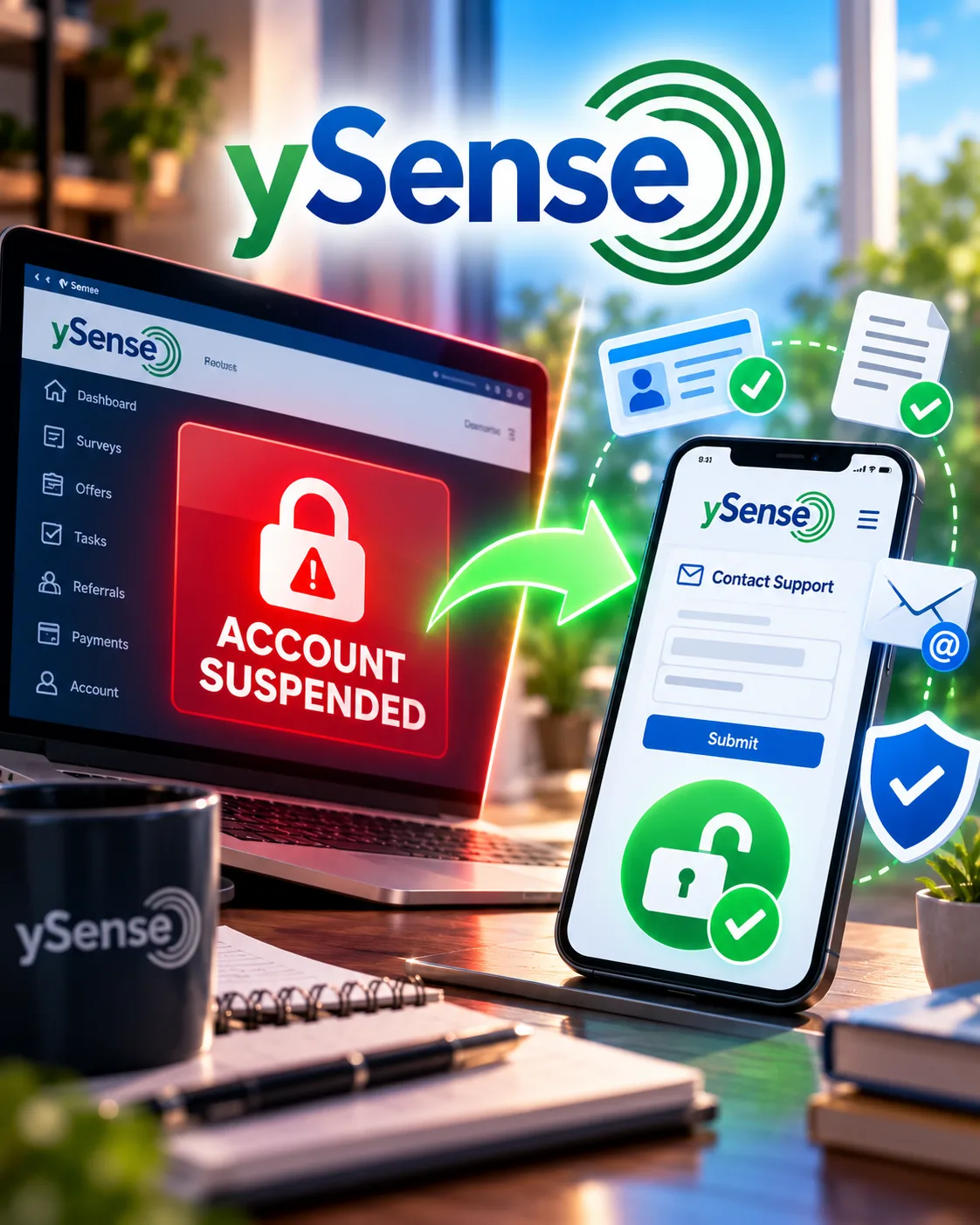
ySense Account Suspended? Why It Happens and How to Get It Back
SwagBucks
 VERIFIED 2026
Quick answer
ySense suspends accounts citing terms of service violations that include operating multiple accounts, clicking unnaturally, using bots, or completing surveys incorrectly. The pattern that frustrates users most is suspension at the moment of withdrawal — no warnings during the earning period, no indication of a problem, then sudden lockout when you try to cash out. Support can be reached through your Transaction History, but the "Contact Us" option is often inactive during suspension, leaving email as the only channel. If your balance is trapped, a formal GDPR data access request starts a 30-day legal clock — and the Italian data protection authority (GPDP) accepts complaints if ySense fails to respond.
This guide covers the real reasons ySense suspends accounts, the support ticket format that gets results, the escalation path for trapped balances, and the specific habits that protect your account before a lockout happens.
Why Does ySense Suspend Accounts?
ySense's own help documentation lists the actions it considers grounds for deactivation:
- Operating more than one ySense account — This is the most strictly enforced rule. One account per person, per household.
- Searching or clicking unnaturally — This covers automated patterns, rapid-fire clicking, or any behavior that looks like a bot rather than a human user.
- Using bots or software designed to defraud ySense — Any third-party tool that automates activity on the platform.
- Posting content that teaches others to violate the terms — This includes social media posts or blog content that encourages rule-breaking.
- Posting inappropriately on ySense's social media or blog — Conduct outside the platform can affect your account status.
In practice, the most common suspension reasons reported by users are more specific: "completing surveys incorrectly" and "playing games in violation of the rules". These categories are vague, and users frequently report receiving no warning or explanation at the time the alleged violation occurred.
The Withdrawal Lockout Pattern
The most common complaint about ySense is a specific pattern: the account works normally for months, the balance accumulates, and then — at the exact moment of withdrawal — the account is locked. Users report no prior warnings, no indication that anything was wrong, and then sudden suspension with vague violation citations.
One documented case illustrates the pattern in detail. A user with eight months of membership and a $46.58 balance described the experience:
- Earned money through surveys and games over eight months.
- Game payments were not automatically credited — each missing amount required individual email requests to support.
- Payoneer was listed as an available withdrawal method for users in Turkey, and the user opened a Payoneer account based on that information.
- Later informed that ySense does not actually work with Payoneer.
- Account suddenly locked when attempting to log in after receiving a promotional email.
- The "Contact Us" option was inactive — no way to request assistance through the standard channel.
- Support response came only after replying to previous emails from ySense.
- Suspension reason given: "completing surveys incorrectly" and "playing games in violation of the rules."
- User received no warnings during the earning period and no indication of any violation while the balance was accumulating.
The user's conclusion — that locking the account only when withdrawal was attempted, then presenting allegations as the reason, does not appear to be a fair or good-faith approach — is a sentiment echoed across multiple complaint platforms and user reviews.
Another user reported a similar experience: after confirming identity via OTP during a withdrawal attempt, they were logged out and suspended. The timing — suspension triggered by the identity verification step itself — suggests that the withdrawal process may trigger a security review that, in some cases, results in a permanent lockout rather than a resolved verification.
What to Do When Your ySense Account Is Suspended
If your account is suspended, the standard "Contact Us" option is often inactive. The primary channel is your Transaction History, where you can submit a ticket directly from the activity that triggered the issue. If you cannot access the account at all, reply to previous emails from ySense — support has responded through this channel in documented cases.
Step 1: Try the Transaction History ticket system
ySense's official support documentation states that the best way to get help is through the "Visited" section of your Transaction History:
- Navigate to your Transaction History via the account ledger link.
- Click the "Visited" tab.
- Select a date range that covers the activity in question.
- Find the specific survey or offer and click the arrow beside it to reveal the dropdown.
- Click the envelope symbol to contact customer support, or click "Contact Customer Support" to send a ticket for that specific activity.
- If the activity does not appear, use the "Need Help About A Recent Activity?" option at the top of the ledger.
- Follow the prompts and choose the appropriate category in the dropdown.
- Provide the requested details and submit the ticket.
Tickets submitted directly from a specific activity are resolved faster because the relevant details are automatically populated.
Step 2: If the account is completely inaccessible
If you cannot log in and the Contact Us option is inactive, reply directly to a previous email from ySense. Documented cases show that support has responded through this channel when the standard in-app options were unavailable.
In your email, include:
- Your account email address.
- The approximate date and time of the suspension.
- A clear request for the specific reason for the suspension.
- If applicable, screenshots of completed surveys or offers you believe were legitimate.
Step 3: Formal escalation for trapped balances
If support does not respond meaningfully within 5–7 days, formal escalation options exist. ySense is operated by Prodege LLC, a US-based company, but ySense itself operates from Italy and is subject to EU consumer protection and data regulations.
GDPR Data Access Request (Article 15)
Send to: support@ysense.com
Subject: FORMAL DATA ACCESS REQUEST - Art. 15 GDPR - [Your Email Address]
State that you are exercising your right of access under Article 15 of Regulation (EU) 2016/679 (GDPR). Request a full copy of all your account data, including a log of activity history, transaction IDs, and payout statuses. Request all internal notes regarding your account and a clear explanation for any decision to withhold funds. This starts a 30-day legal clock that the company is required to respect under European law.
Report to the Italian Data Protection Authority (GPDP)
If ySense ignores that email for 30 days or explicitly denies your request, report them to the Italian Data Protection Authority (GPDP). Email: protocollo@gpdp.it, CC: urp@gpdp.it. Send a copy of your initial request email and state that the company failed to provide your records. The GPDP usually assigns a protocol number in about 5 to 7 business days once the file enters their system.
Report Unfair Practices to AGCM
The AGCM handles consumer protection in Italy. This is the right path for reporting the practice of promising rewards and then withholding them through account suspension at withdrawal. Under the EU Unfair Commercial Practices Directive (2005/29/EC), these repetitive delays can be classified as a misleading omission or an aggressive commercial practice through undue influence.
How to Avoid a ySense Suspension
The single most effective protection is to withdraw at the minimum threshold — $10 for PayPal, $5 for Skrill or gift cards — rather than accumulating a larger balance. If your account is suspended, a smaller trapped balance hurts less. Beyond that, the habits below reduce the risk of triggering a security review.
| Habit | Why it matters |
|---|---|
| One account per person, per household | Multiple accounts are the most strictly enforced violation |
| No VPN use | VPNs trigger location fraud flags and violate terms |
| No bots or automation tools | Any automated clicking or searching is grounds for deactivation |
| Consistent survey answers | Inconsistent responses across surveys can trigger "completing surveys incorrectly" flags |
| Withdraw at the minimum | Reduces the financial impact of a suspension |
| Document your activity | Screenshots of completed surveys and offers are your evidence if flagged |
| Respond to any account warning immediately | Treat any email about unusual activity as a signal that your account may be at risk |
One additional note on Payoneer: If Payoneer is your only withdrawal option and ySense removes it — as happened in Turkey — your balance becomes trapped with no alternative payment method. Users in markets with limited withdrawal options should withdraw as soon as they reach the minimum, not accumulate a balance.
What About the ySense App and Login Problems?
Login problems are a separate but related issue. Users report being unable to log in even after password resets, with the app sometimes locking them out entirely. This is distinct from a deliberate account suspension — but the experience is the same: you cannot access your balance. The Google Play rating is 3.3/5 across 7,400+ reviews, with loading failures and crashes among the most common complaints.
If you cannot log in but have not received a suspension notice, try the following before assuming your account is locked:
- Reset your password through the login page and check your spam folder for the reset email.
- Try the desktop website instead of the mobile app. The web version is generally more stable.
- Clear your browser cache and cookies if using the web version.
- Check your email for any notification from ySense about account activity or a security review.
If none of these resolve the issue and you cannot access the account, treat it as a potential suspension and follow the escalation steps in the previous section.
Frequently Asked Questions
Why was my ySense account suspended?
ySense suspends accounts citing violations like operating multiple accounts, clicking unnaturally, using bots, completing surveys incorrectly, or playing games in violation of the rules. The most common pattern reported by users is suspension at the moment of withdrawal, with no prior warnings.
Can I get my ySense account back after suspension?
It depends on the reason for the suspension. Some users have successfully appealed by providing evidence of legitimate activity. Documented cases show that support has responded when users replied directly to previous emails from ySense. If the standard contact options are inactive, this may be the only channel.
What is the ySense "Contact Us" option inactive?
During a suspension, the in-app and website contact options are often disabled. The Transaction History ticket system may also be inaccessible. In documented cases, the only way to reach support was by replying to a previous email from ySense.
Platform information and limitations
Try the Transaction History ticket system first if you can still log in. If the account is completely inaccessible, reply directly to a previous email from ySense. If neither works, a formal GDPR data access request to support@ysense.com starts a 30-day legal clock.
Platform information and limitations
ySense's terms allow it to withhold payment if it determines a violation occurred. However, if you believe the suspension was unjustified, the escalation paths — GDPR request, GPDP complaint, AGCM report — are designed to address exactly this situation.
How do I avoid a ySense suspension?
Use one account only. No VPN, no bots. Answer surveys consistently. Withdraw at the minimum threshold rather than accumulating a balance. Document your activity with screenshots. Respond immediately to any account warning.
Is ySense a scam if it suspends accounts at withdrawal?
ySense is a legitimate platform owned by Prodege LLC with a 19-year payment history. However, the withdrawal suspension pattern is a documented operational problem. It is not a scam, but it is a structural risk that users should mitigate by withdrawing at the minimum.
Verdict: Withdraw Early, Document Everything, Escalate Formally
ySense is not a scam, but its account suspension pattern is a real risk. The platform has been paying for 19 years, and many users withdraw successfully without issue. But the recurring complaint — suspension at the moment of withdrawal, with vague violation citations and no prior warning — is structural, not isolated.
The practical strategy is straightforward. Withdraw at the minimum threshold, not at $50. Keep screenshots of your survey and offer activity. If your account is suspended, try the Transaction History ticket system first, then reply to previous emails if that fails. If support does not respond meaningfully, the GDPR request and GPDP complaint are the formal paths that have produced results for other users.
If you want a platform with lower suspension risk, Scrambly has a documented ID verification process that happens once and is not repeated, and GrabPoints does not require ID for PayPal withdrawals. Both are alternatives worth considering if the ySense suspension pattern is a dealbreaker.
Read our full ySense review for earnings data, or the ySense payout guide for withdrawal methods and minimums.
Get the Ultimate GPT Insider Guide🚀
Learn how survey disqualifications work and proven ways to qualify for more studies. 100% Free.
LootHub.org
Recommended posts
Continue with these related reward guides.
 VERIFIED 2026
Swagbucks Payout Not Received? 3 Most Common Causes (and How to Fix Them)
 VERIFIED 2026
Is Swagbucks Safe? What Happens to Your Data (and How to Protect Yourself)
 VERIFIED 2026
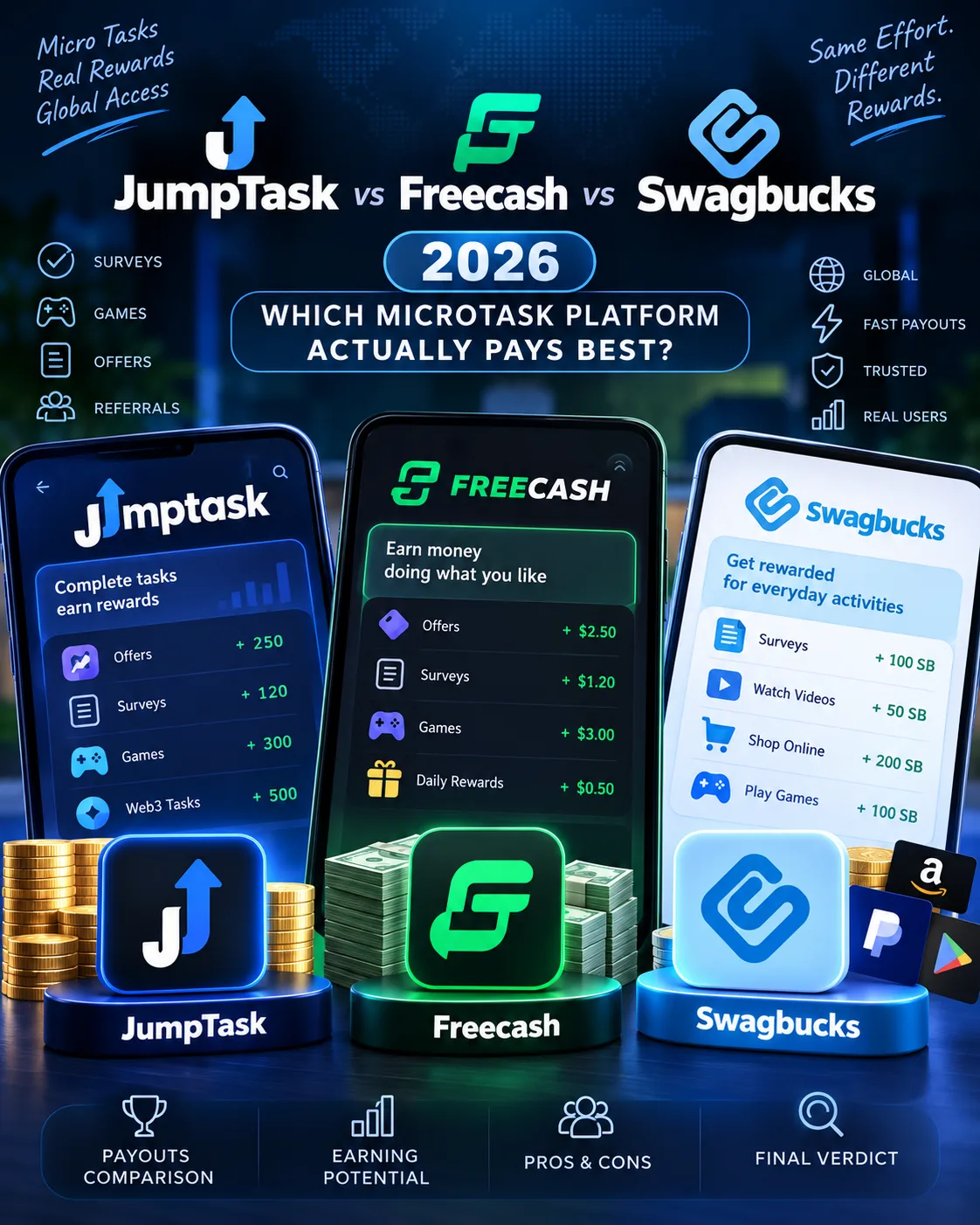
JumpTask vs Freecash vs Swagbucks 2026: Which Microtask Platform Actually Pays Best?
 VERIFIED 2026
ySense Daily Checklist Bonus 2026: How to Earn Up to 12% More (Step-by-Step)
 VERIFIED 2026
Best ySense Alternatives 2026: 8 GPT Sites That Pay Faster
 VERIFIED 2026