PayPal Payout Not Received From a GPT Site? 9 Real Causes and Fixes
FreeCash
 VERIFIED 2026
Quick answer
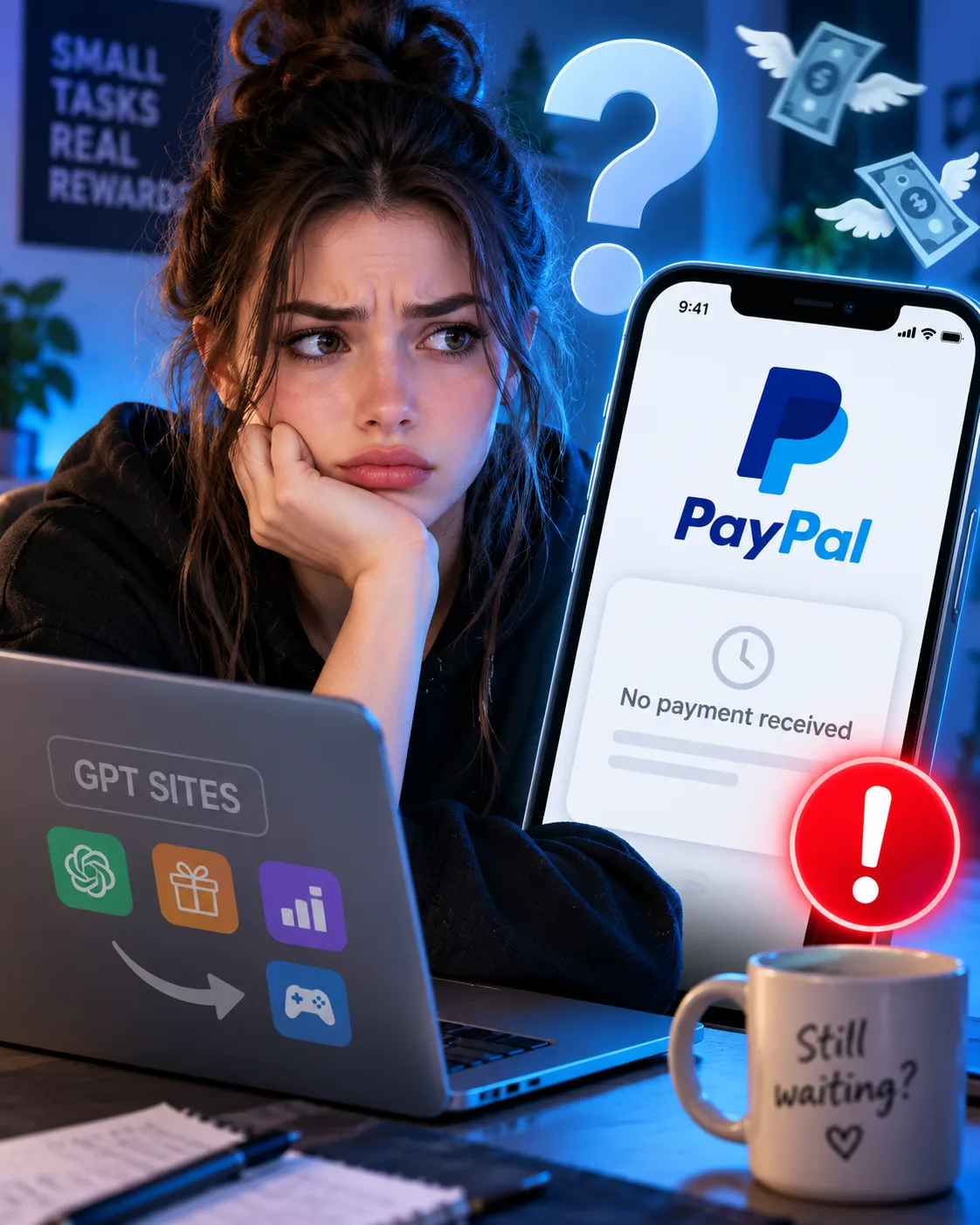
Your GPT site balance shows the payout as "processed" — but nothing arrived in PayPal. Or the status is still "pending" days after you requested it. This is one of the most common problems in the GPT niche, and in most cases it has a specific, fixable cause.
The short version: a PayPal payout from a GPT site usually fails because of one of these common issues — mismatched email address, unverified PayPal account, incomplete KYC verification, a flagged VPN or duplicate IP, or a manual review triggered by the platform. Each one has a different fix, and each takes a different amount of time to resolve.
This guide walks through all nine realistic causes, how to diagnose which one applies to you, and what to actually do — including the cases where the answer is simply "wait."
Quick diagnostic: which cause applies to you?
Before reading the full breakdown, run through this checklist. If you can answer "yes" to any of these, you likely found your cause in under a minute.
- Did you use a different email address in PayPal than the one registered on the GPT site?
- Is your PayPal account verified (bank account or card confirmed, not just email)?
- Has the GPT site asked you for KYC documents (ID, selfie, proof of address) that you haven't submitted yet?
- Were you using a VPN, proxy, or public Wi-Fi when you created the account or requested the payout?
- Is the payout status still listed as "pending" or "under review" on the platform dashboard?
- Did you recently change your PayPal email on the platform and forget to confirm it?
- Is the payout below the minimum threshold for your country or method?
- Have you logged in from multiple devices or countries in a short period?
- Did you request a payout on a weekend or public holiday, when PayPal processing is slower?
If none of these apply, skip to the "What to do when nothing works" section.
Cause 1: Mismatched PayPal email address
This is the single most common cause of "missing" GPT site payouts. The platform sends the money to the email address registered on your account — not the one you use in PayPal day-to-day.
If the email is wrong, outdated, or contains a typo, the payment either bounces back to the platform or lands in a PayPal account that isn't yours.
How to check
- Log in to the GPT site.
- Open your profile or "payout settings" section.
- Compare the PayPal email shown there with the email visible in your PayPal account settings.
- If they differ, update the email on the platform before requesting another payout. In most cases, the platform will require you to confirm the new email via a verification link.
Typical resolution time: immediate for future payouts; 5–15 business days if a previous payout needs to be reversed and re-sent manually.
Cause 2: Unverified PayPal account
PayPal accounts that have only confirmed their email — but not linked a bank account or card — have limits on how much they can receive and withdraw. Some GPT sites refuse to send payouts to unverified accounts entirely.
This is especially common for first-time withdrawals. The GPT site may process the payout, but PayPal holds it until verification is completed.
How to fix
- Log in to PayPal and go to Wallet → Link a bank account or Link a card.
- Complete the confirmation process (usually a small deposit with a code, or instant verification for major banks).
- Once verified, contact the GPT site support with your transaction ID and ask them to re-issue the payout if it was blocked.
Cause 3: Incomplete KYC verification
Many GPT sites — especially those operating in the EU and UK — are legally required to verify user identity before processing payouts above a certain threshold. This is called KYC (Know Your Customer).
KYC usually requires:
- A government-issued ID (passport, driver's license, national ID card).
- Sometimes a selfie holding the ID.
- Sometimes a proof of address (utility bill, bank statement) dated within the last 3 months.
If KYC is pending, the payout stays frozen even if the balance is correct and the request was submitted.
What to do
- Check your email and the platform's notification center for KYC requests.
- Submit documents through the official portal — never via email or third-party services.
- Wait for manual review. This can take anywhere from 24 hours to 10 business days depending on the platform.
Cause 4: VPN, proxy, or mismatched IP
GPT sites are a frequent target of fraud. To protect themselves, most platforms track IP addresses, device fingerprints, and login locations.
If you used a VPN, proxy, or public Wi-Fi at any point — even just once — the platform's anti-fraud system may flag your account and hold payouts until a manual review is completed.
This also applies if the IP you used at signup doesn't match the country listed on your account, or if you've logged in from multiple countries in a short window.
What to do
- Disable VPNs and proxies on all devices you use for GPT sites.
- Log in only from your usual connection and location.
- If the account is flagged, contact support and explain the situation honestly. Do not create a second account — that will make things worse.
Cause 5: Manual review triggered by the platform
Payouts above a certain amount, first-time withdrawals, or payouts after a period of inactivity often trigger a manual review. Many large GPT sites, including Freecash, GrabPoints, and Swagbucks, state that payouts may be subject to manual review.
During review, the money stays in your balance and the payout status shows as "pending" or "under review." Nothing is wrong — it's just queued for a human to check.
Typical review times
| Platform type | Typical manual review time |
|---|---|
| Large GPT sites (Freecash, Swagbucks, GrabPoints) | 24–72 hours |
| Smaller or newer platforms | 3–10 business days |
| First payout on any platform | Often longer than subsequent payouts |
Do not submit duplicate support tickets during this window — it slows the process down.
Cause 6: Recently changed PayPal email
If you updated your PayPal email on the platform but didn't confirm it via the verification link sent to the new address, the payout will be sent to the old address — or blocked entirely.
Check both your old and new email inboxes for a confirmation message from the platform. If you can't find it, request a new confirmation link from the payout settings page.
Cause 7: Payout below minimum threshold
Some platforms allow you to request a payout that is below the minimum for your country or payment method, but the request is silently queued until the threshold is reached.
PayPal minimums vary by platform; some are as low as $1, while others require $5, $10, or more. The minimum can also differ by country. Always check the platform's own payout page for the exact threshold.
How to check
- Open the payout or rewards page on the platform.
- Look for the specific threshold shown next to "PayPal" — not the general withdrawal threshold.
- If your balance is below it, the payout will not be processed until you earn more.
Cause 8: Multiple logins from different devices or countries
Anti-fraud systems on GPT sites flag accounts that log in from too many locations, too many devices, or from IPs associated with known fraud. This is not necessarily a ban — but it does trigger a review.
If you travel frequently, use multiple devices, or share a connection with other GPT users, expect occasional reviews. The fix is the same as Cause 4: stay on a consistent connection and be patient during review.
Cause 9: Weekend or public holiday processing
PayPal payouts from GPT sites are often batched and processed on business days only. If you requested a payout on a Friday evening, Saturday, or during a public holiday, expect the actual processing to begin on the next business day.
This is not a failure — it's just how batch processing works. In practice, this adds 1–3 days to the expected payout window.
Summary table: cause → fix → time
| Cause | Fix | Typical resolution |
|---|---|---|
| Mismatched PayPal email | Update email on platform + confirm | Immediate for future payouts |
| Unverified PayPal account | Verify bank/card in PayPal | 1–3 days after verification |
| Incomplete KYC | Submit ID + proof of address | 24h – 10 business days |
| VPN / proxy / IP mismatch | Disable VPN, contact support | 3–10 business days |
| Manual review | Wait, don't open duplicate tickets | 24h – 10 business days |
| Changed PayPal email | Confirm new email | Same day |
| Below minimum threshold | Earn more, then re-request | Depends on earning speed |
| Multi-device / multi-country logins | Stay consistent, wait for review | 3–10 business days |
| Weekend / holiday | Wait for next business day | 1–3 days |
What to do when nothing works
If you've ruled out all nine causes and the payout still hasn't arrived, follow this escalation path in order:
- Check the platform's status page or social media. Many GPT sites post about known payout delays on X/Twitter, Discord, or their blog.
- Open a single support ticket with the following information: your username, the payout amount, the payout request date, the PayPal email used, and any transaction IDs shown on the dashboard. Do not open multiple tickets — it delays the response.
- Wait 5–7 business days before following up. Support teams on GPT sites are typically small.
- If the platform is unresponsive after 14 days, check the platform's Trustpilot, Reddit threads (r/beermoney, r/Freecash), and Discord community for signs that other users are affected. If it's a widespread issue, it usually resolves in waves.
- As a last resort, you can escalate via PayPal's resolution center only if you have a transaction ID. This rarely applies to GPT sites, since the payout is initiated by the platform, not by you.
Do not create a second account on the same platform to bypass a payout issue. That is the fastest way to lose your existing balance permanently.
How to prevent this next time
- Use the same email address on every GPT site and in PayPal.
- Verify your PayPal account before you start earning.
- Complete KYC as soon as the platform requests it — don't wait until payout time.
- Avoid VPNs on devices used for GPT sites.
- Request payouts on weekdays, during business hours.
- Keep a screenshot of every payout request (amount, date, status).
- Don't stack too many small payouts — process one at a time and wait for it to complete.
According to user reports and community discussions, following these habits eliminates a large majority of the payout problems reported by GPT users.
Frequently asked questions
How long does a PayPal payout take from a GPT site?
Most large GPT sites process PayPal payouts within 1–7 business days after a request. First-time payouts and payouts above a certain amount can take longer due to manual review. Smaller or newer platforms may take up to 10 business days.
Why is my PayPal payout still pending after 7 business days?
A payout pending for more than 7 business days usually means either a manual review is still in progress, or a verification step (KYC, email confirmation, PayPal account verification) is blocking it. Check the platform's notifications and your email for requests you may have missed.
Can a GPT site refuse to pay me?
Yes — if the platform determines that your account violated its terms (multiple accounts, VPN use, fraudulent survey answers, or bot activity), it can withhold payouts. This is why reading the terms of service before signing up matters.
Is it safe to give my PayPal email to a GPT site?
Yes, as long as the platform is legitimate. Your PayPal email is required to send you money. What you should never share is your PayPal password, security questions, or 2FA codes. Legitimate GPT sites never ask for these.
What if the GPT site asks for my ID for KYC?
This is normal and, in many jurisdictions, legally required before payouts above a certain amount. Only submit documents through the platform's official portal. If a site asks for your ID via email or third-party messaging apps, treat it as a red flag.
Do I need to pay taxes on GPT site earnings?
In most countries, yes — once earnings exceed a certain threshold. Rules vary significantly between the US, UK, Canada, Australia, and EU countries. Consult a local tax advisor if your annual earnings are non-trivial.
Should I switch to crypto payouts instead of PayPal?
Crypto payouts can be faster and available at lower thresholds on some platforms, but they come with their own issues: volatility, exchange fees, and (in some countries) a more complex tax situation. PayPal remains the simplest option for most users.
Will my balance be returned if a PayPal payout fails?
In most cases, yes. When a payout fails, the balance is usually returned to your account within a few business days. If it isn't, contact support with the payout request date and amount.
Final take
Most "missing" PayPal payouts from GPT sites are not scams — they are the result of a mismatched email, incomplete verification, or a routine manual review. The nine causes above cover the vast majority of real-world cases, and each one has a concrete fix.
The best defense is prevention: keep your account details consistent, complete verification early, avoid VPNs, and request payouts during business hours. Do that, and your PayPal payouts will arrive predictably — and you can focus on earning instead of troubleshooting.
Get the Ultimate GPT Insider Guide🚀
Learn how survey disqualifications work and proven ways to qualify for more studies. 100% Free.
LootHub.org
Recommended posts
Continue with these related reward guides.
 VERIFIED 2026
Freecash Withdrawal Guide 2026: PayPal, SEPA, Crypto — Fees, KYC & Real Timelines
 VERIFIED 2026
Crypto Payouts on GPT Sites 2026: Volatility, Fees & Tax Traps to Know
 VERIFIED 2026
GPT Site KYC Failed? What Actually Causes Rejection (and What to Do)
 VERIFIED 2026
PrizeRebel Payout Methods 2026: PayPal, Venmo, Crypto or Gift Card — Which Pays Best?
 VERIFIED 2026
12 Red Flags of a GPT Site Scam: How to Spot a Bad Platform Before You Sign Up
 VERIFIED 2026